> ## Documentation Index
> Fetch the complete documentation index at: https://docs.vcms.io/llms.txt
> Use this file to discover all available pages before exploring further.
# Sign Up / Sign In
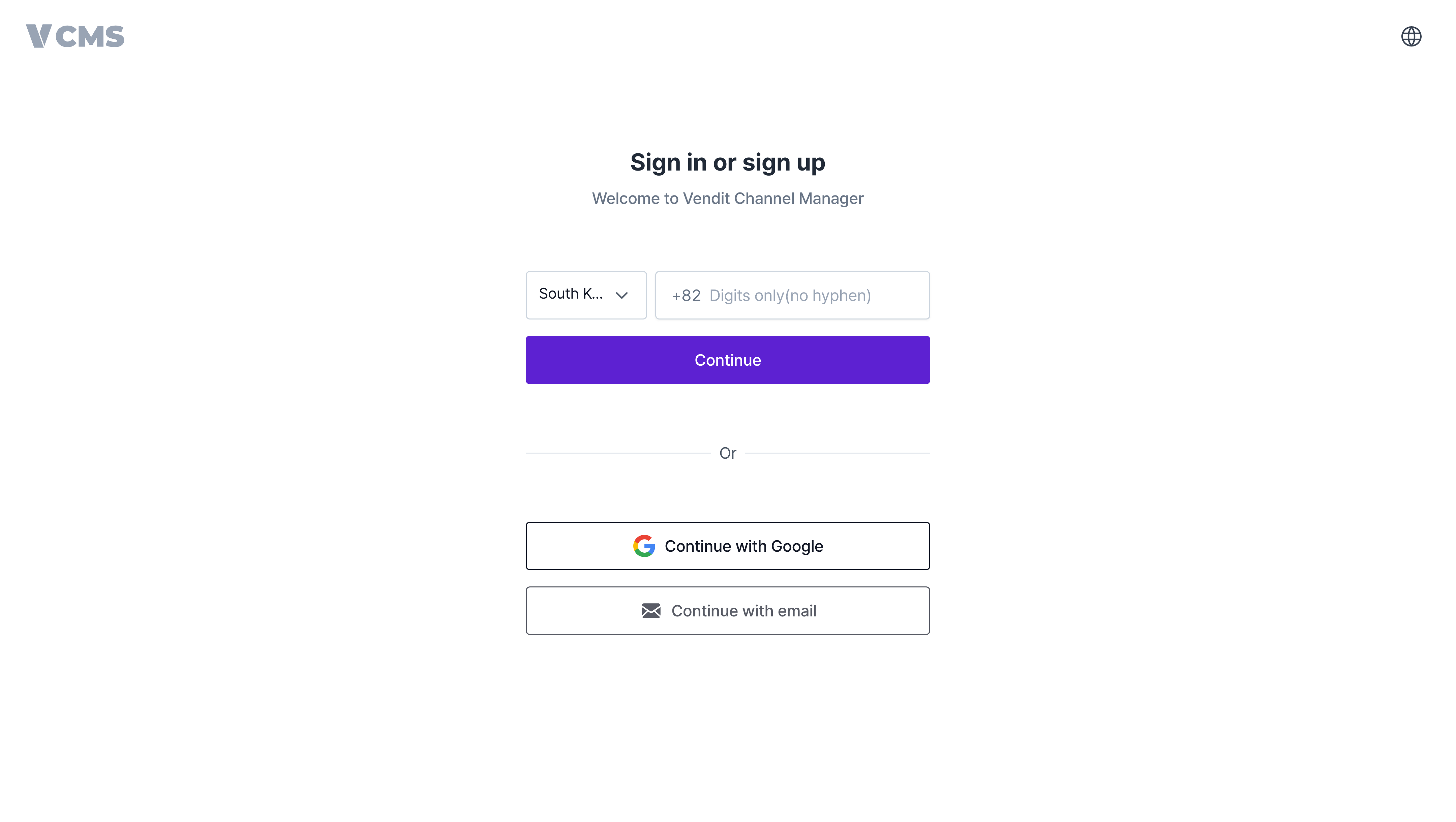
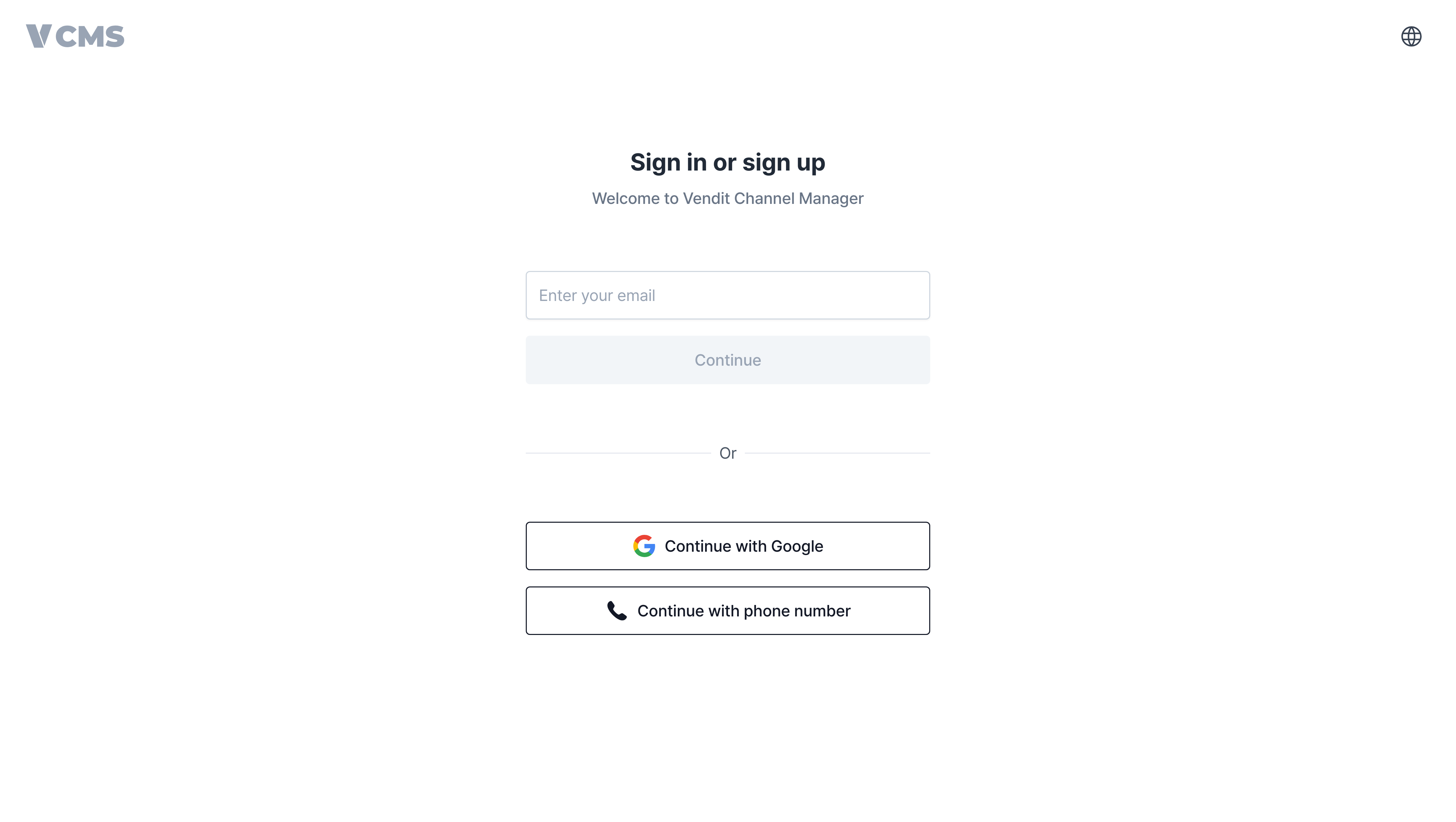
> New to VCMS? Sign up, then sign in with whichever method suits you: email, phone number, or a Google account.
***
## Sign in with email
Enter your email address, then open the verification email we send you.
 Can't find the verification email? Check your spam folder.
***
## Sign in with Google
Select \[Continue with Google]. A popup opens, and you pick the Google account you want to use.
***
## Sign in with a phone number
Enter your phone number, then type in the verification code sent by KakaoTalk or SMS.
Can't find the verification email? Check your spam folder.
***
## Sign in with Google
Select \[Continue with Google]. A popup opens, and you pick the Google account you want to use.
***
## Sign in with a phone number
Enter your phone number, then type in the verification code sent by KakaoTalk or SMS.