> ## Documentation Index
> Fetch the complete documentation index at: https://docs.vcms.io/llms.txt
> Use this file to discover all available pages before exploring further.
# Distribution Overview
## Sell status
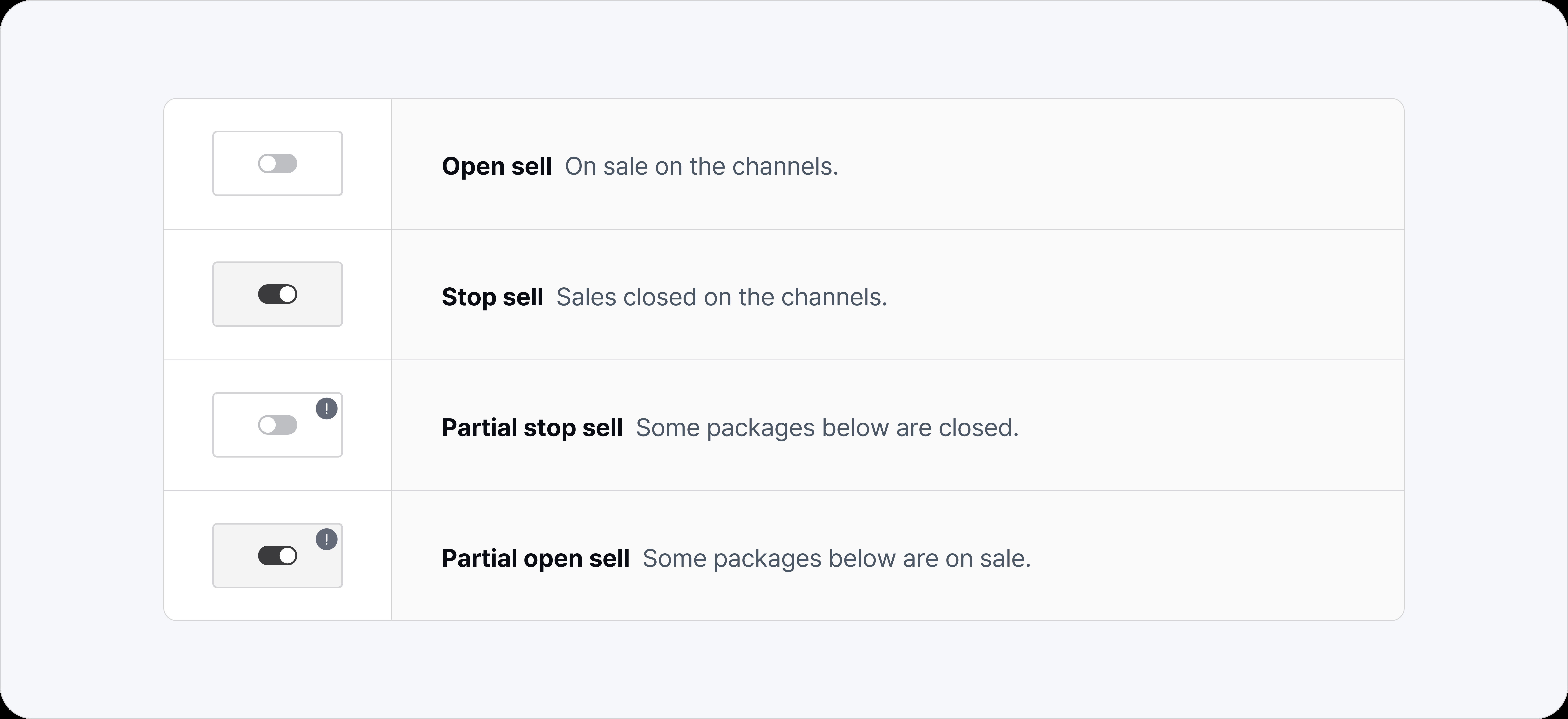 Packages sell by default. Turn on Stop sell and the connected channel packages stop selling regardless of how much availability is left.
***
## Sold / inventory
Packages sell by default. Turn on Stop sell and the connected channel packages stop selling regardless of how much availability is left.
***
## Sold / inventory
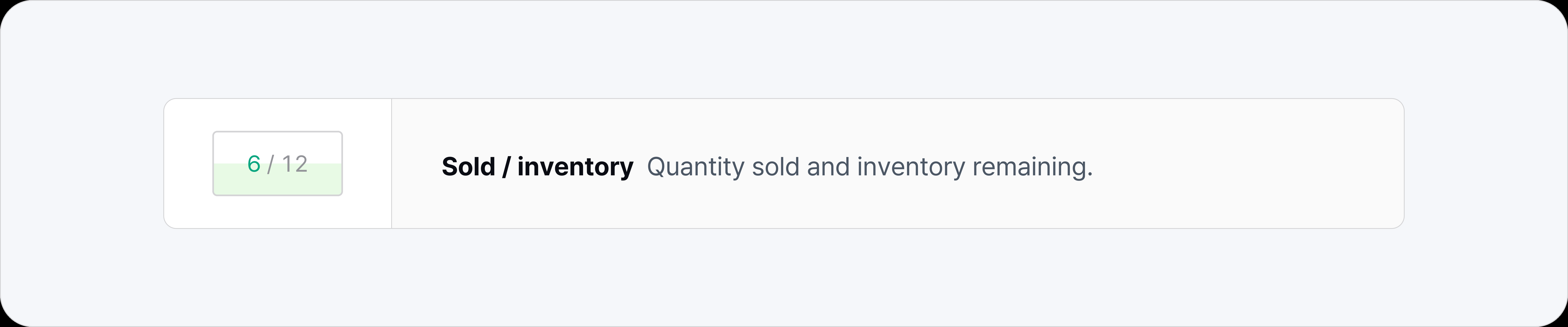 The background gauge shows room occupancy.
***
## Rate adjustment
The background gauge shows room occupancy.
***
## Rate adjustment
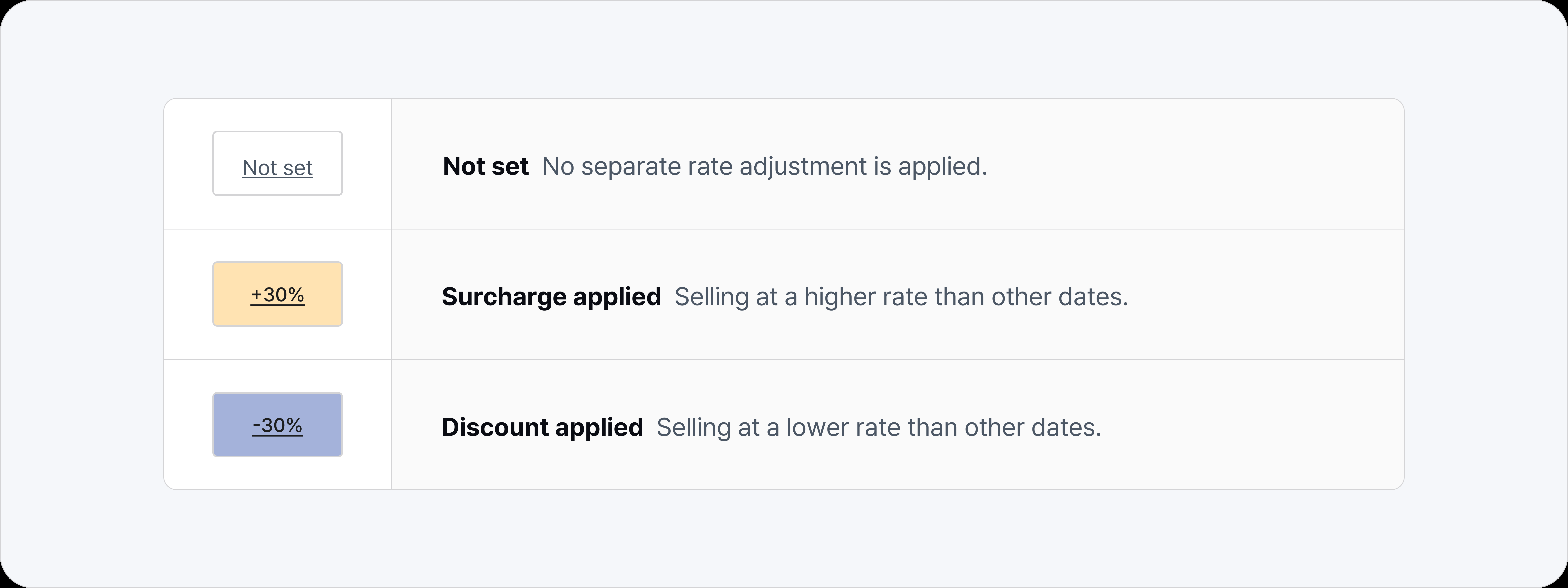 Mark rates up or down in bulk, by date or by room type.
***
## Rates
Mark rates up or down in bulk, by date or by room type.
***
## Rates
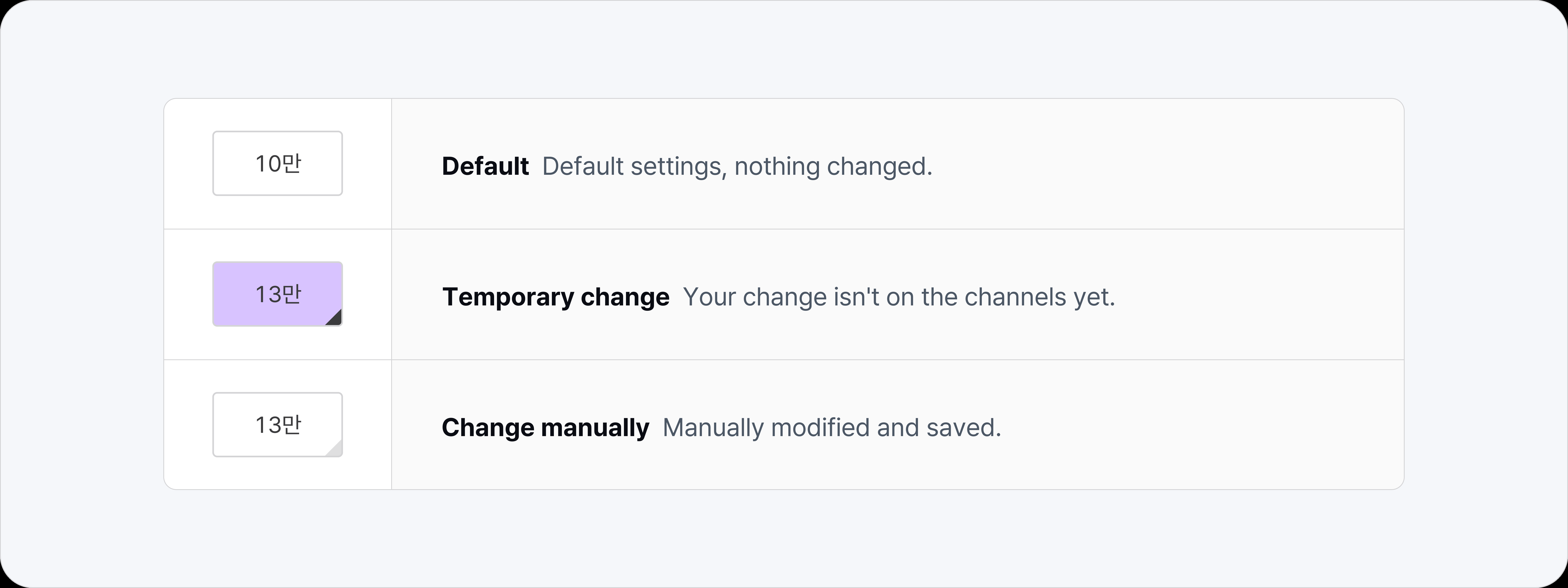
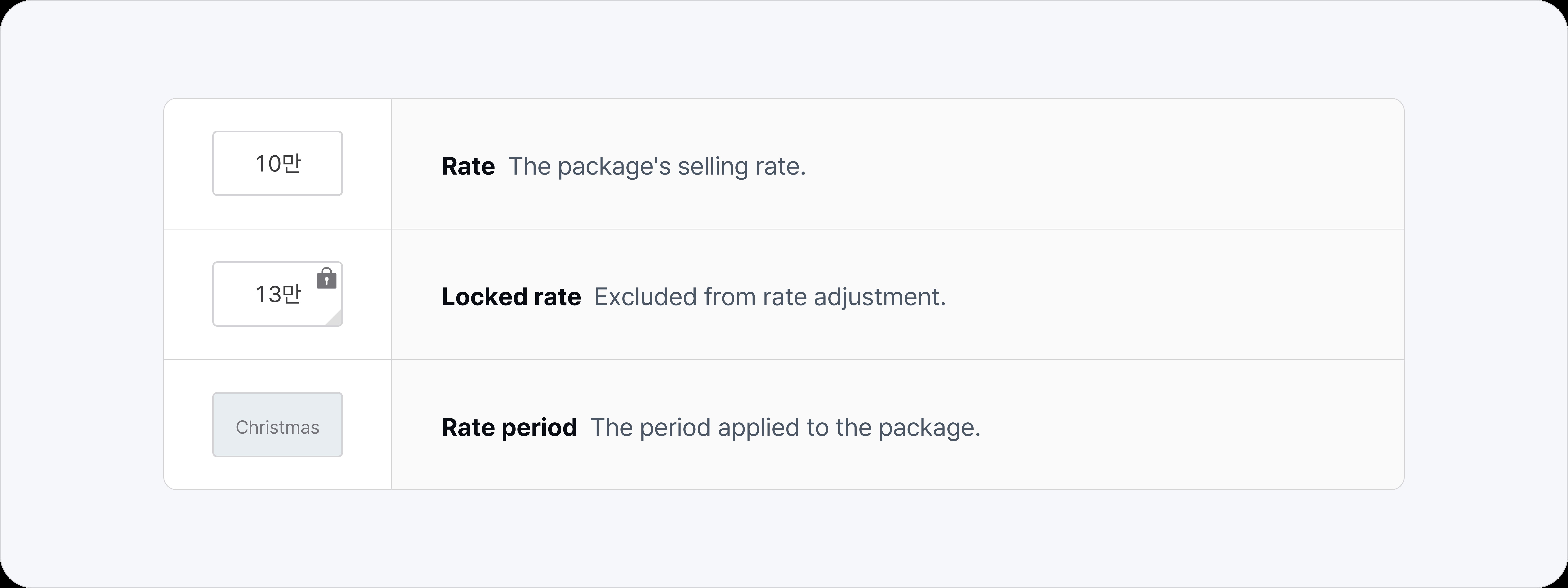 How rates are displayed: in Korean won (KRW), anything above the thousand mark is abbreviated with 만.
* Locked rate
* Excluded from daily rate adjustments, room type rate adjustments, and bulk updates.
* Fixed rate
* Packages with a fixed rate cannot have their rate changed from Distribution.
* Occupancy-based pricing
* Shows the rates that apply as guest count moves between base occupancy and max occupancy.
* Rate period
* Shows which period applies on a given date.
**Running a "business special" package that sells at one rate all year?**
* Set the package rate to Fixed rate. It then holds the same price, untouched by rate periods or any markup and discount.
***
## Availability
How rates are displayed: in Korean won (KRW), anything above the thousand mark is abbreviated with 만.
* Locked rate
* Excluded from daily rate adjustments, room type rate adjustments, and bulk updates.
* Fixed rate
* Packages with a fixed rate cannot have their rate changed from Distribution.
* Occupancy-based pricing
* Shows the rates that apply as guest count moves between base occupancy and max occupancy.
* Rate period
* Shows which period applies on a given date.
**Running a "business special" package that sells at one rate all year?**
* Set the package rate to Fixed rate. It then holds the same price, untouched by rate periods or any markup and discount.
***
## Availability
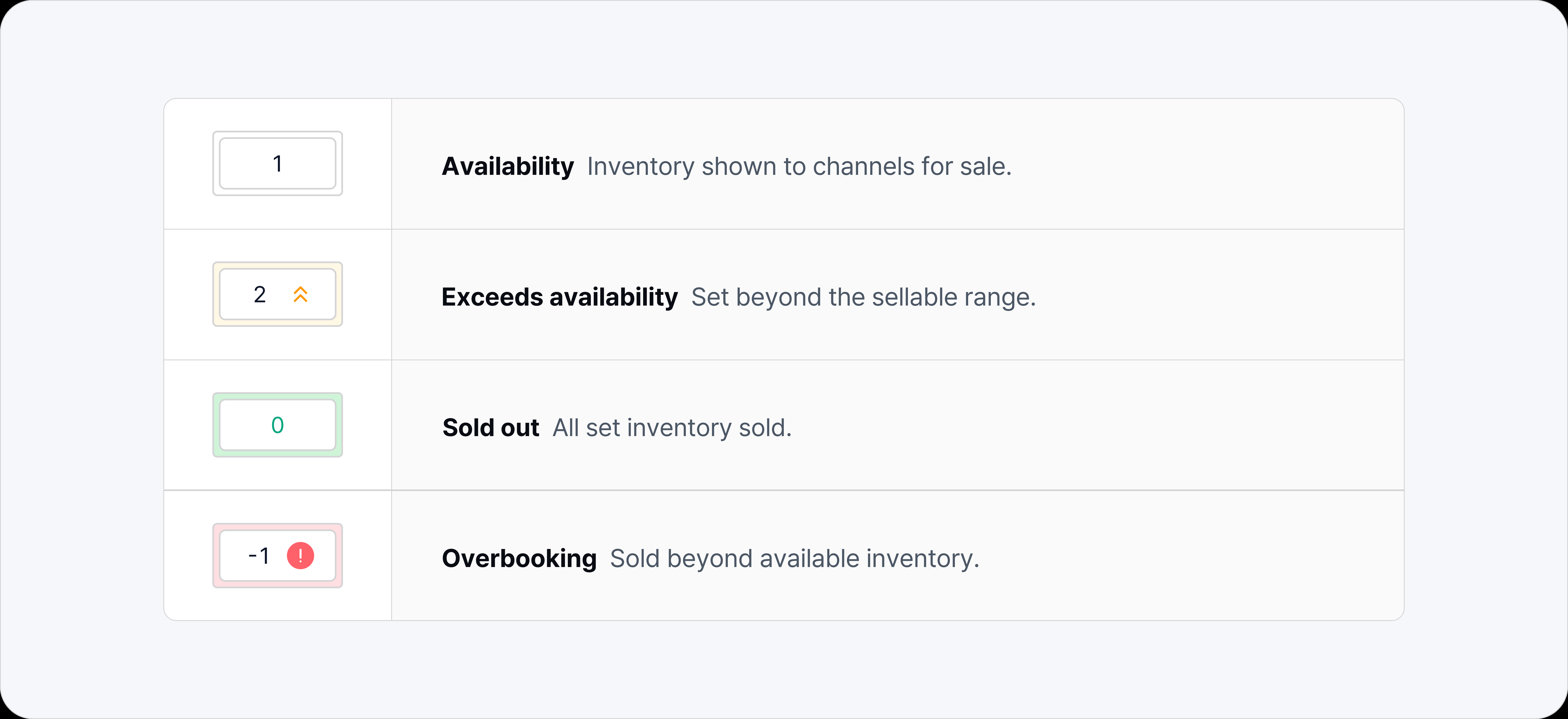 Set how much of a package is left to sell.
* Availability updates in real time as sales come in.
* Availability is linked across room type, package, and channel package.
* Room type: availability is based on the number of rooms. ⮑ Package: availability is based on the inventory of the room type it is connected to. ⮑ Channel package: availability is based on the inventory of the package it is connected to.
Set how much of a package is left to sell.
* Availability updates in real time as sales come in.
* Availability is linked across room type, package, and channel package.
* Room type: availability is based on the number of rooms. ⮑ Package: availability is based on the inventory of the room type it is connected to. ⮑ Channel package: availability is based on the inventory of the package it is connected to.