> ## Documentation Index
> Fetch the complete documentation index at: https://docs.vcms.io/llms.txt
> Use this file to discover all available pages before exploring further.
# A guest cancels on the channel. What happens in VCLOUD?
> When a booking that is already assigned or checked in is cancelled on the channel, the VCLOUD assignment and check-in are cancelled too, and you are told by KakaoTalk notification.
**What happens depends on how far the booking had got.**
* Already assigned: cancelling on the channel cancels the VCLOUD assignment.
* Already checked in: cancelling on the channel cancels the VCLOUD check-in.
**A cancellation on the channel triggers a notification**
When this happens, VCMS tells you by KakaoTalk or SMS. It names the channel and the booking, with the booking number, so read it when it arrives.
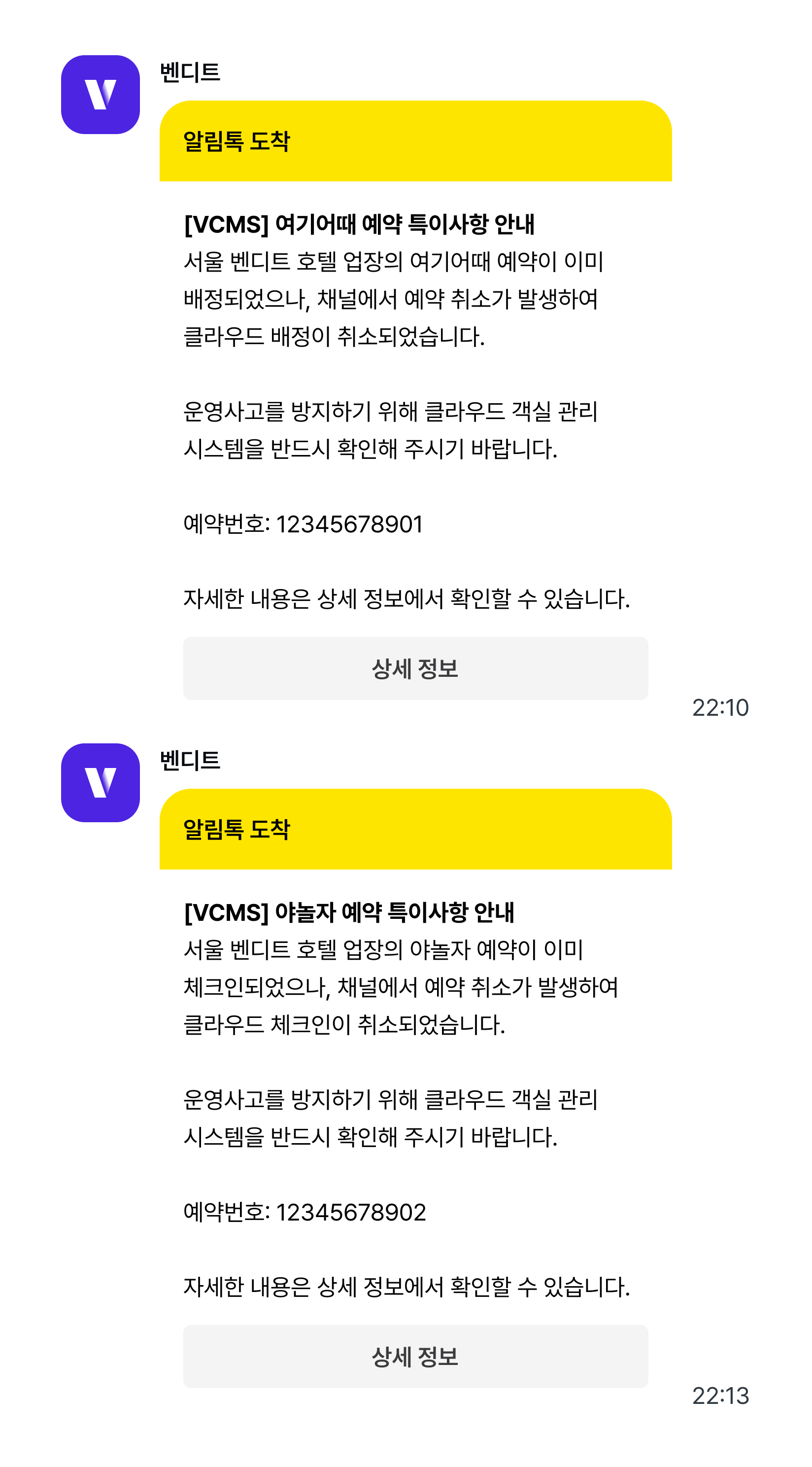 **Act on the notification**
When an assigned or checked-in booking is cancelled, what the system thinks and what the room is actually doing can drift apart.
**Act on the notification**
When an assigned or checked-in booking is cancelled, what the system thinks and what the room is actually doing can drift apart.
Check the room status in VCLOUD when the notification arrives.
***
## Bookings for several rooms at once are handled differently
**How is a multi-room booking managed?**
When a guest books several rooms at once (7 rooms on one booking, say), VCMS shows it the way the channel does: one booking, quantity 7. VCLOUD has to assign a guest per room, so it creates one booking per unit.
**What if I edit one of the split bookings in VCLOUD?**
Edit any one of them in VCLOUD and VCMS splits the original booking into individual bookings, one per room. The original stays, with the split bookings (#1, #2 …) listed beneath it.
```text theme={null}
[before]
1 original booking (7 rooms)
[after]
1 original booking
├─ split booking #1
├─ split booking #2
└─ … #7
```
From then on the two move independently.
* **The original booking** follows the channel. Cancel on the channel and the cancellation shows on the original.
* **The split bookings** follow VCLOUD. A cancellation or change on the channel does not touch them.
So one booking can show different statuses on the original and on the splits. That is by design, so multi-room bookings can be assigned and managed room by room.