> ## Documentation Index
> Fetch the complete documentation index at: https://docs.vcms.io/llms.txt
> Use this file to discover all available pages before exploring further.
# My channel property was disconnected automatically
> When a property is deactivated or deleted on the channel, or official integration is blocked, VCMS disconnects the channel property automatically to stop bad sync, and tells you.
**Why does the channel property disconnect on its own?**
When the connected channel shows the property deactivated or deleted, or in a state where official integration is not permitted, VCMS disconnects that channel property automatically so bookings and rates do not sync wrongly. Usually this means:
* The property was deactivated or deleted on the channel
* Channel manager (official integration) is not set up
It applies to **Agoda, Tripdotcom, Yanolja, and Naver** today, and more channels are coming.
**You are told when it disconnects**
An automatic disconnection is written to the audit log and announced through VCMS notifications and KakaoTalk. It names the property, the channel property, and the reason, so read it when it arrives.
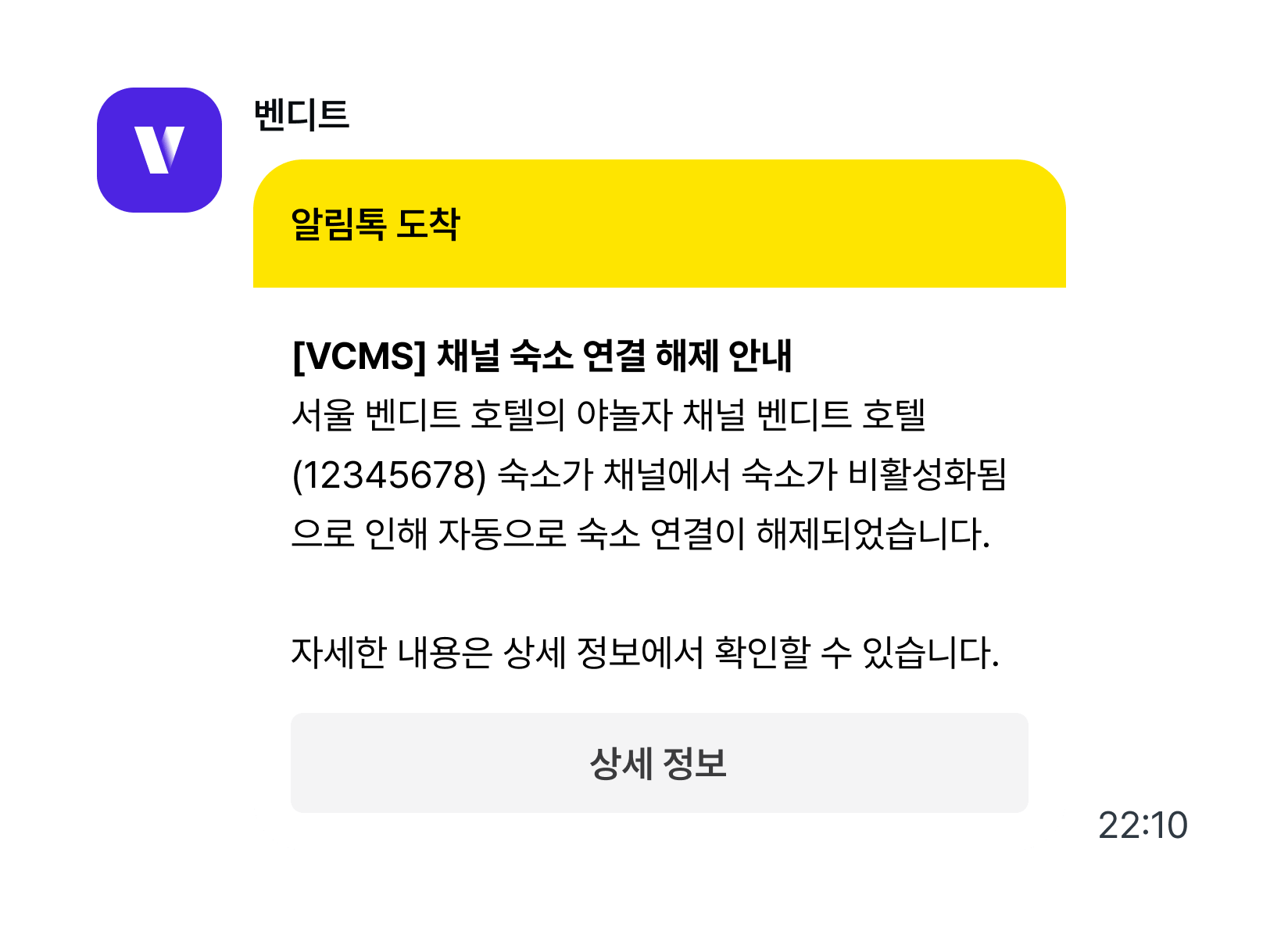 A connection dropped this way does not come back on its own. Once the property is healthy again on the channel, reconnect it in VCMS yourself.