> ## Documentation Index
> Fetch the complete documentation index at: https://docs.vcms.io/llms.txt
> Use this file to discover all available pages before exploring further.
# Timetables
> Set package check-in and check-out times per weekday, and connect one timetable to many packages.
### Timetable list
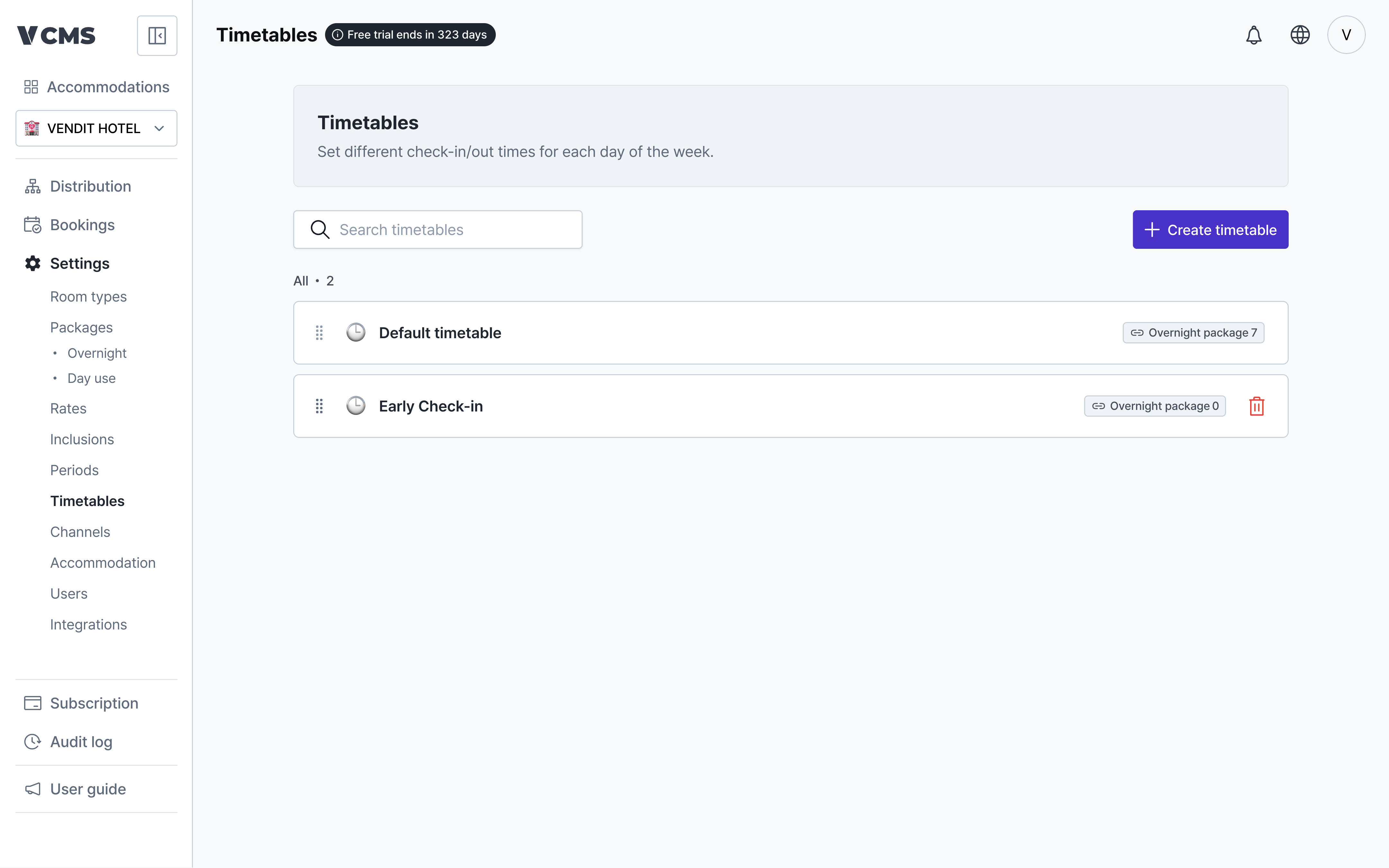 Different packages can run on different check-in and check-out times.
* Reorder timetables freely.
* The default timetable is changed on the accommodation information page.
* Day use timetables are not supported yet.
**The times you enter reach only the channels that support check-in and check-out times.**
* Yeogiottae owner app (motels)
* Yanolja (motels, hotels, guest houses)
* Coolstay (motels, hotels, pensions)
### Creating a timetable
Different packages can run on different check-in and check-out times.
* Reorder timetables freely.
* The default timetable is changed on the accommodation information page.
* Day use timetables are not supported yet.
**The times you enter reach only the channels that support check-in and check-out times.**
* Yeogiottae owner app (motels)
* Yanolja (motels, hotels, guest houses)
* Coolstay (motels, hotels, pensions)
### Creating a timetable
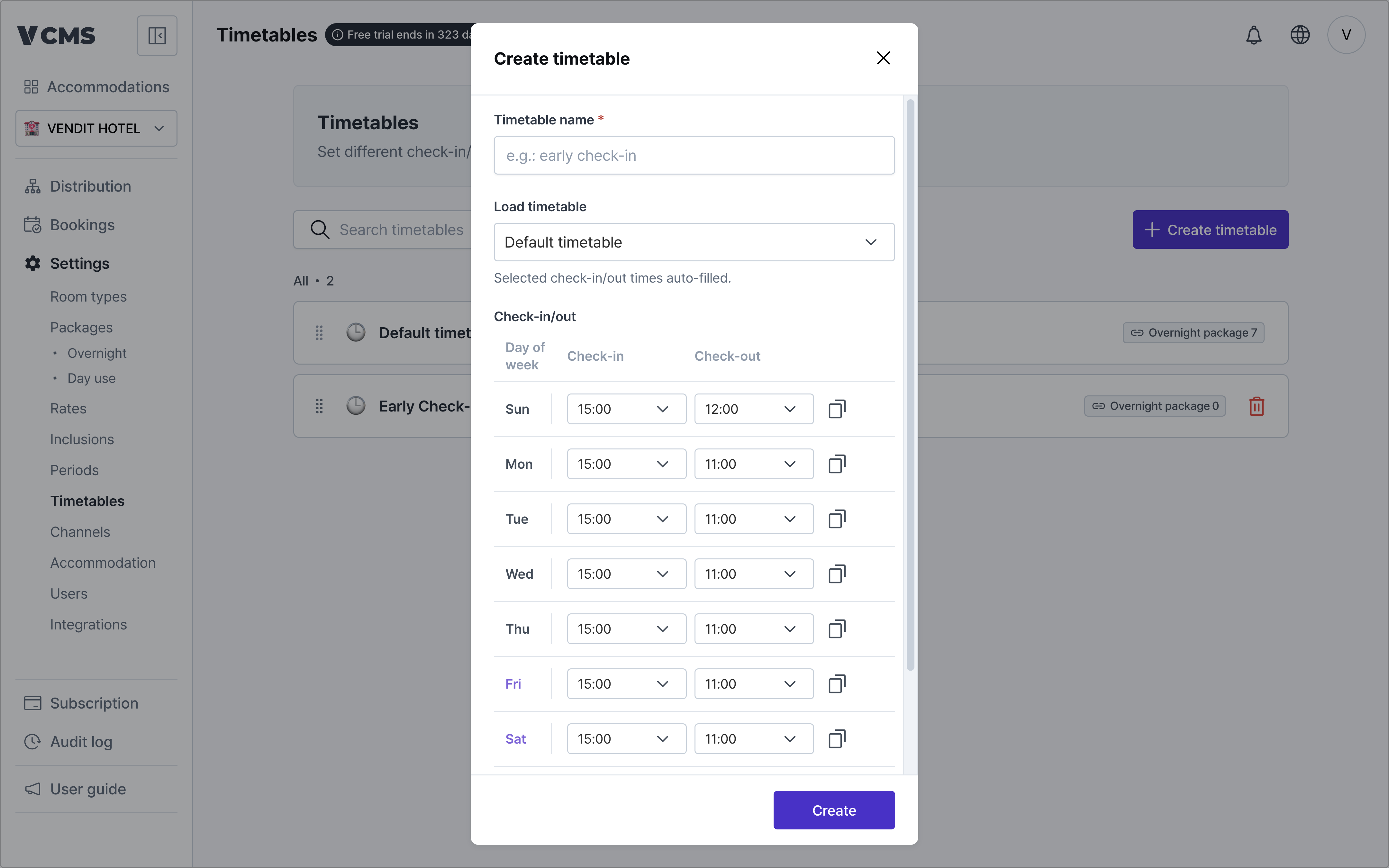 Add timetables beyond the default one.
* ***Timetable name (required)***
* **Import an existing timetable**
* Pull in the accommodation's default timetable, or one you built earlier.
* **Check-in and check-out times**
* Set them separately for each day, Sunday through Saturday.
* **Apply to selected days**
* Copy one time and apply it to the days you select.
Add timetables beyond the default one.
* ***Timetable name (required)***
* **Import an existing timetable**
* Pull in the accommodation's default timetable, or one you built earlier.
* **Check-in and check-out times**
* Set them separately for each day, Sunday through Saturday.
* **Apply to selected days**
* Copy one time and apply it to the days you select.
 ### Connecting a timetable to packages
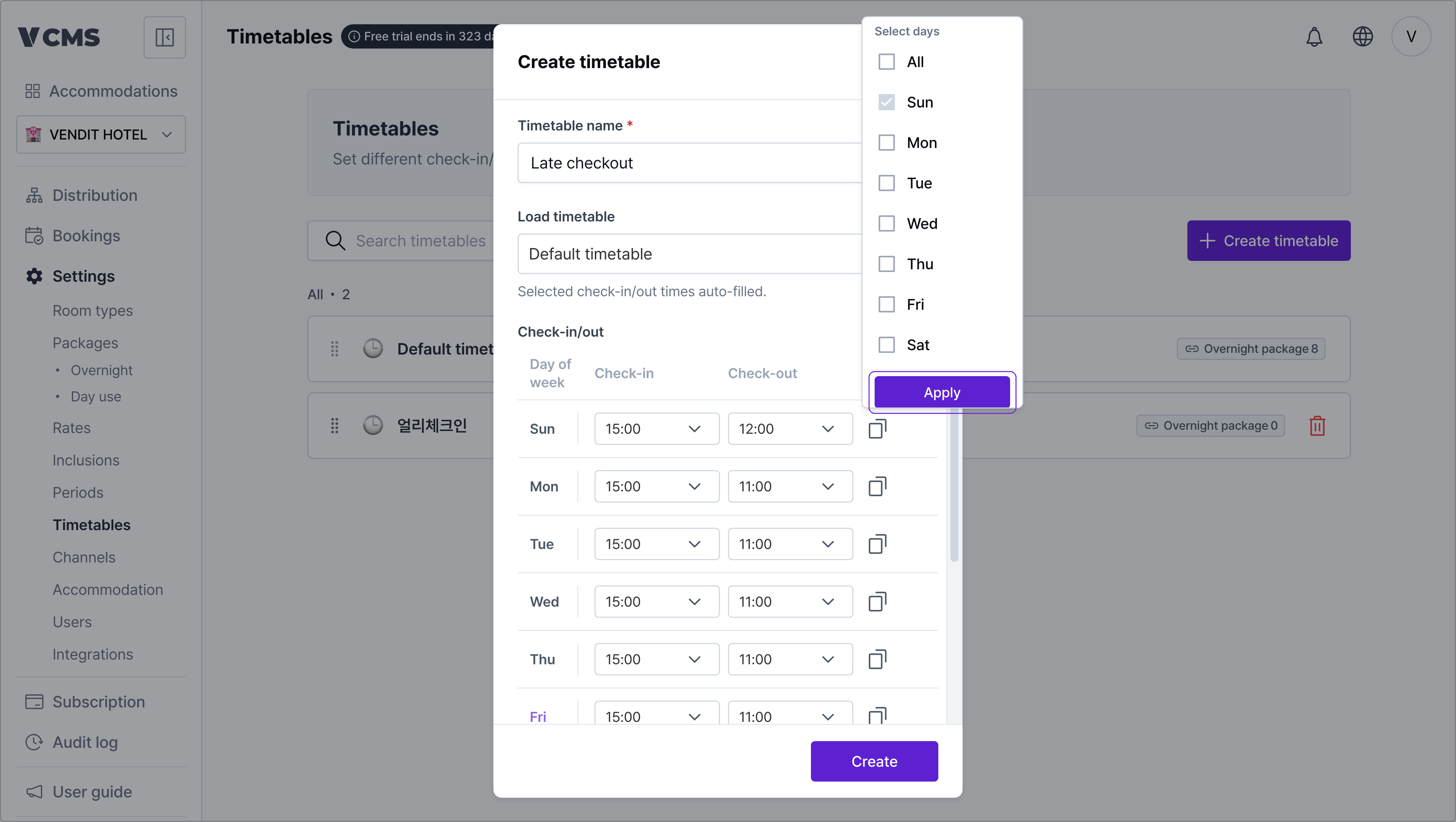
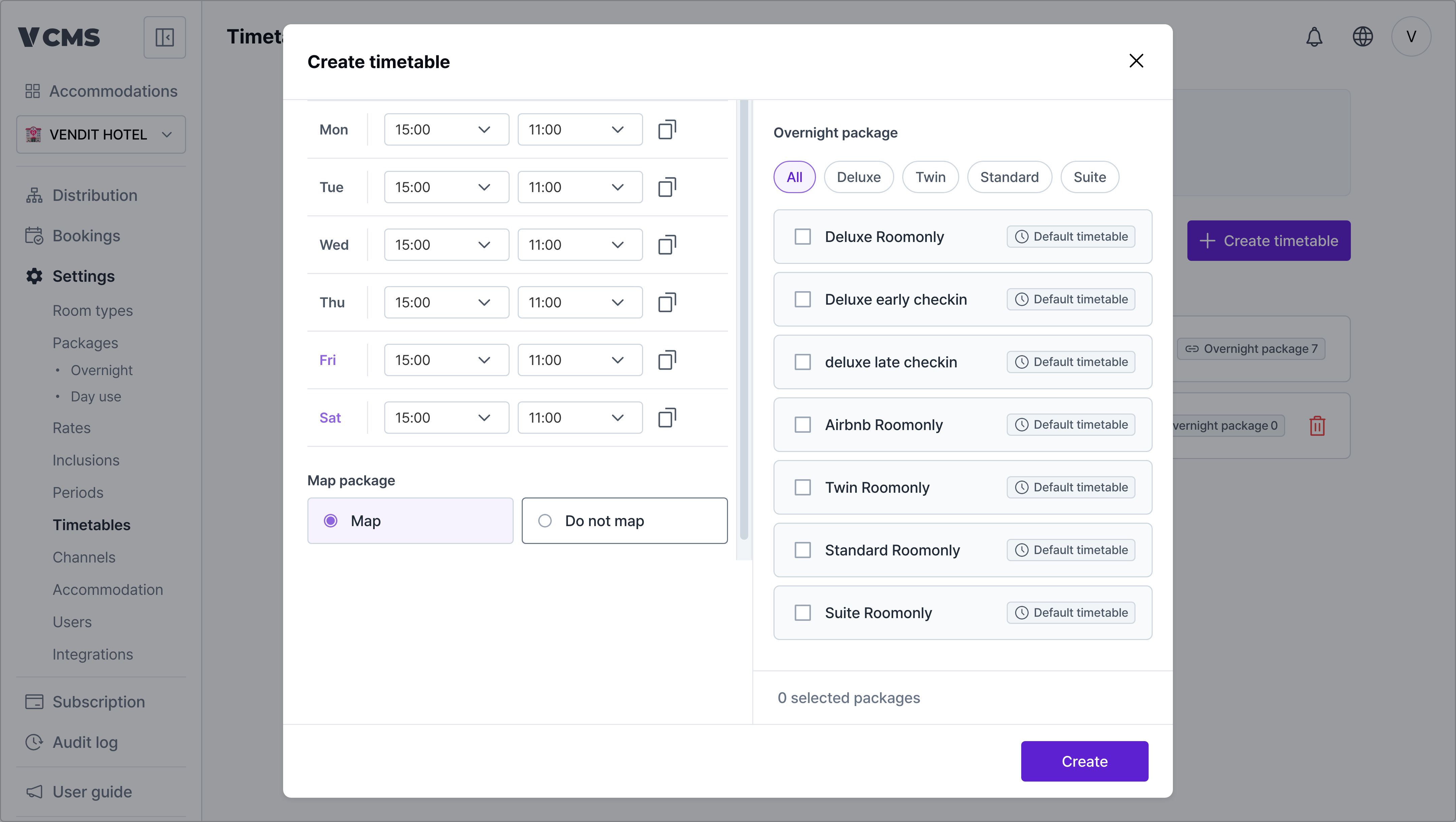 A timetable supplies the default check-in and check-out times for the packages connected to it.
* Turn `Connect packages` on to link the timetable you created to packages.
### Deleting a timetable
A timetable supplies the default check-in and check-out times for the packages connected to it.
* Turn `Connect packages` on to link the timetable you created to packages.
### Deleting a timetable
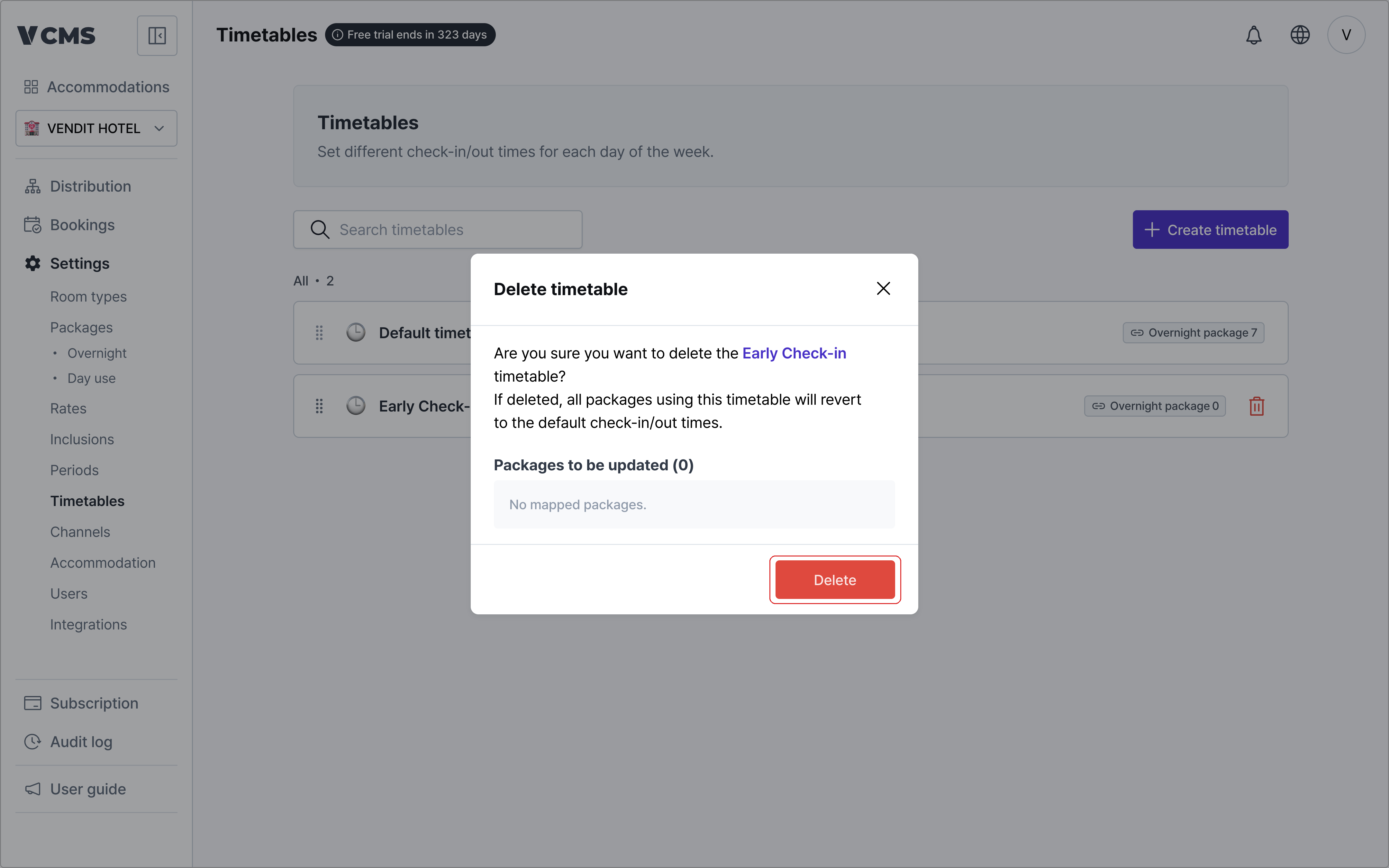
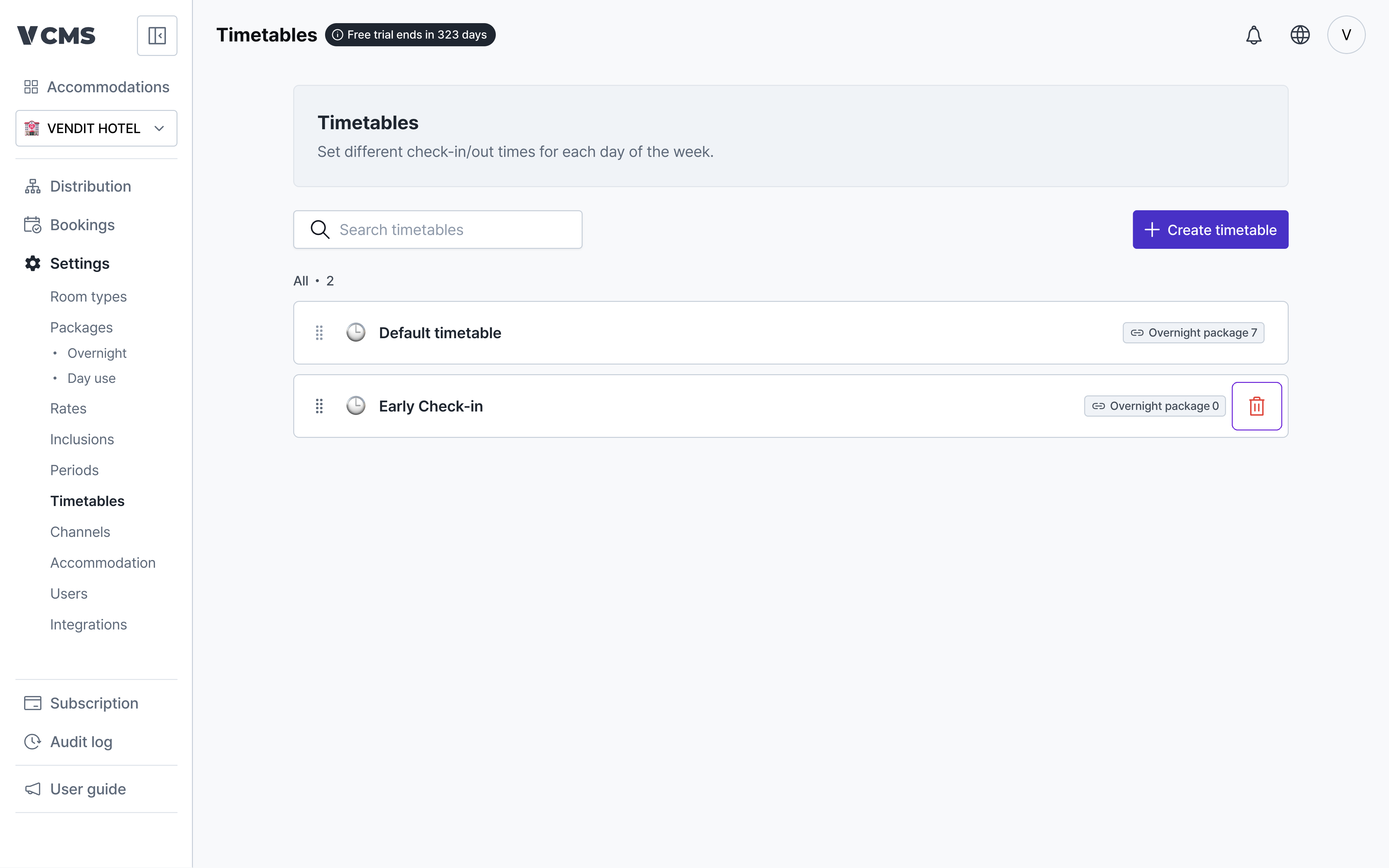 Delete a timetable and every package using it falls back to the default timetable.