> ## Documentation Index
> Fetch the complete documentation index at: https://docs.vcms.io/llms.txt
> Use this file to discover all available pages before exploring further.
# Feb 27, 2026
> Hello from Vendit. Here is what changed in VCMS in the fourth week of February.
***
> **Highlights**\
> "Search bookings by sync date and payment date." \
> "Long property names are readable in full." \
> "Bulk update selects room types, packages, and channel packages in one go."
## Improved
### Search bookings by sync date and payment date
> For properties managing booking data date by date
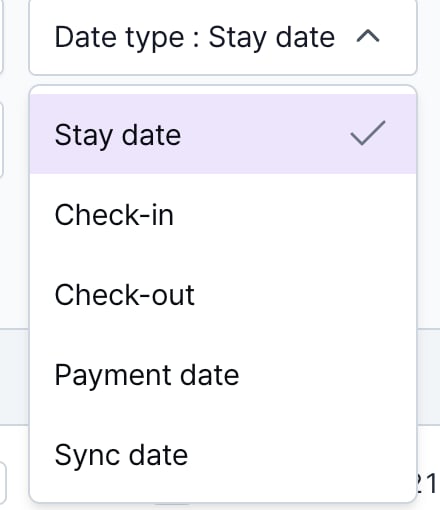 The date basis filter on the Bookings screen now offers sync date and payment date. Alongside check-in and check-out, you can search on when the booking actually happened, which makes settlement checks and point-in-time views easier.
**More detail**
* Payment date and time means when the synced booking actually sold on the channel.
***
### Bulk update selects room types, packages, and channel packages at once
> For properties changing many room types and packages together
The date basis filter on the Bookings screen now offers sync date and payment date. Alongside check-in and check-out, you can search on when the booking actually happened, which makes settlement checks and point-in-time views easier.
**More detail**
* Payment date and time means when the synced booking actually sold on the channel.
***
### Bulk update selects room types, packages, and channel packages at once
> For properties changing many room types and packages together
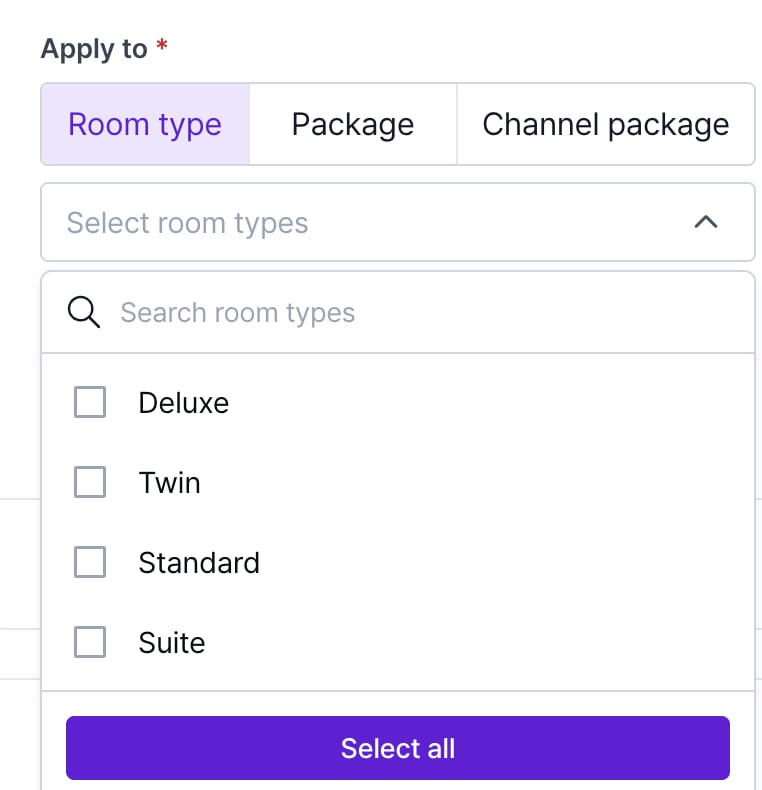 Bulk update in Distribution is better. Room types, packages, and channel packages can all be selected at once, so large changes go faster.
**More detail**
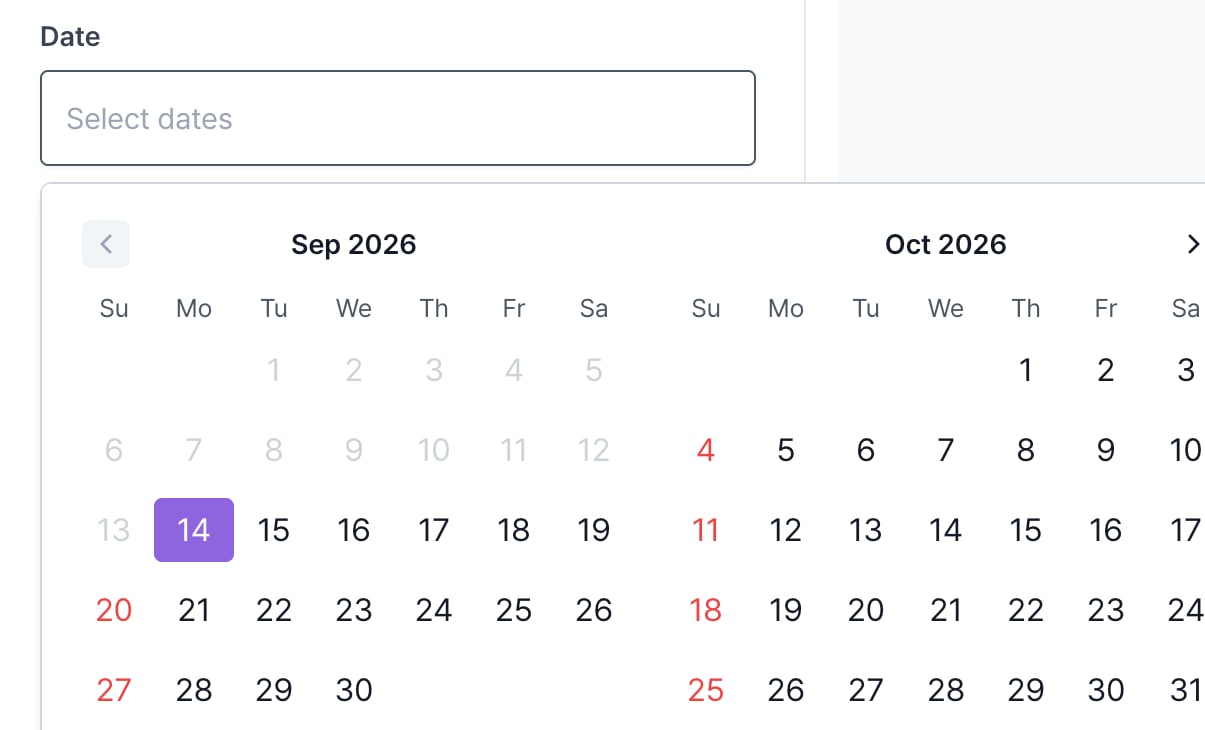
* Pick a date range in a month other than the current one and that month now shows immediately. It used to open on the current month, which made range selection awkward.
Bulk update in Distribution is better. Room types, packages, and channel packages can all be selected at once, so large changes go faster.
**More detail**
* Pick a date range in a month other than the current one and that month now shows immediately. It used to open on the current month, which made range selection awkward.
 ***
### Long property names are readable in full
***
### Long property names are readable in full
 Property names display better. A name truncated for length shows in full on hover, so with several properties you can be sure which one you are looking at.