> ## Documentation Index
> Fetch the complete documentation index at: https://docs.vcms.io/llms.txt
> Use this file to discover all available pages before exploring further.
# 채널 동기화
## 동기화 중
모든 채널의 판매 상태, 재고, 요금, 입/퇴실 시간 정보가 VCMS 판매 관리에 맞춰 동일하게 반영돼요. 채널 상품이 최소 1개 이상 VCMS와 연결되면 동기화를 시작할 수 있어요.
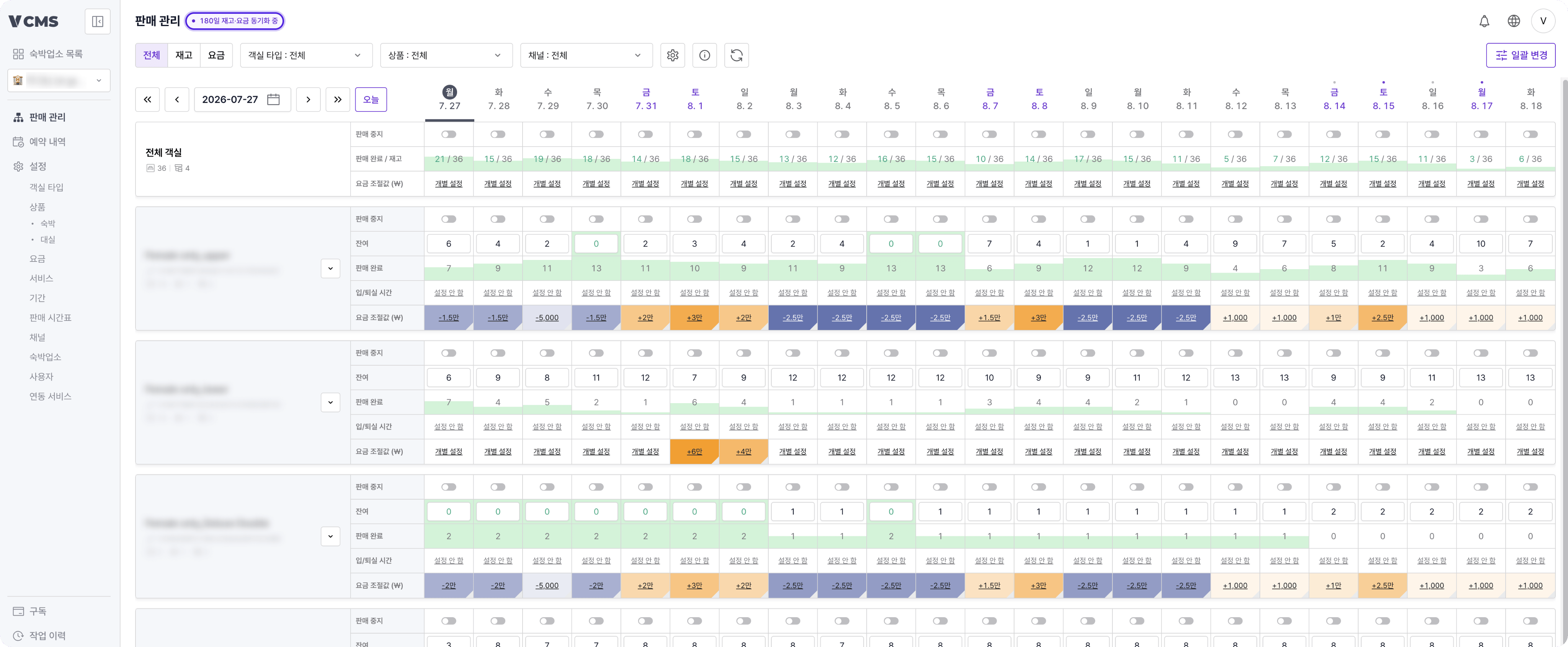 동기화 중일 땐 채널에서 변경해도 VCMS 기준으로 다시 적용됩니다.
***
## 동기화 중지 / 예약 연동 중
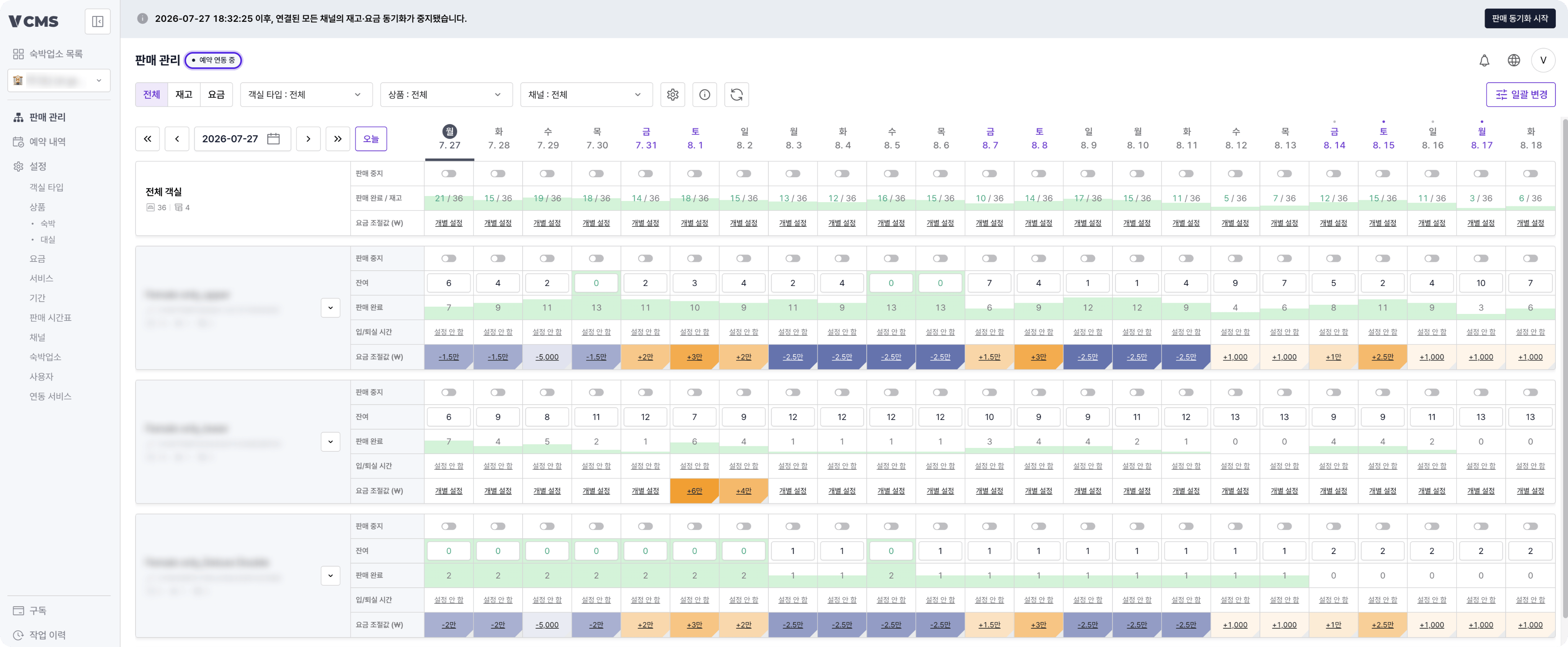
동기화를 중지하면 마지막 연동 시점 이후 예약 정보만 연동되고, 모든 채널의 재고, 요금, 판매 상태 동기화는 멈춰요.
동기화 중일 땐 채널에서 변경해도 VCMS 기준으로 다시 적용됩니다.
***
## 동기화 중지 / 예약 연동 중
동기화를 중지하면 마지막 연동 시점 이후 예약 정보만 연동되고, 모든 채널의 재고, 요금, 판매 상태 동기화는 멈춰요.
 ***
## 부분 동기화
필요할 때 특정 채널 상품의 재고나 요금만 선택해 동기화할 수 있어요.
[👉 채널 상품 부분 동기화 상세 가이드 바로가기](https://docs.vcms.io/ko/channels/channel-setting#채널-상품-세부-설정)
### 미설정 상품 동기화
요금 관리를 사용하지 않고 재고 관리만 사용하는 업장은, 채널의 미설정 상품을 VCMS에서 자동으로 열지 않아요. 미설정 상품의 판매 오픈 시점과 요금 설정은 채널에서 직접 관리할 수 있어요.
**미설정 상품이란?**
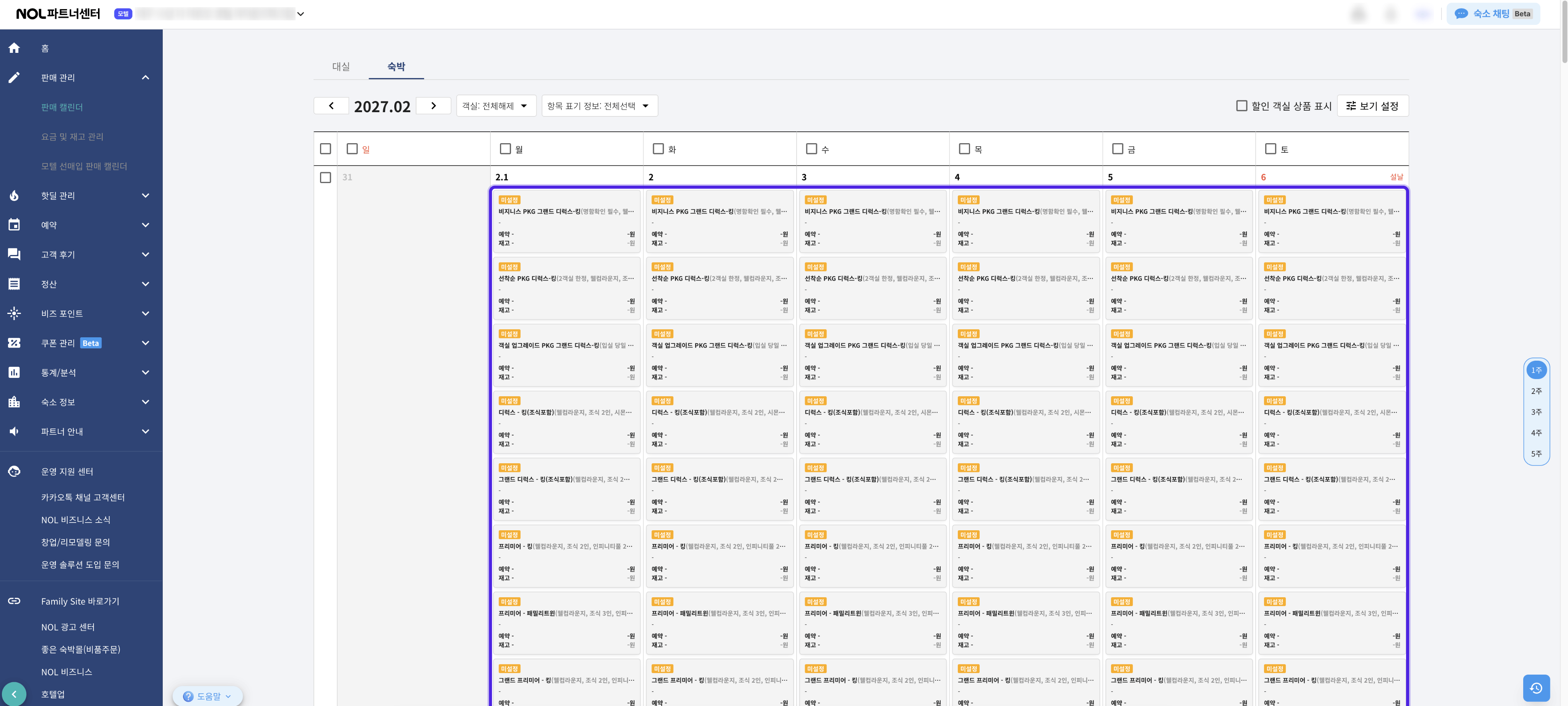
채널에서 판매 등록하기 전 상태의 상품으로, 실제 예약자 사이트에는 판매되지 않습니다. 채널 판매 관리 화면(예: NOL 파트너센터)에서 아래와 같이 표시되면 미설정 상품이에요.
***
## 부분 동기화
필요할 때 특정 채널 상품의 재고나 요금만 선택해 동기화할 수 있어요.
[👉 채널 상품 부분 동기화 상세 가이드 바로가기](https://docs.vcms.io/ko/channels/channel-setting#채널-상품-세부-설정)
### 미설정 상품 동기화
요금 관리를 사용하지 않고 재고 관리만 사용하는 업장은, 채널의 미설정 상품을 VCMS에서 자동으로 열지 않아요. 미설정 상품의 판매 오픈 시점과 요금 설정은 채널에서 직접 관리할 수 있어요.
**미설정 상품이란?**
채널에서 판매 등록하기 전 상태의 상품으로, 실제 예약자 사이트에는 판매되지 않습니다. 채널 판매 관리 화면(예: NOL 파트너센터)에서 아래와 같이 표시되면 미설정 상품이에요.