Highlights
”Download booking search results as CSV."
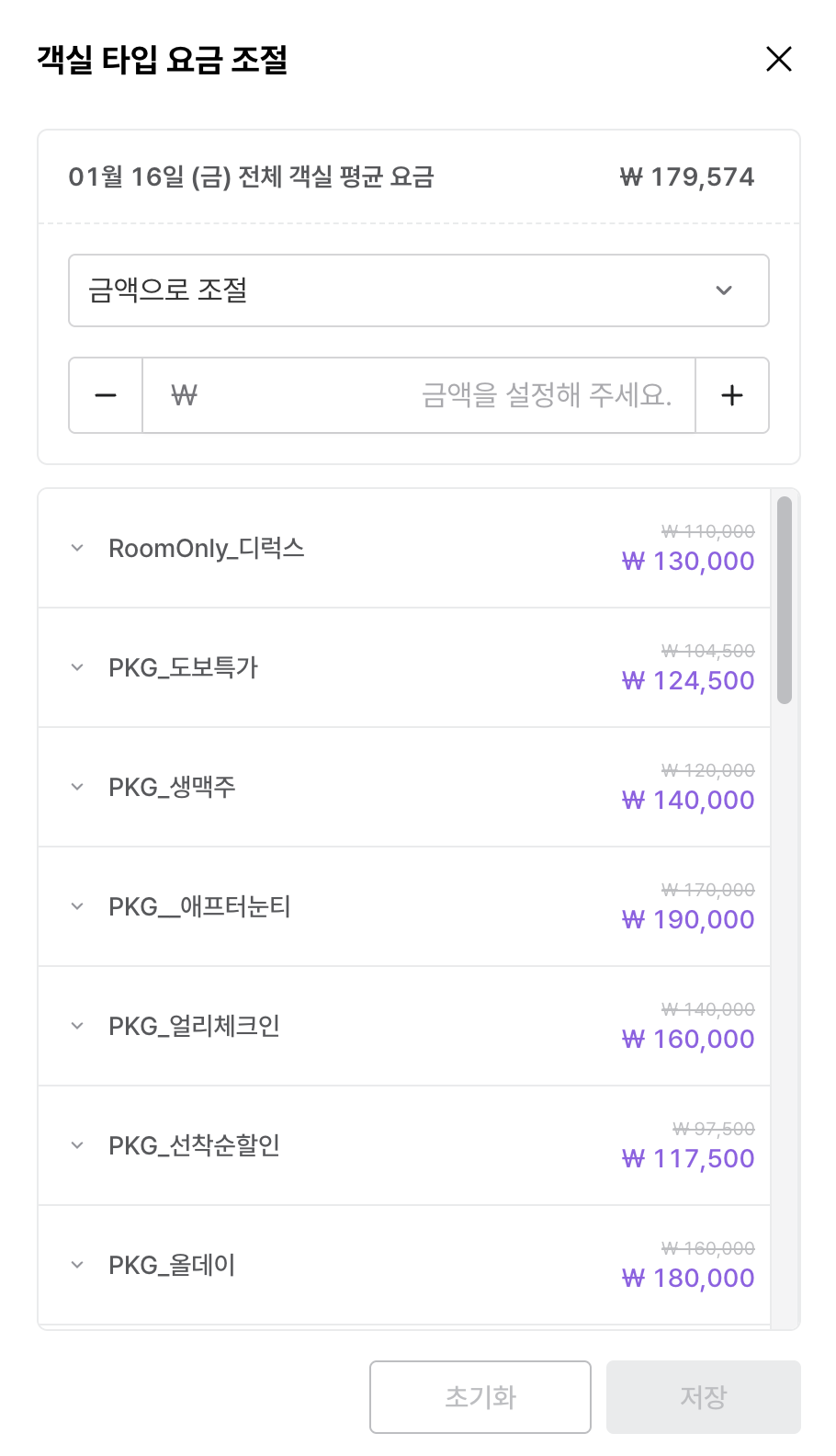
"See the per-package amounts on a room type in one place."
"The channel sign-in screen shows the property name."
"Browser tabs name the accommodation."
"The Stop sell and Open sell selection screen is clearer.”
New
Download booking search results as CSV
For properties that analyse booking data elsewhere, or need to keep it
Search results on the Bookings screen download as a CSV file. The booking data you need comes straight out, with no manual work, which makes settlement and reporting easier.
Improved
Per-package amounts on a room type, in one place
For properties running several packages on one room type with individually set amounts
A clearer Stop sell and Open sell selection screen
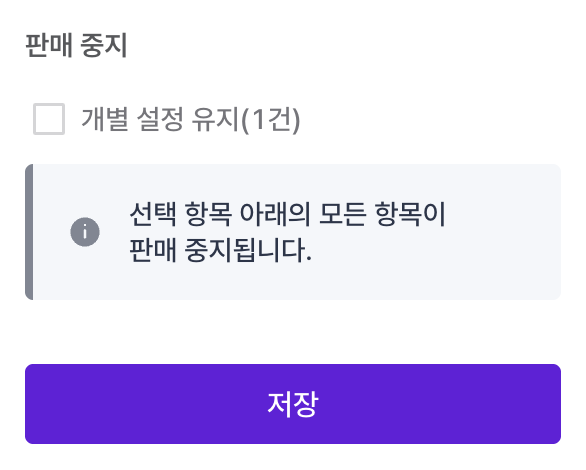
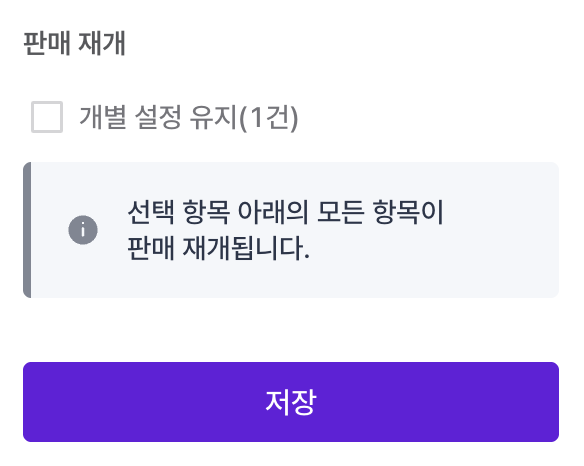
For properties managing sell status across several packages at onceWhen the items below have different sell statuses, the screen that asks how to change them is more direct. You can see which items are affected, so the change goes through without mistakes. More detail
- Stop selling an item that has packages still selling underneath it and you get a screen asking whether to stop those too.
- Resume an item that has stopped packages underneath it and you get a screen asking whether to resume those too.
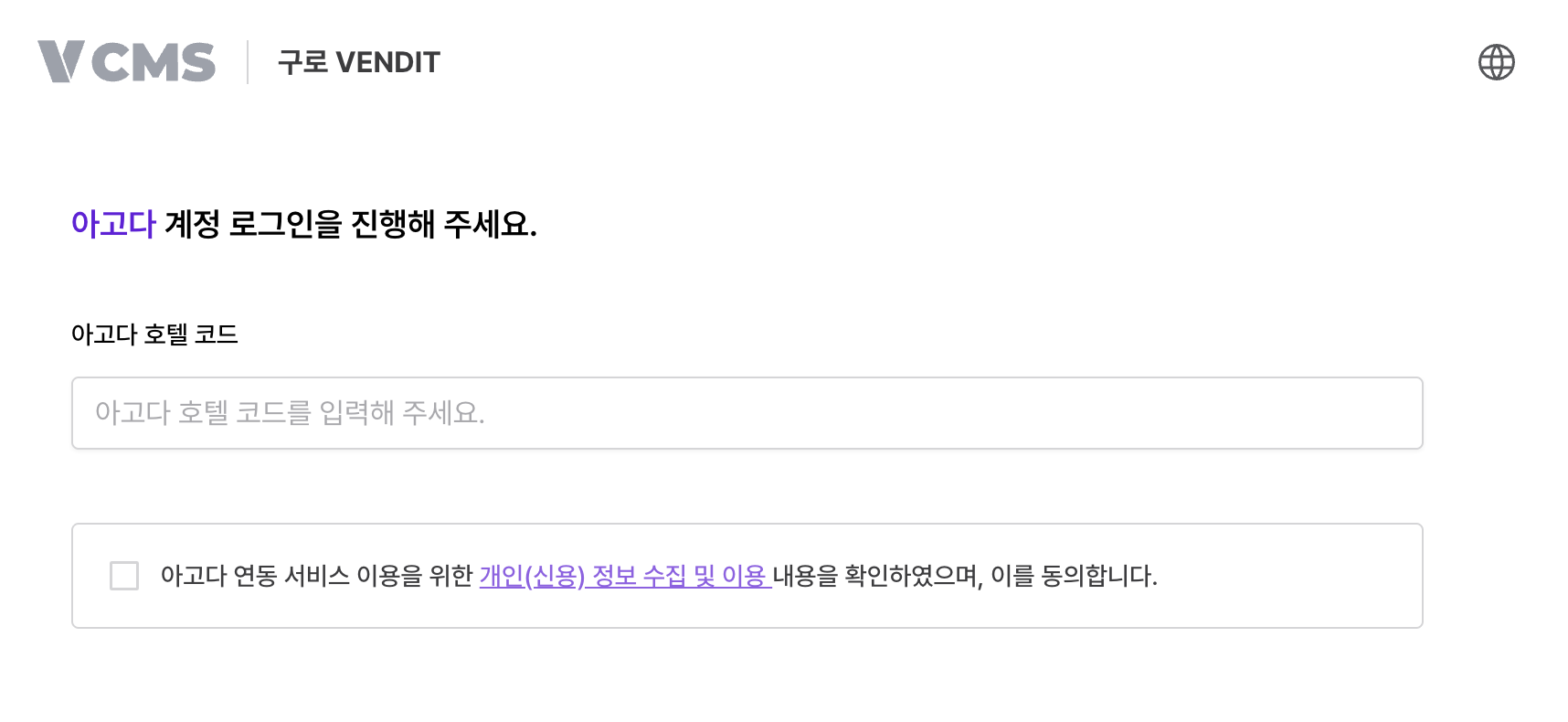
The channel sign-in screen shows the property name
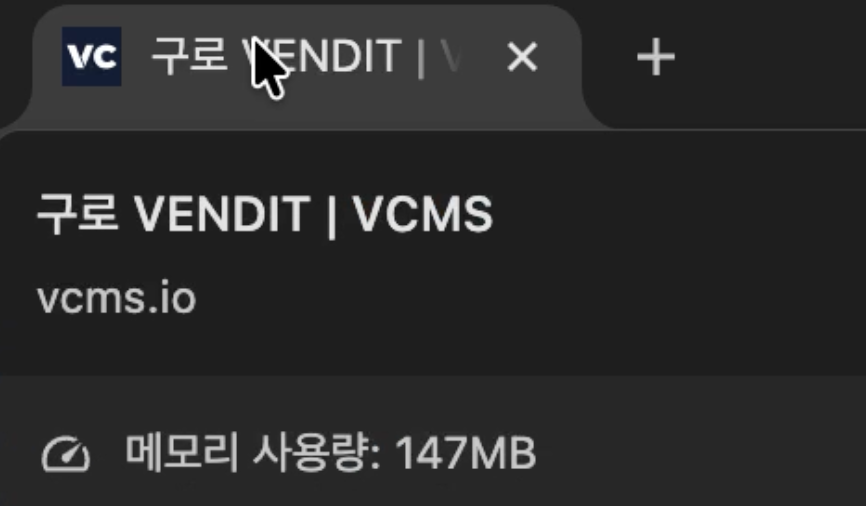
Browser tabs name the accommodation
For operators managing several properties across several tabs