

Highlights
”Airbnb and Expedia now sync bookings, inventory, and rates."
"Agoda properties can be created straight from VENDIT."
"The channel screen is rebuilt, so everything from package mapping through to connecting a channel is easier to manage."
"The subscription screen is rebuilt, with your subscription info in one view.”
New
Airbnb and Expedia sync bookings, inventory, and rates
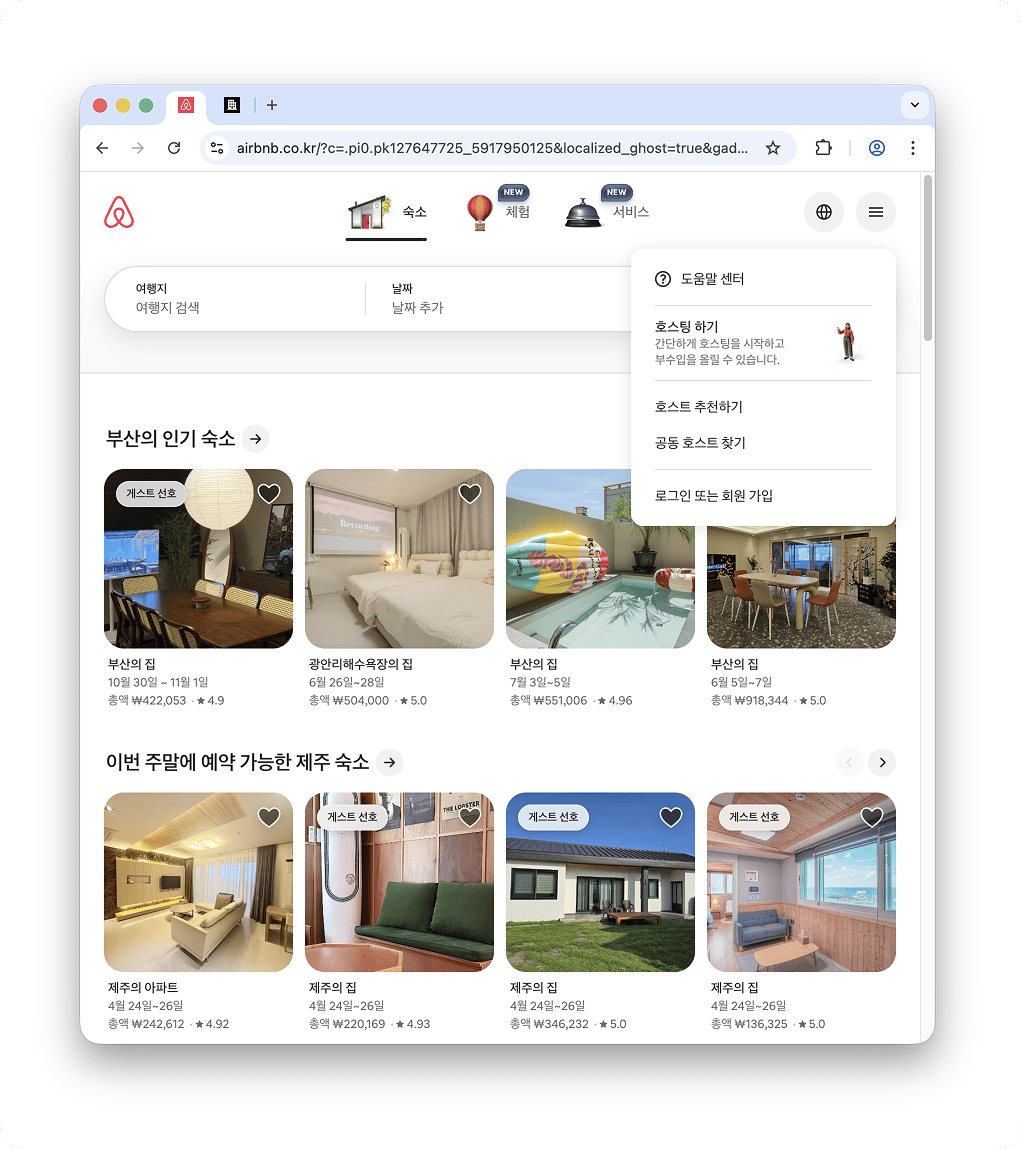
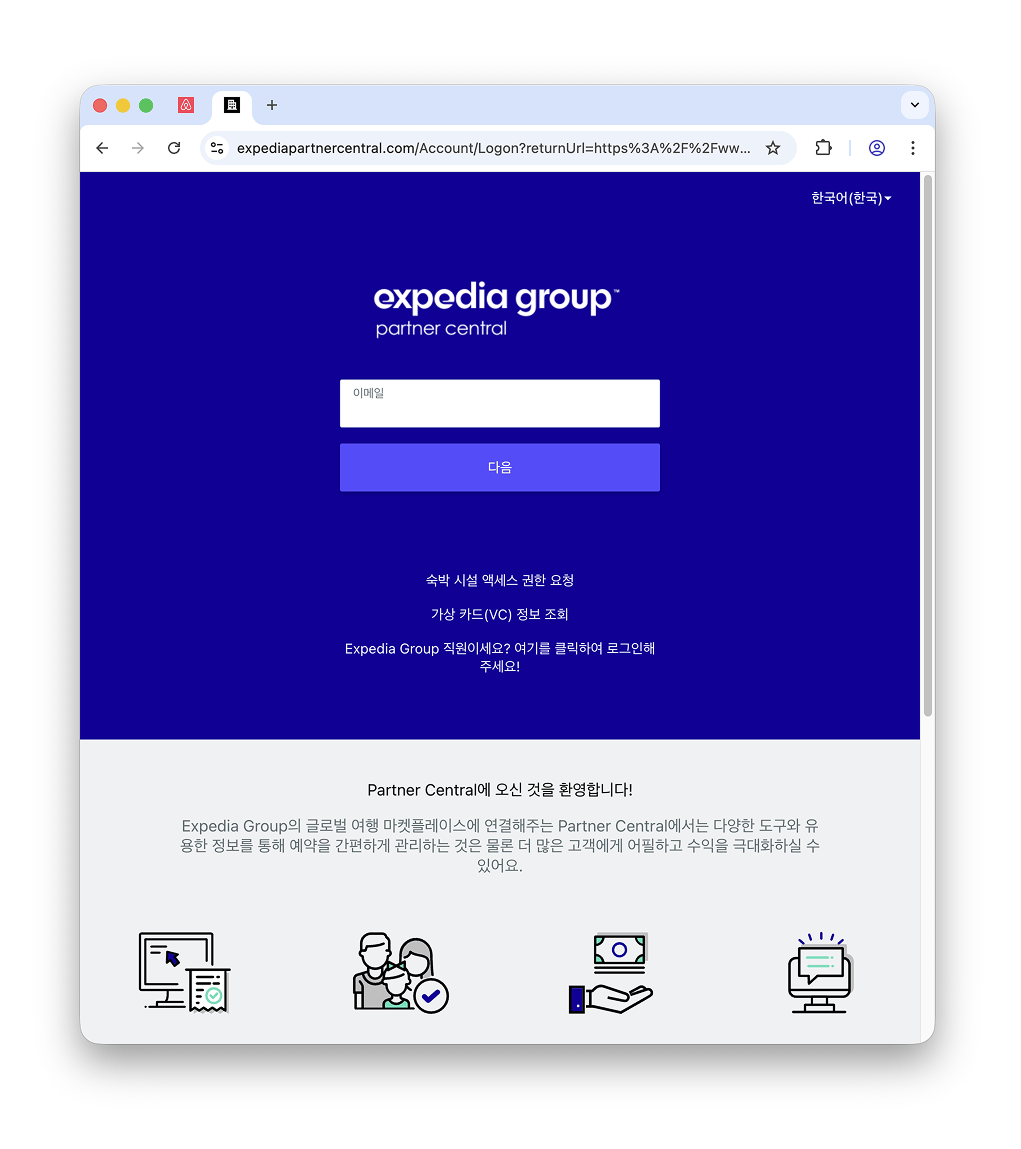
- How to connect: [Channels] - [Available channels], then click [Airbnb] or [Expedia]
- Airbnb and Expedia sync bookings, inventory, and rates every 5 minutes.
- The guides have the details (Airbnb🔗 / Expedia🔗).
Create a new Agoda property from VCMS
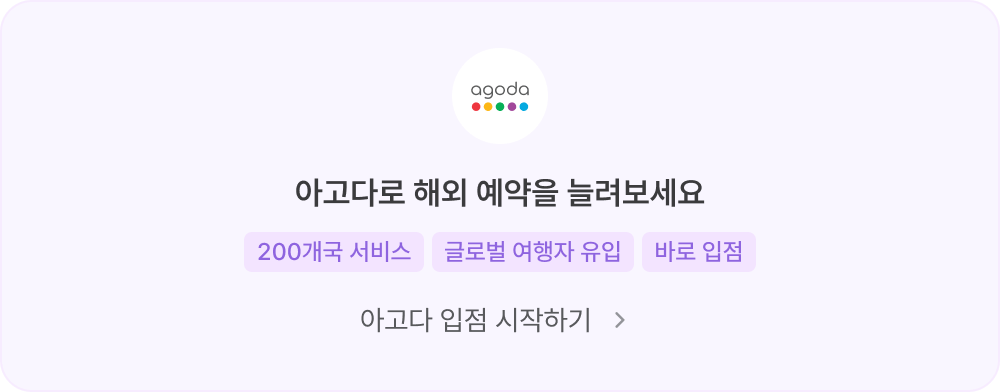
- How to create: [Channels] - [Available channels], then click [Agoda] - [banner]
- The banner does not appear if Agoda is already connected.
Sync channel packages to pick up channel-side changes
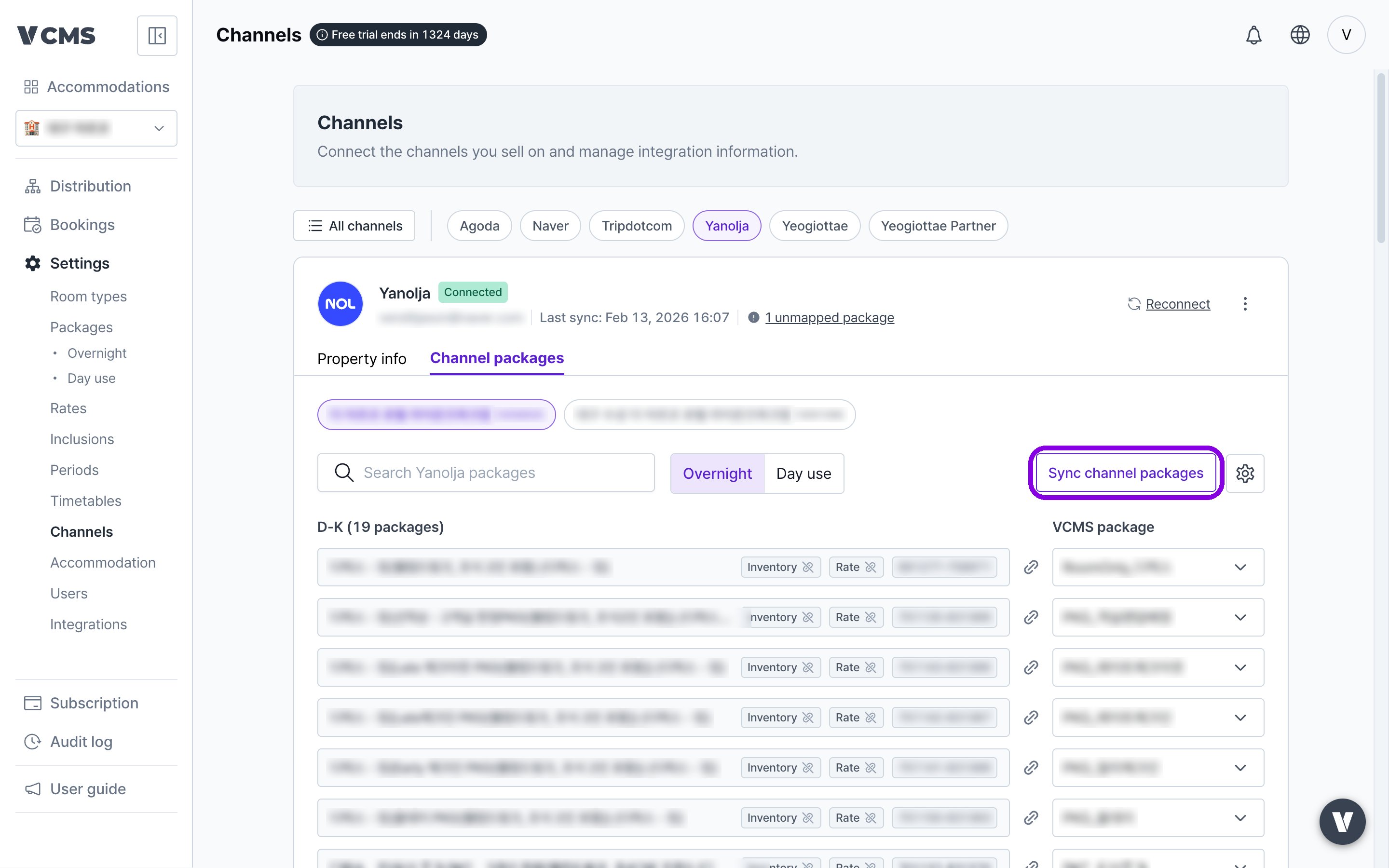
- How to sync: click [Channels] - [Connected channels] - [the channel] - [Property info] - [Sync channel packages]
Improvements
The channel page is rebuilt
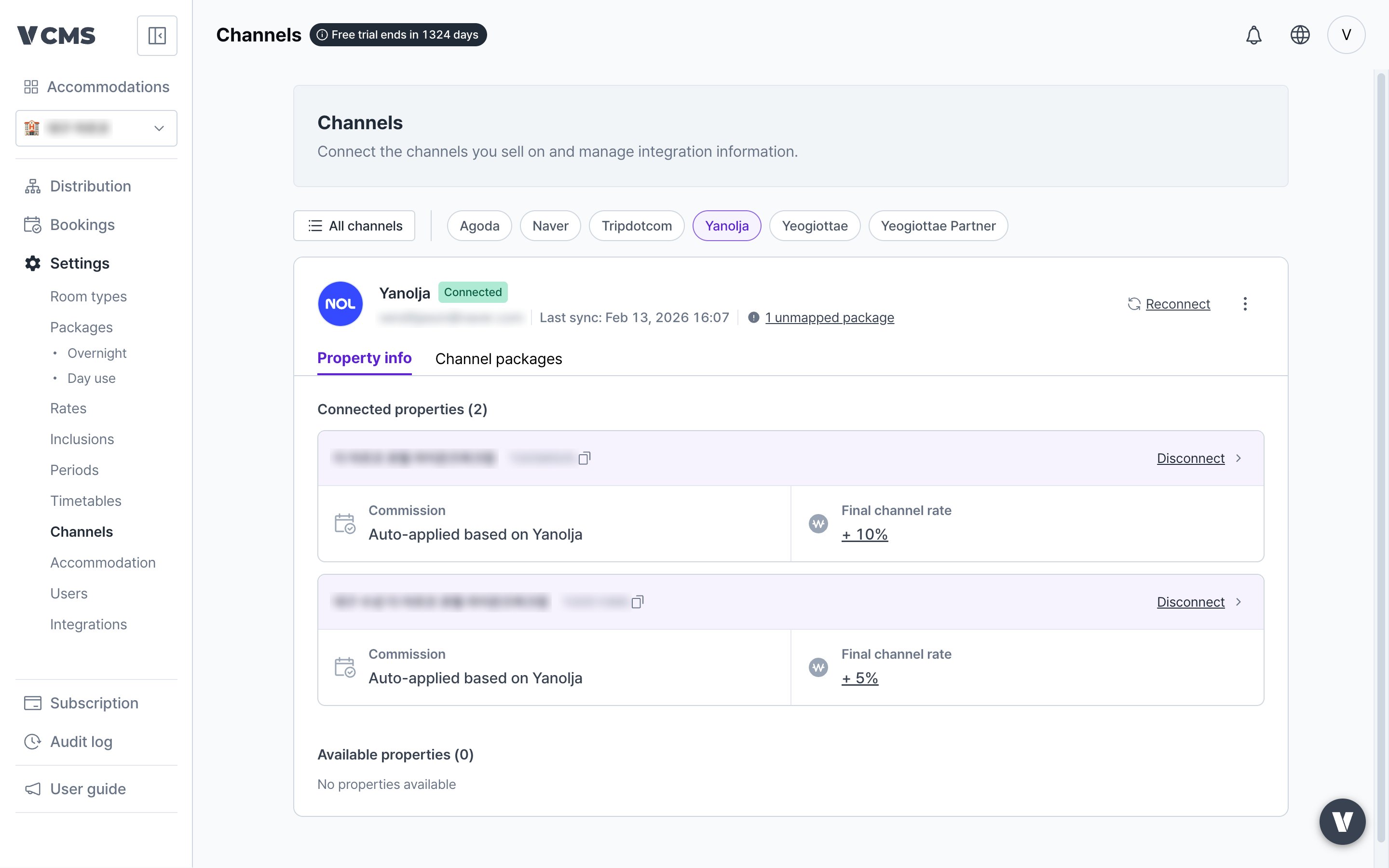
- Commission and Final channel rate are recognized more reliably.
- Channel packages can be mapped while activating the channel property, which makes the flow both easier and steadier.
The subscription page is rebuilt
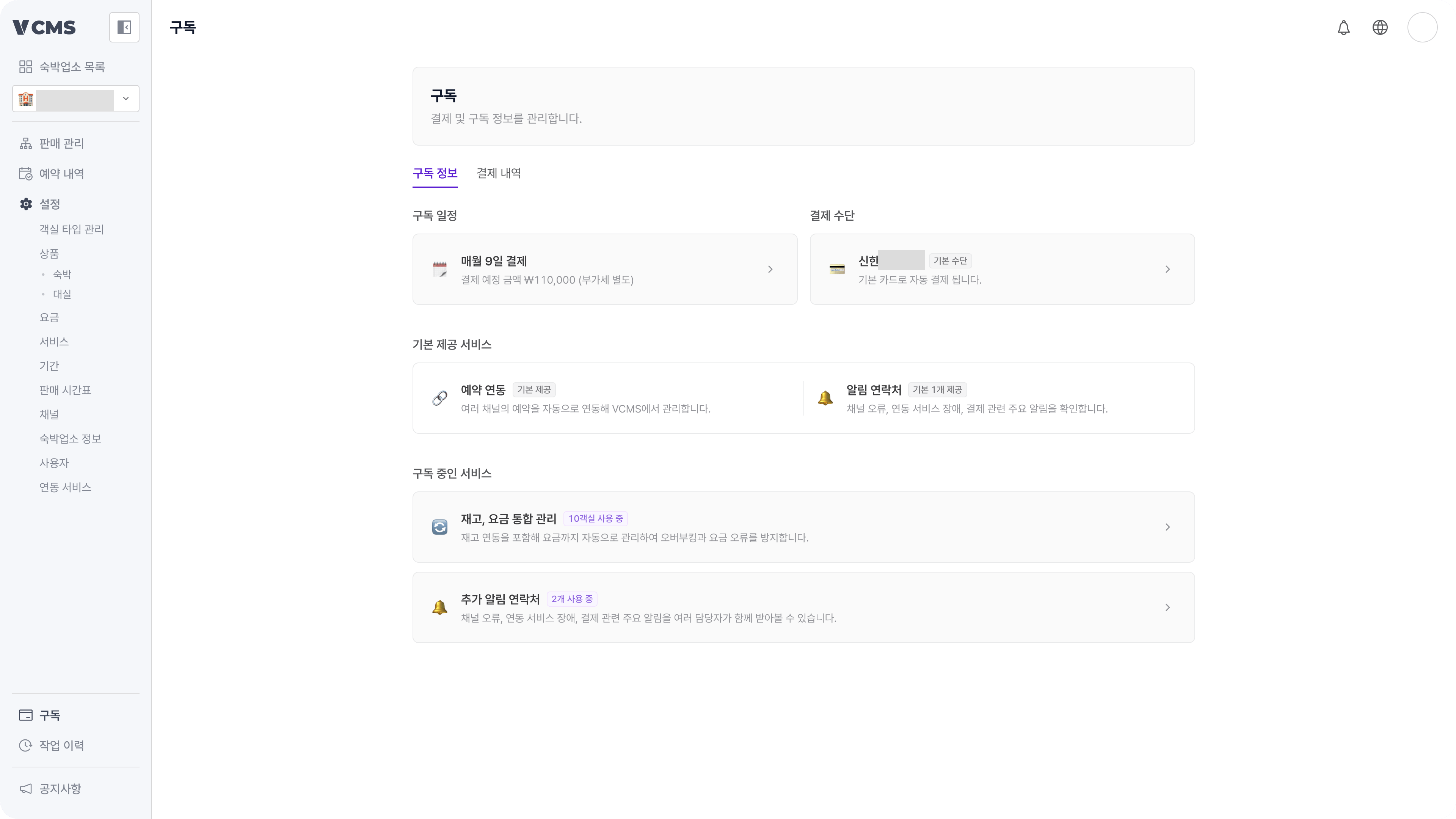
- Subscription info pages are split by plan, so you see what applies to yours.
- Payment history can be sorted by Paid at.
Change subscription, Change payment method, Change payment date, and adding subscriptions are coming.