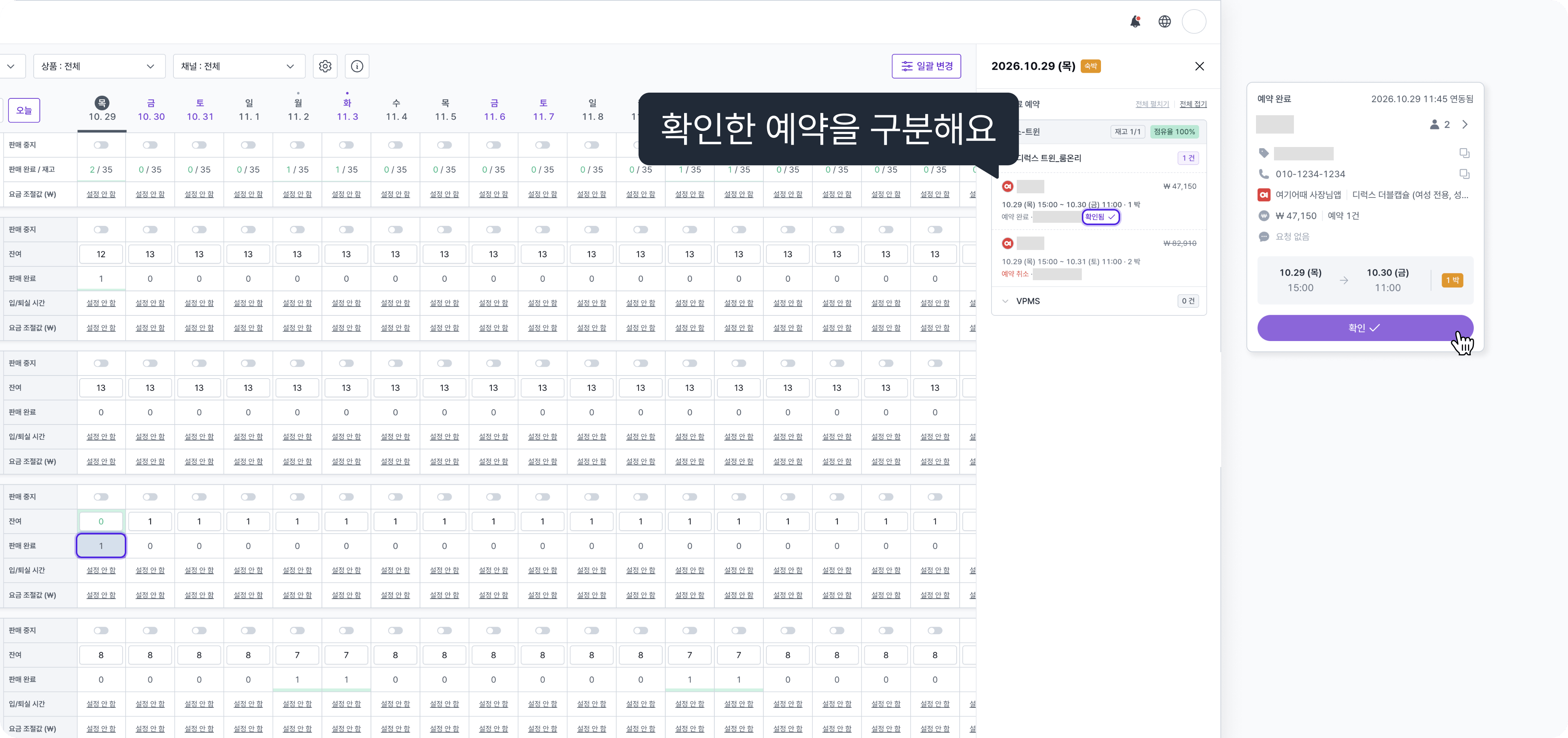
Highlights
”See the current status of multiple properties at a glance in the list."
"Tell confirmed bookings apart right away in Distribution.”
Improvements
See the current status of multiple properties at a glance in the list
For properties that run multiple AccommodationsEven with many properties, you can check their current status right in Accommodations, without opening each one.
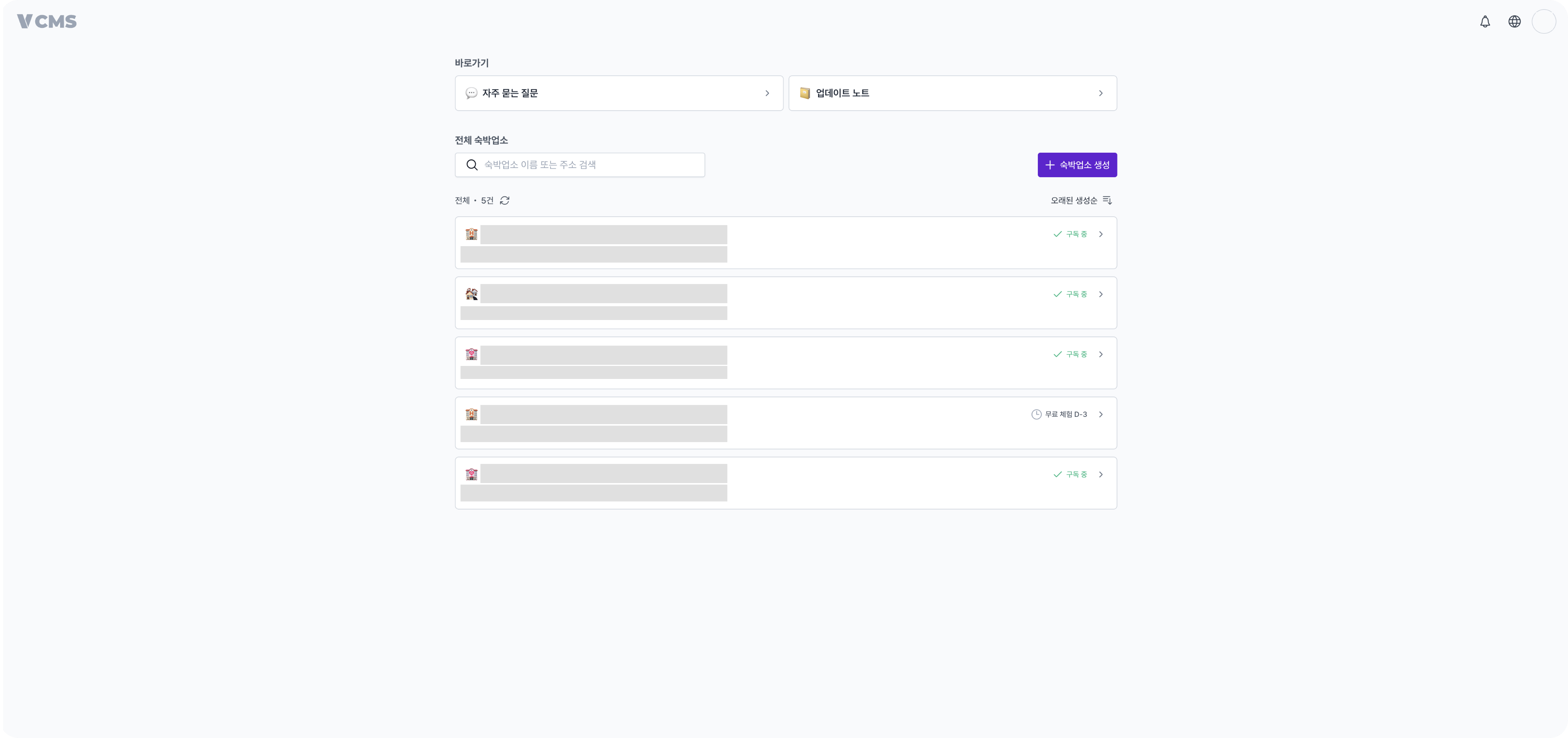
- See the Accommodation type, address, Created date, Subscription status, and whether a Payment method is registered right away.
- Sort the list by the criteria you want. By default, the list starts with the first Accommodation you created.
- Invitations you have not accepted yet stay pinned to the top of the list, so you won’t miss them.
- If you have only one Active Accommodation, you go straight to Distribution after Sign in. If you have invitations you have not accepted, the list screen opens first.
Tell confirmed bookings apart right away in the Sold list
For properties that manage bookings by marking them as confirmed