Highlights
”Search Bookings by Sync date and Payment date.”
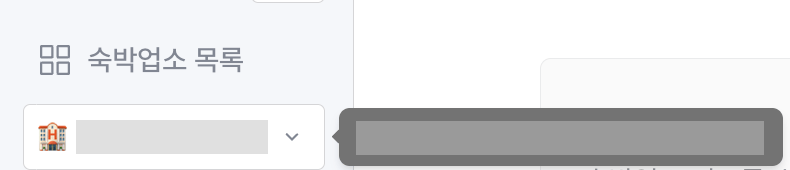
“Long property names are readable in full.”
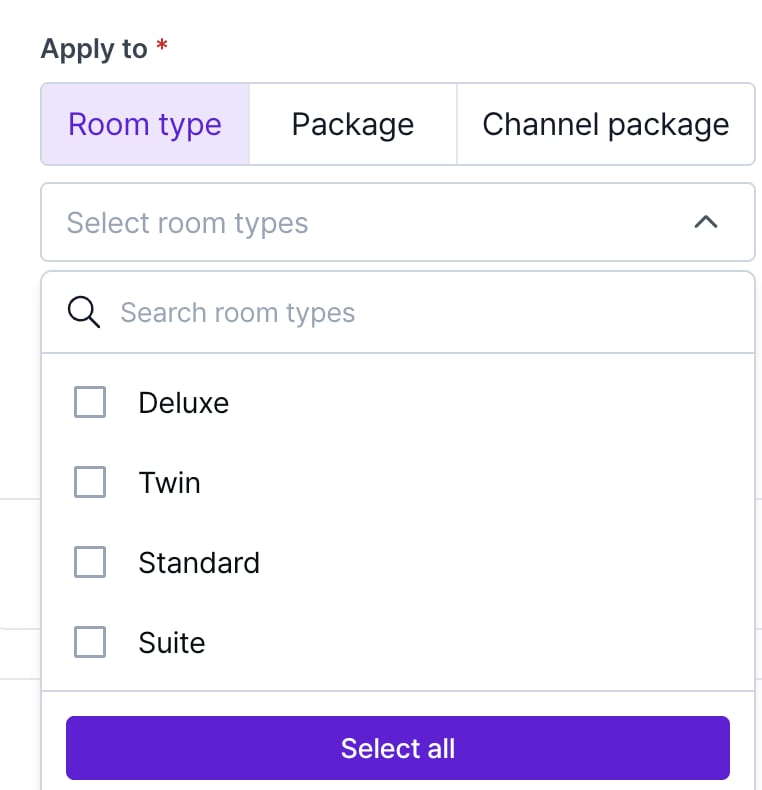
“Bulk update in Distribution selects room types, packages, and channel packages in one go.”
Improvements
Search Bookings by Sync date and Payment date
For properties managing booking data date by date
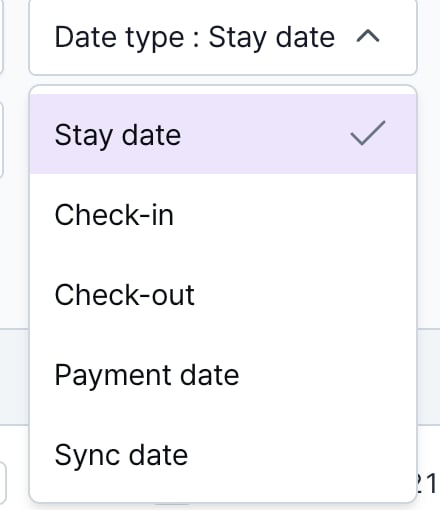
- Paid at means the date and time the synced booking actually sold on the channel.
Bulk update selects room types, packages, and channel packages at once
For properties changing many room types and packages together
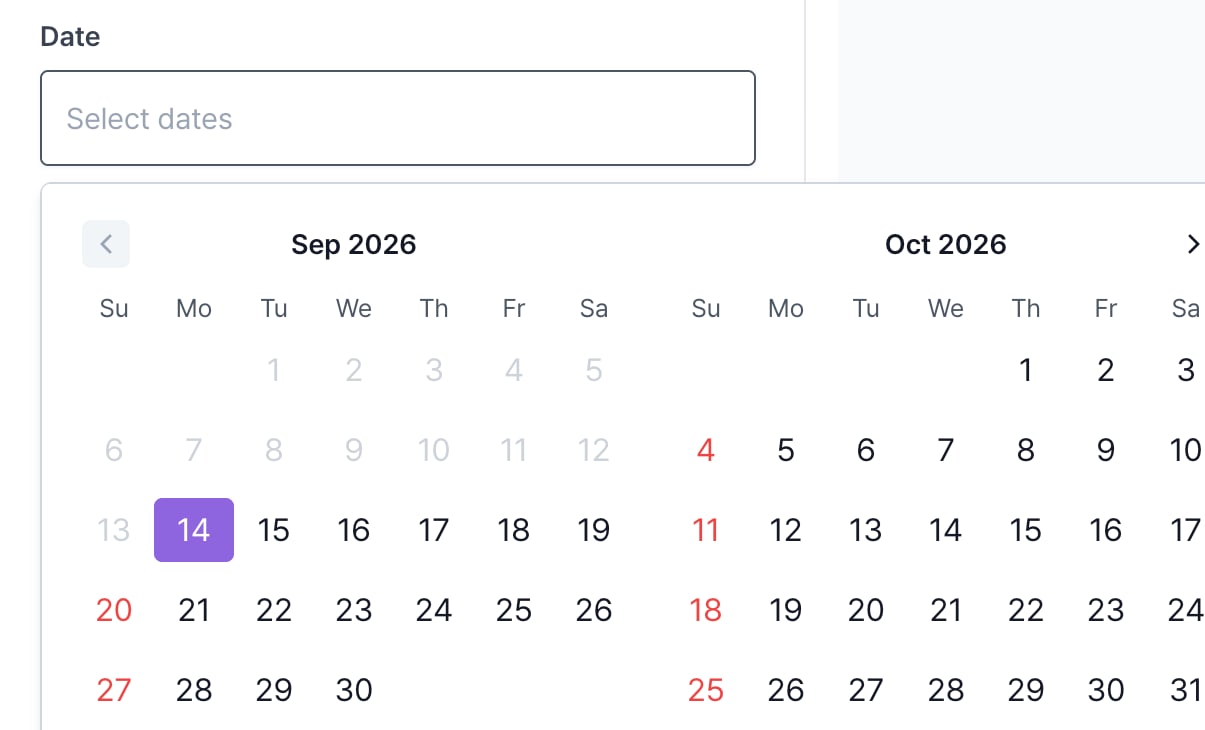
- Set Date to a month other than the current one and that month now shows immediately. It used to open on the current month, which made range selection awkward.
Long property names are readable in full