Highlights
”The Support button is easier to spot, and picking dates on mobile is easier.”
Improvements
The Support button stands out more
The Support button is now more visible, so you can find it right away when you need help. Its size is adjusted to fit web and mobile screens.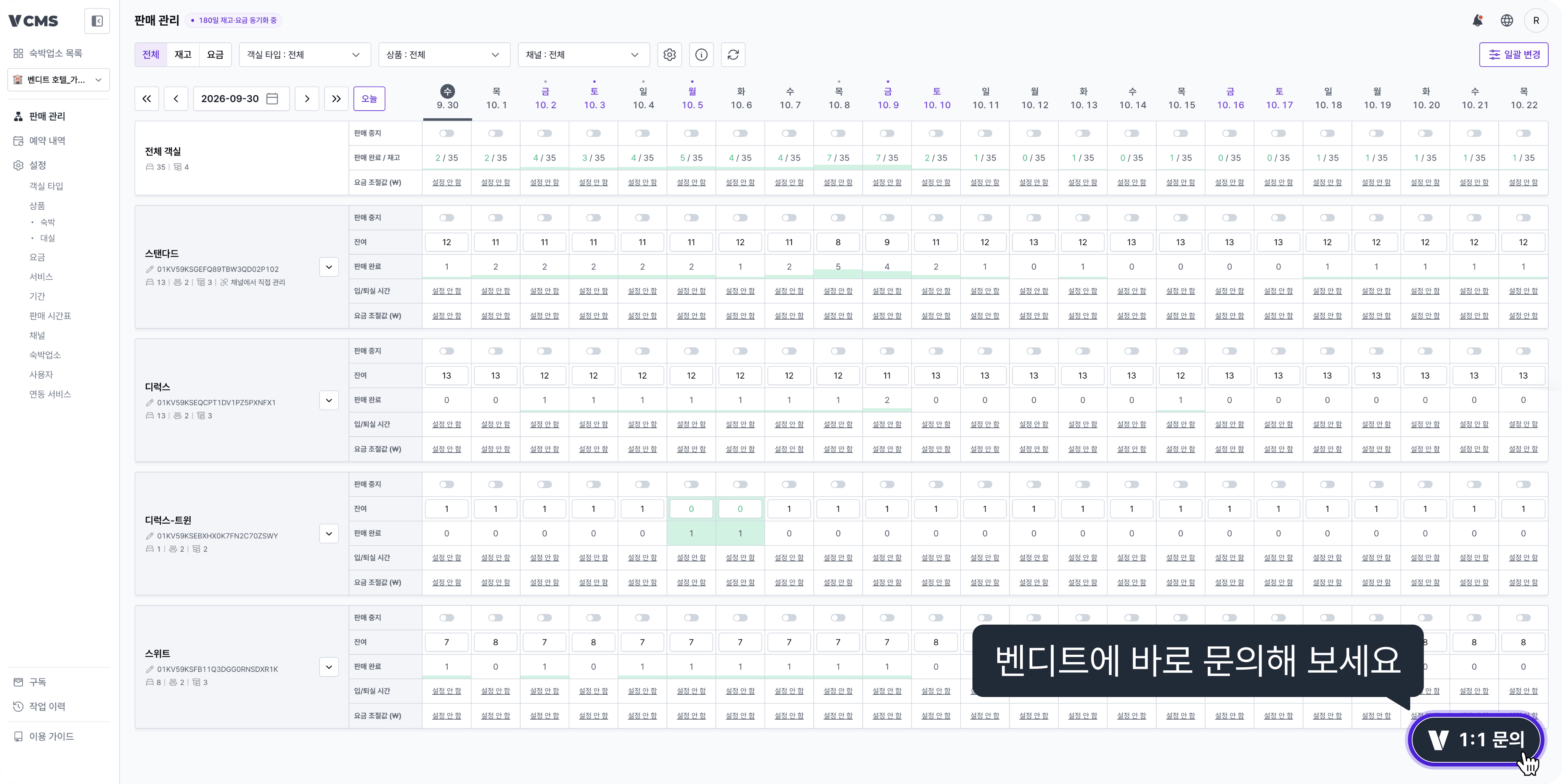
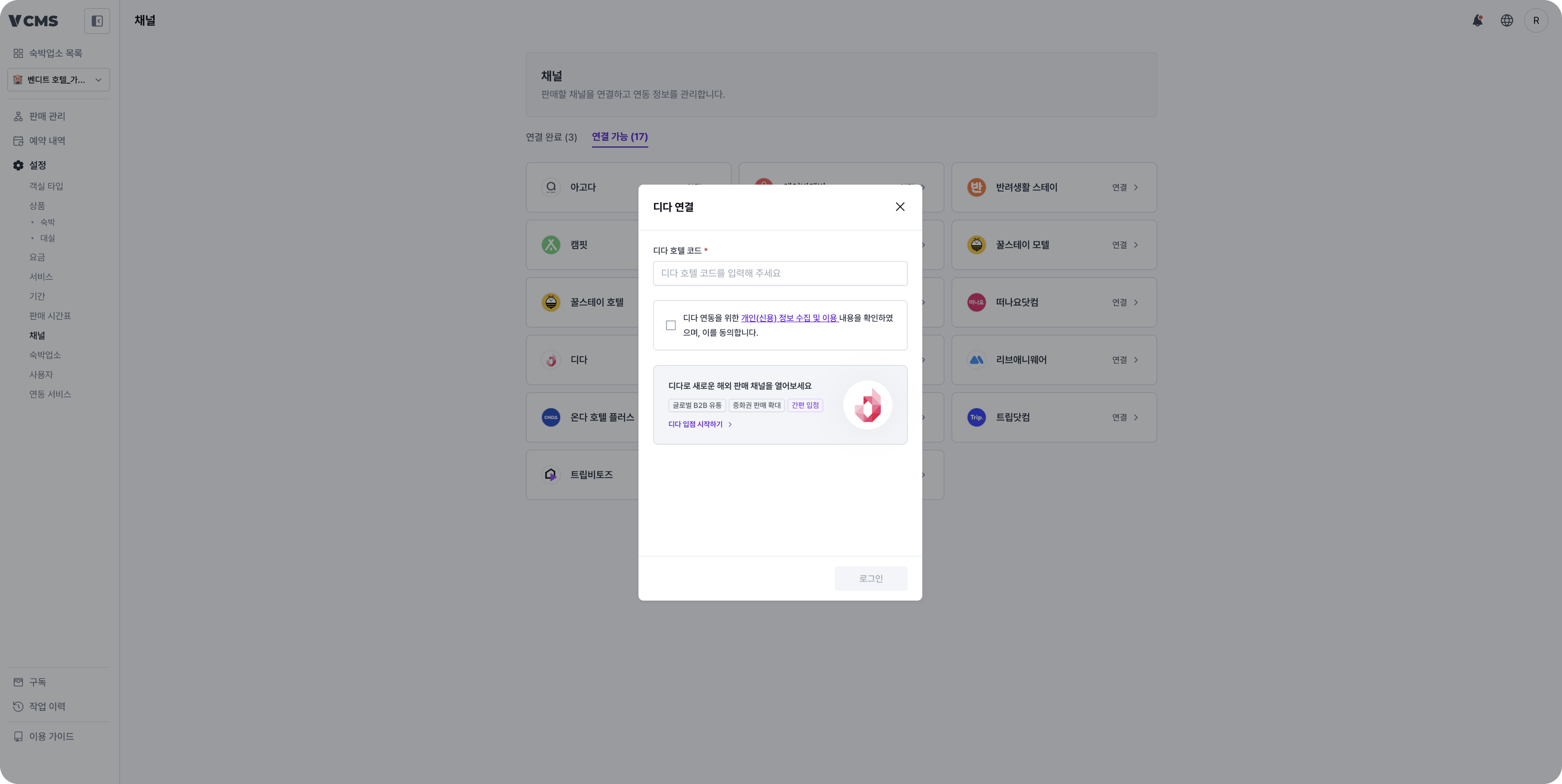
See listing info for new partners when you connect the Dida channel
For properties not on Dida yetWhen you connect the Dida channel in Settings > Channels, a banner for new listings appears.
Tap the banner to open the onboarding guide page and check the listing steps.
Pick dates more easily on mobile
For properties that check Distribution on mobile
- On mobile, you can pick any date from yesterday to 180 days ahead.
- Tap a date you already picked and it moves to the center of the screen. Scrolling is smoother too.
Spot unread notifications more easily
When you have unread notifications, the dot on the notification icon at the top right shows in a brighter red.