

Highlights
”See a room type’s average package rate right on the Distribution screen."
"Pull up bookings by several statuses at once.”
Improved
The average package rate on the Distribution screen
For properties like pensions, where a room type has a single package under it
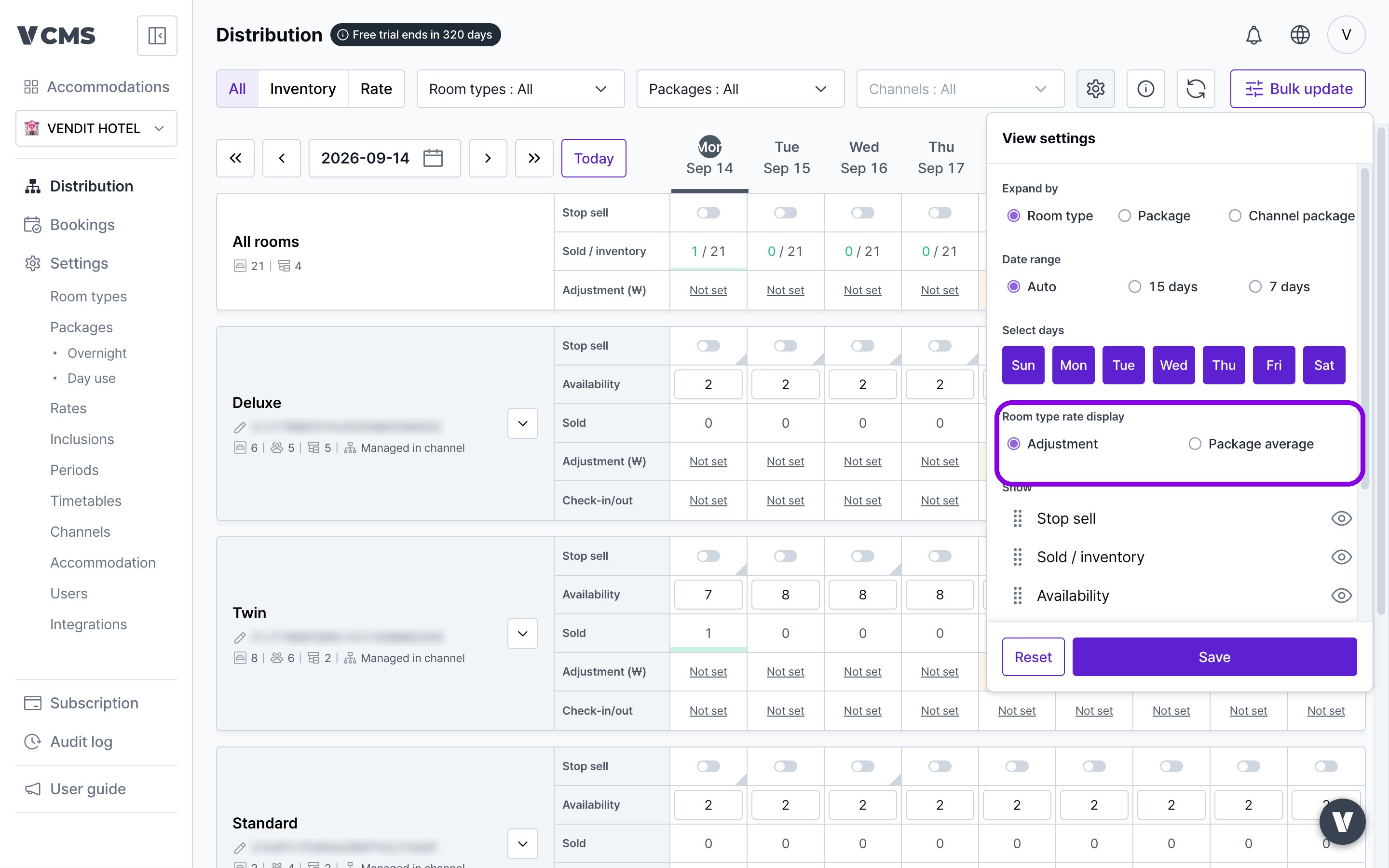
- [View settings] - [Room type rate display] offers two modes: weighting and average package rate.
- Average package rate shows the average across the packages under the room type.
- Weighting shows the rate adjustment set on the room type.
The average is taken across the packages under a room type. Even with different rates per package, you get the room-type-level average at a glance, and where there is one package the average is the actual sell rate.
Select several booking statuses at once
For properties wanting completed bookings and bookings assigned in the integration (VCLOUD) in one view
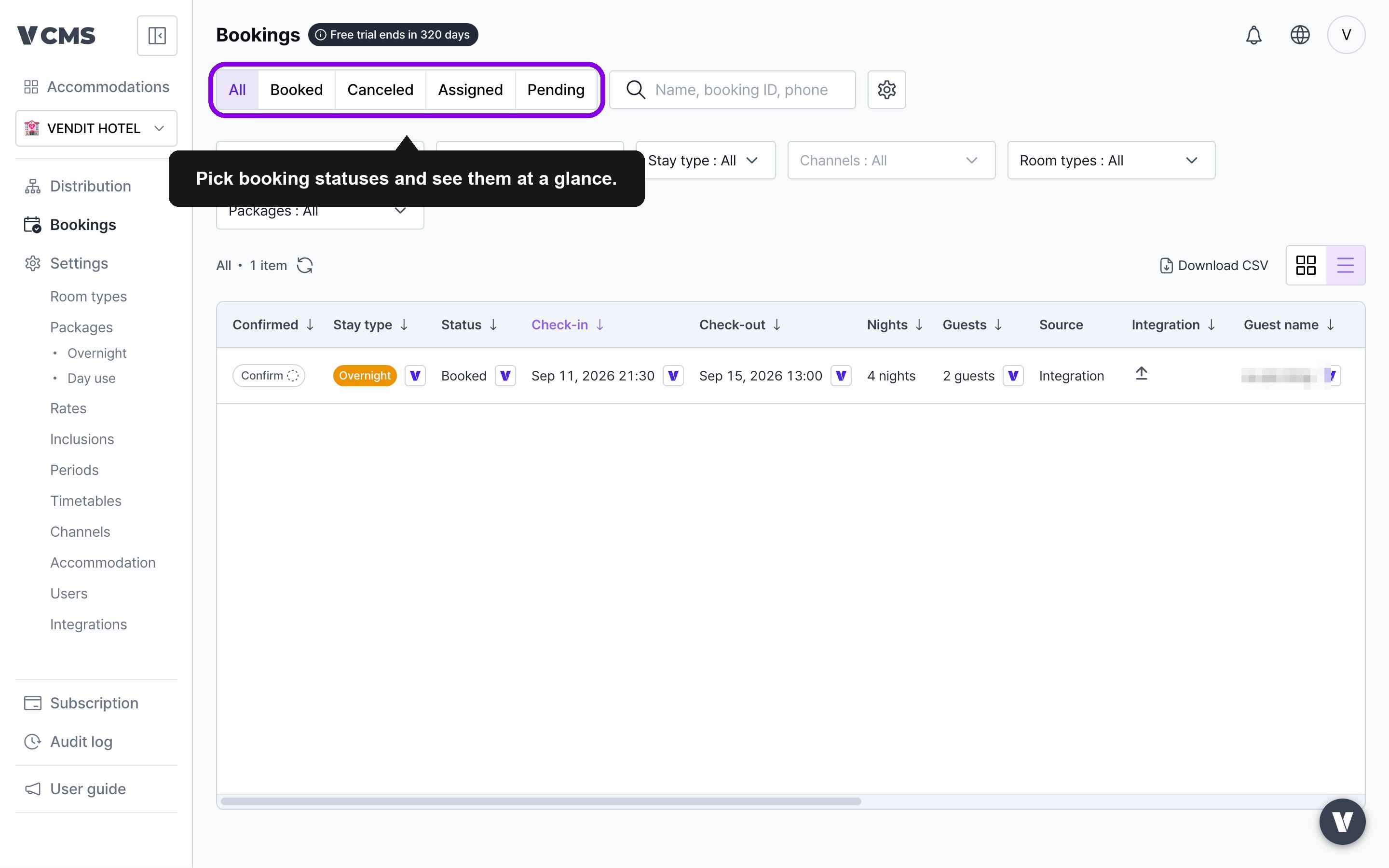
- Pick any two or more statuses and see them together.
- Select “Completed” and “Assigned” together and the bookings assigned in VCLOUD come along too.