Syncing
Sell status, inventory, rates, and check-in/out times on every channel are kept identical to what Distribution says. Sync can start once at least one channel package is connected to VCMS.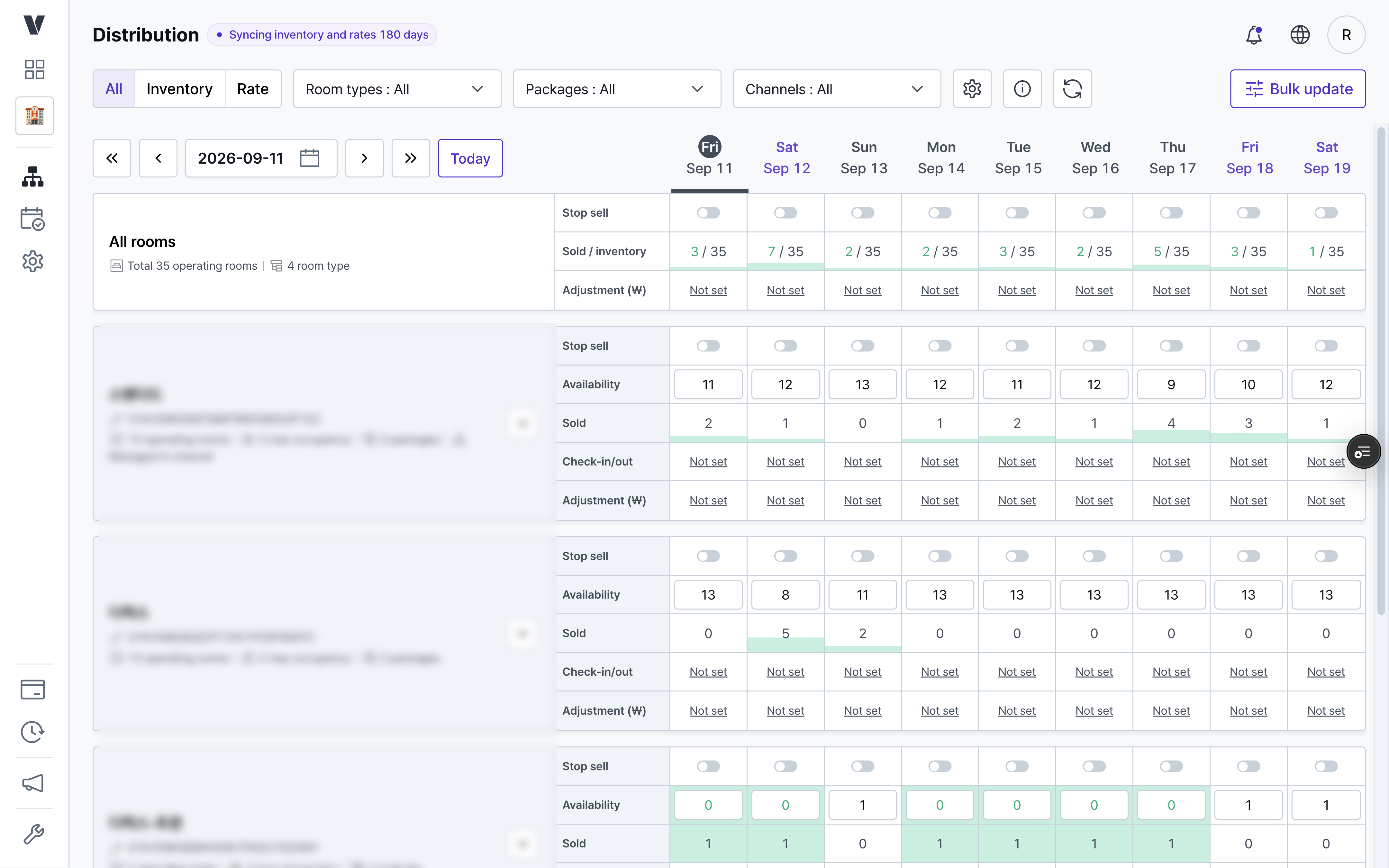
Sync stopped / Booking sync only
Stop sync and only bookings made after the last sync come through. Inventory, rates, and sell status stop syncing on every channel.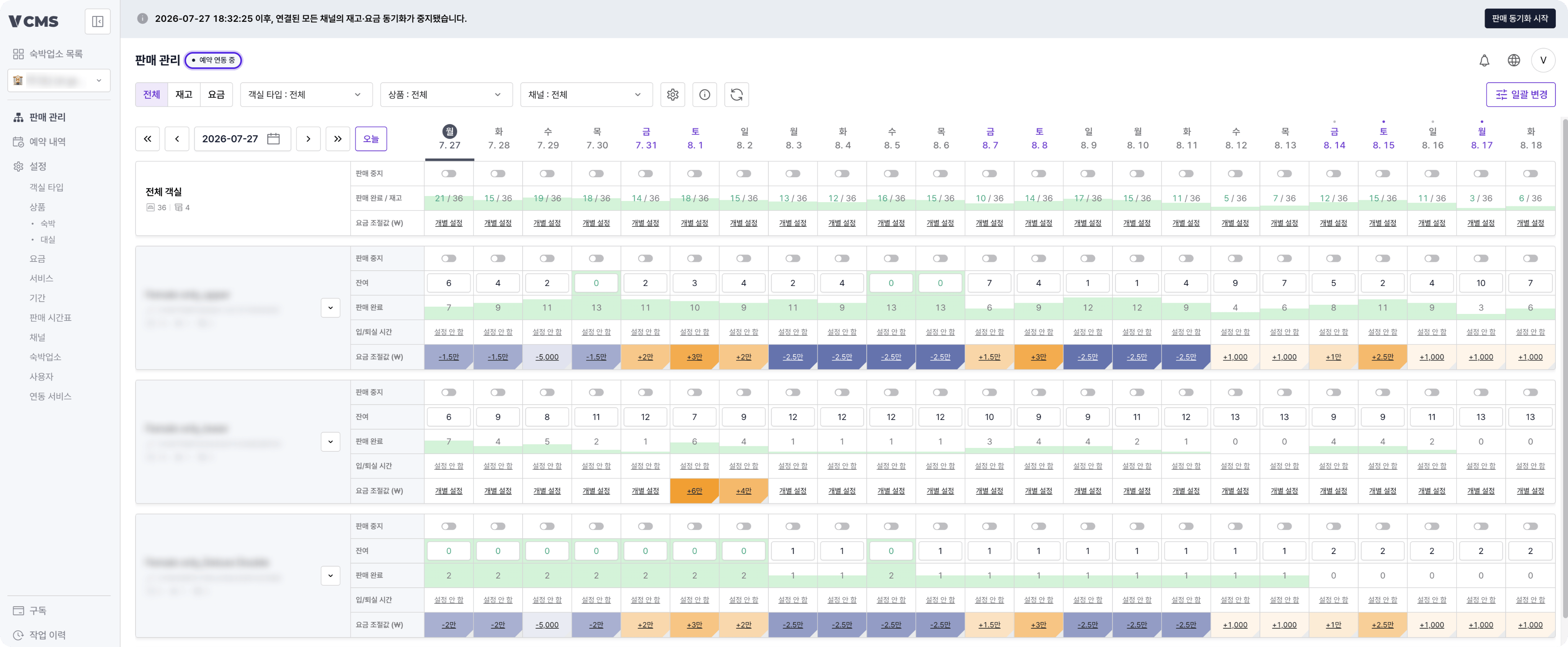
Partial sync
When you need it, you can sync just the inventory or just the rates of a specific channel package. 👉 Detailed guide to partial channel package syncSyncing unconfigured packages
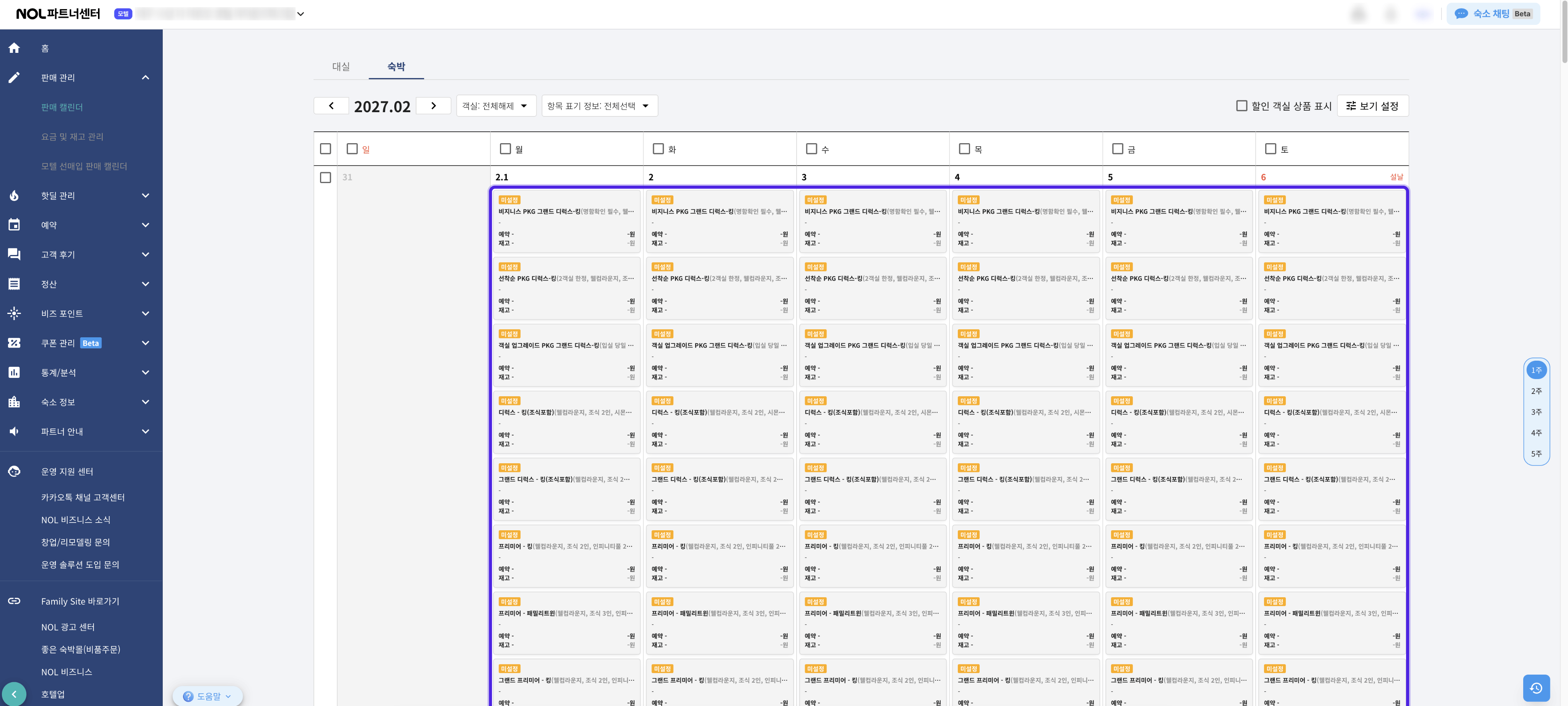
If your property uses inventory management without rate management, VCMS does not open the channel’s unconfigured packages for you. You decide on the channel itself when those packages go on sale and what they cost.What is an unconfigured package?A package that has not been registered for sale on the channel yet. It is not sold on the guest-facing site. It shows up like this on the channel’s own sales screen, for example the NOL Partner Center.