

Rate list
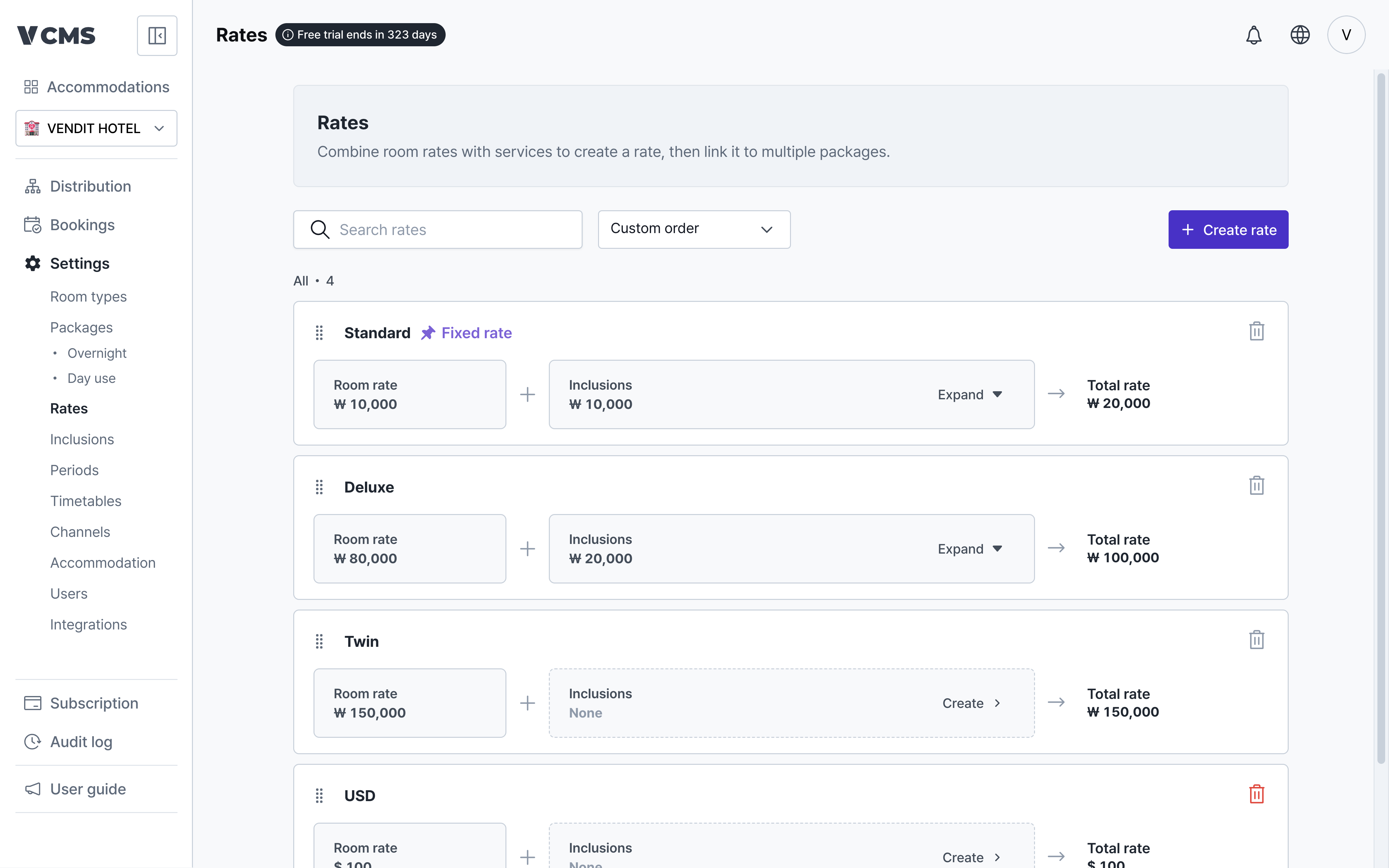
Manage the rates your packages connect to.
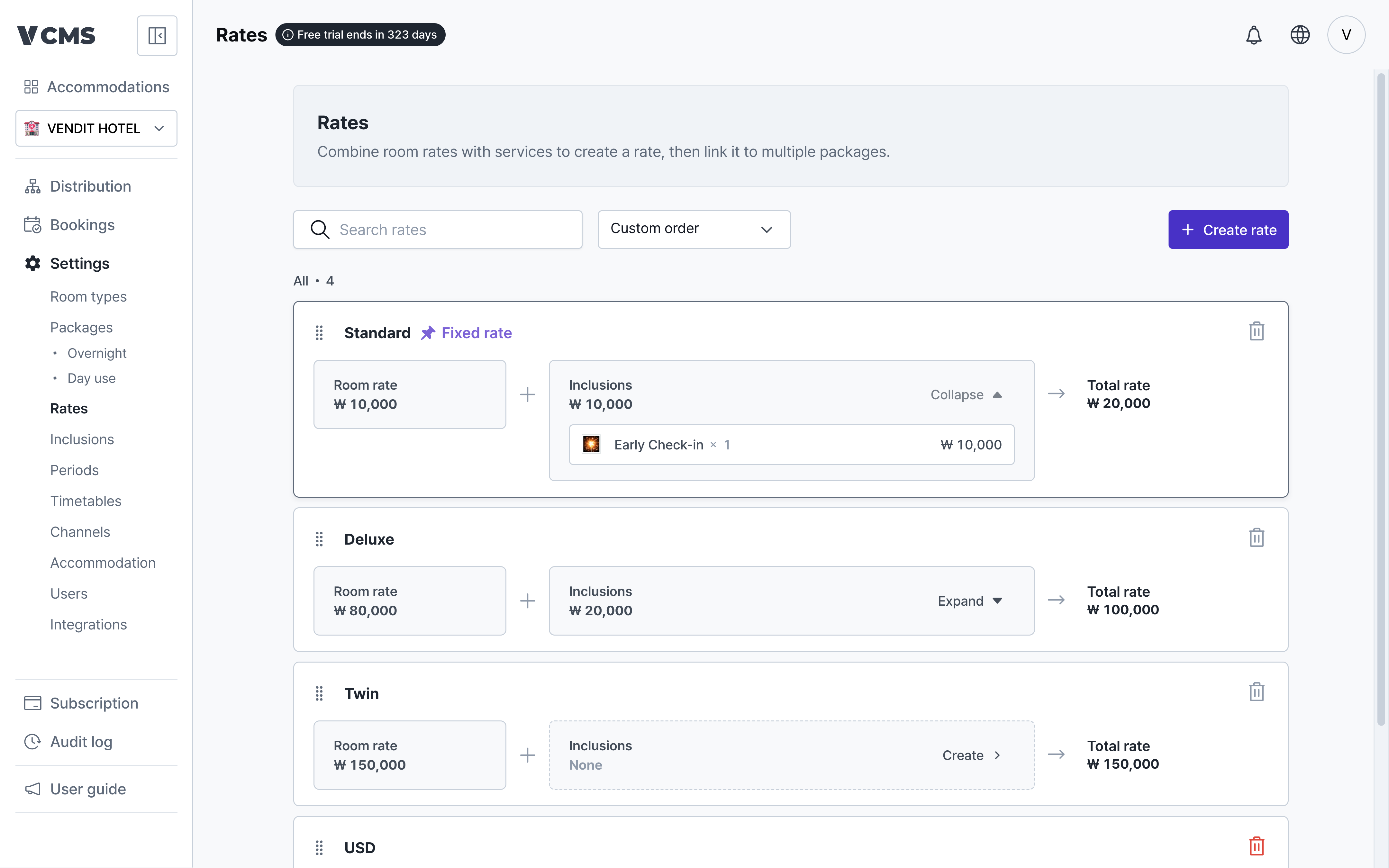
- See what a rate is made of: the room rate and the inclusions.
Collapse ▲andExpand ▼show or hide a rate’s inclusions.
Creating a rate
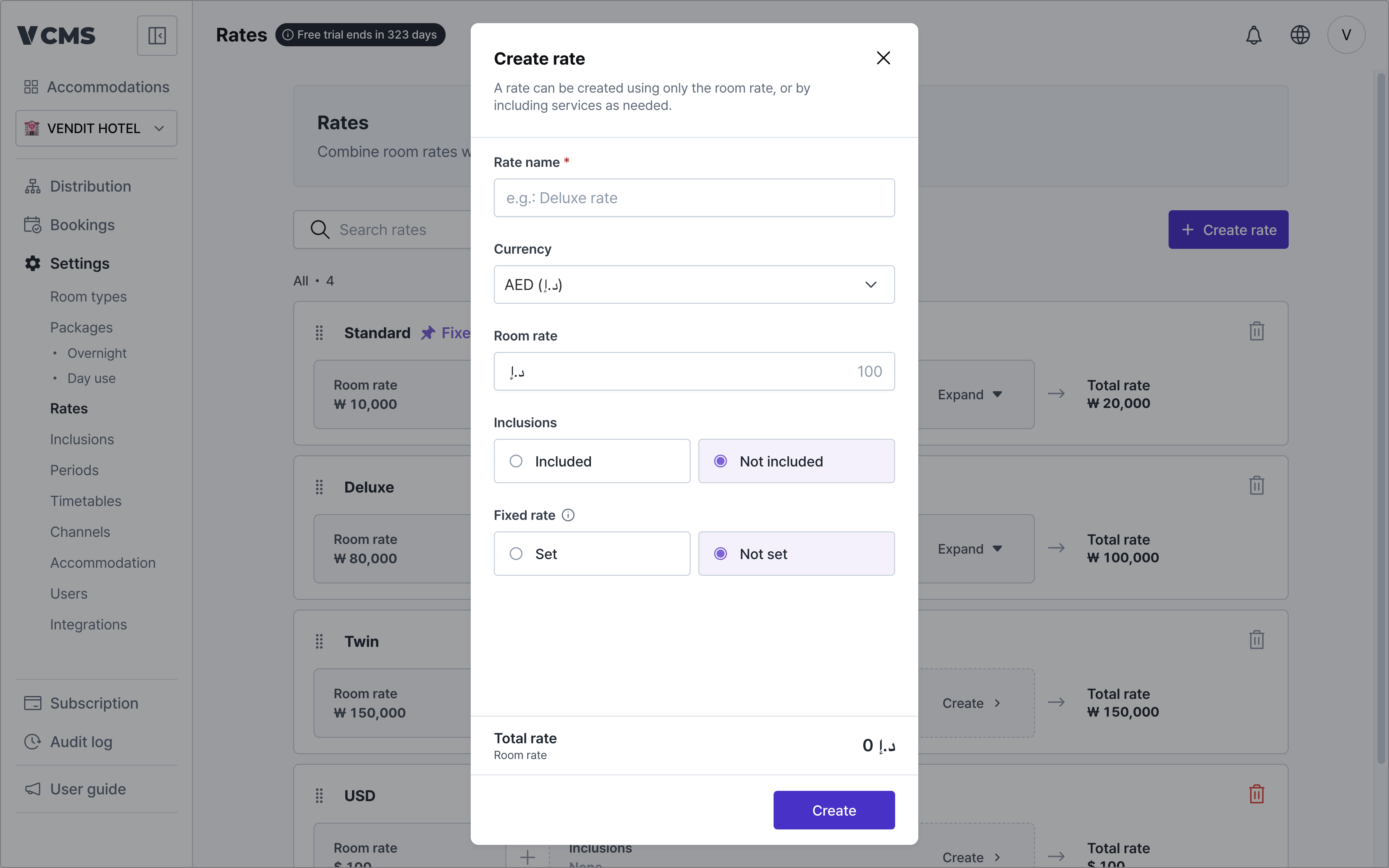
Create the rate you price against.
- Rate name (required)
- Currency
- The currency this rate is in.
- Room rate (required)
- The room rate for this rate.
- Inclusions on or off
- The inclusions that make up the rest of the rate.
- With inclusions off, the rate is the room rate alone.
- Fixed rate
- The rate holds, untouched by markups and discounts.
Inclusions
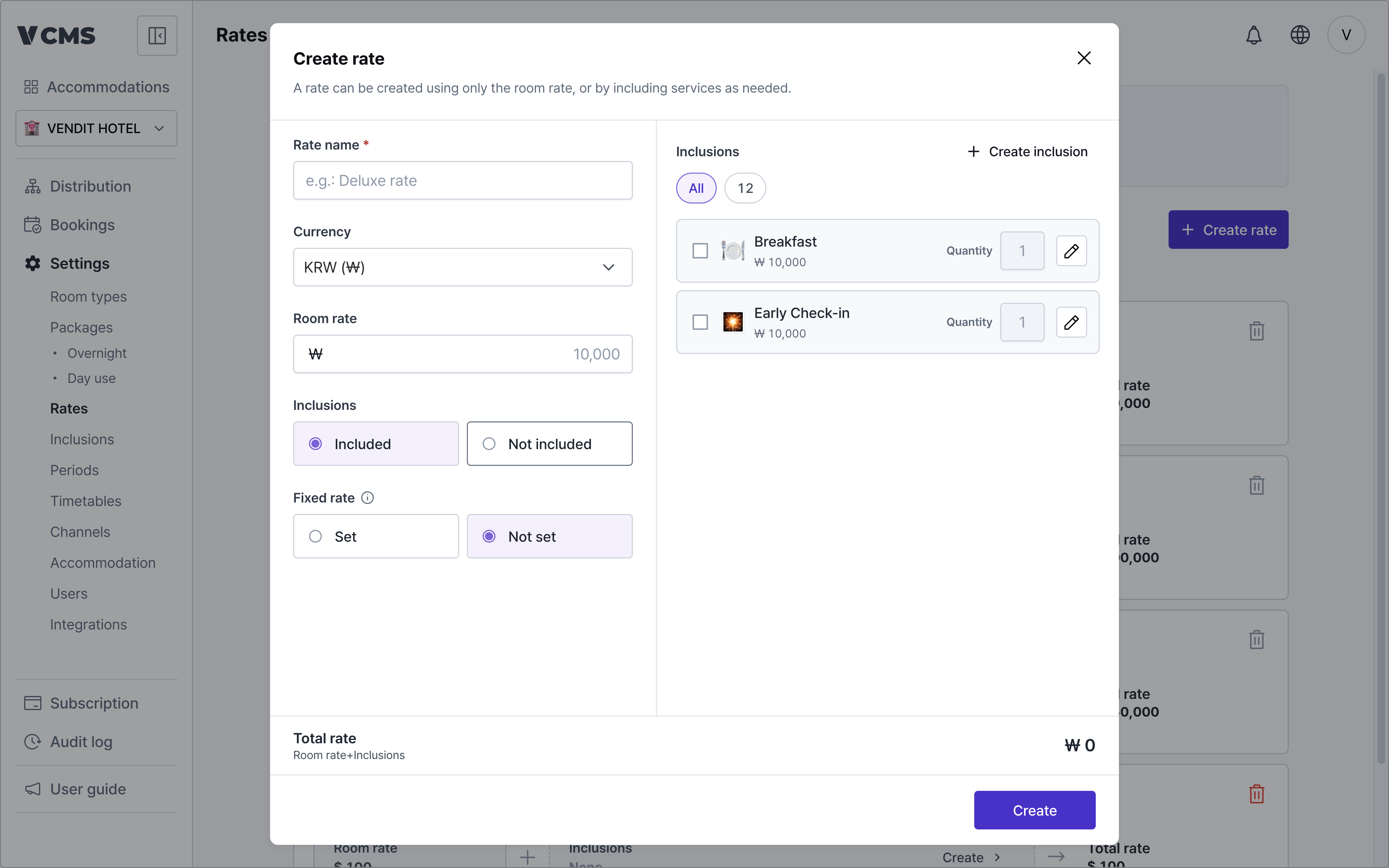
Add whatever you include on top of the room price.
- Set inclusions to
onand the inclusion picker opens on the right. - Create an inclusion, or pick an existing one and set its quantity.
- Pick an inclusion and its amount is added to the room rate to give the final amount.
Deleting a rate
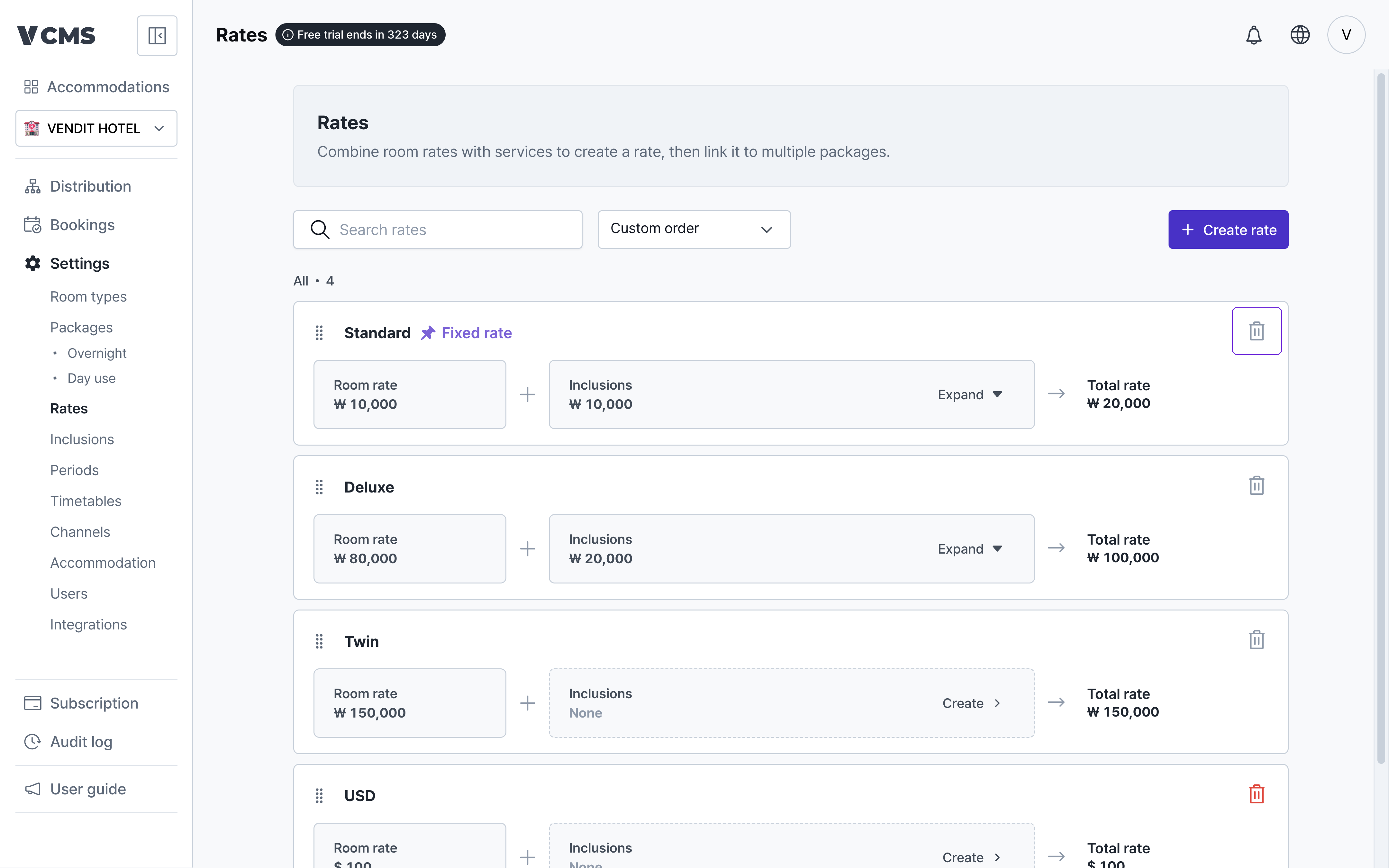
A rate connected to a package cannot be deleted.
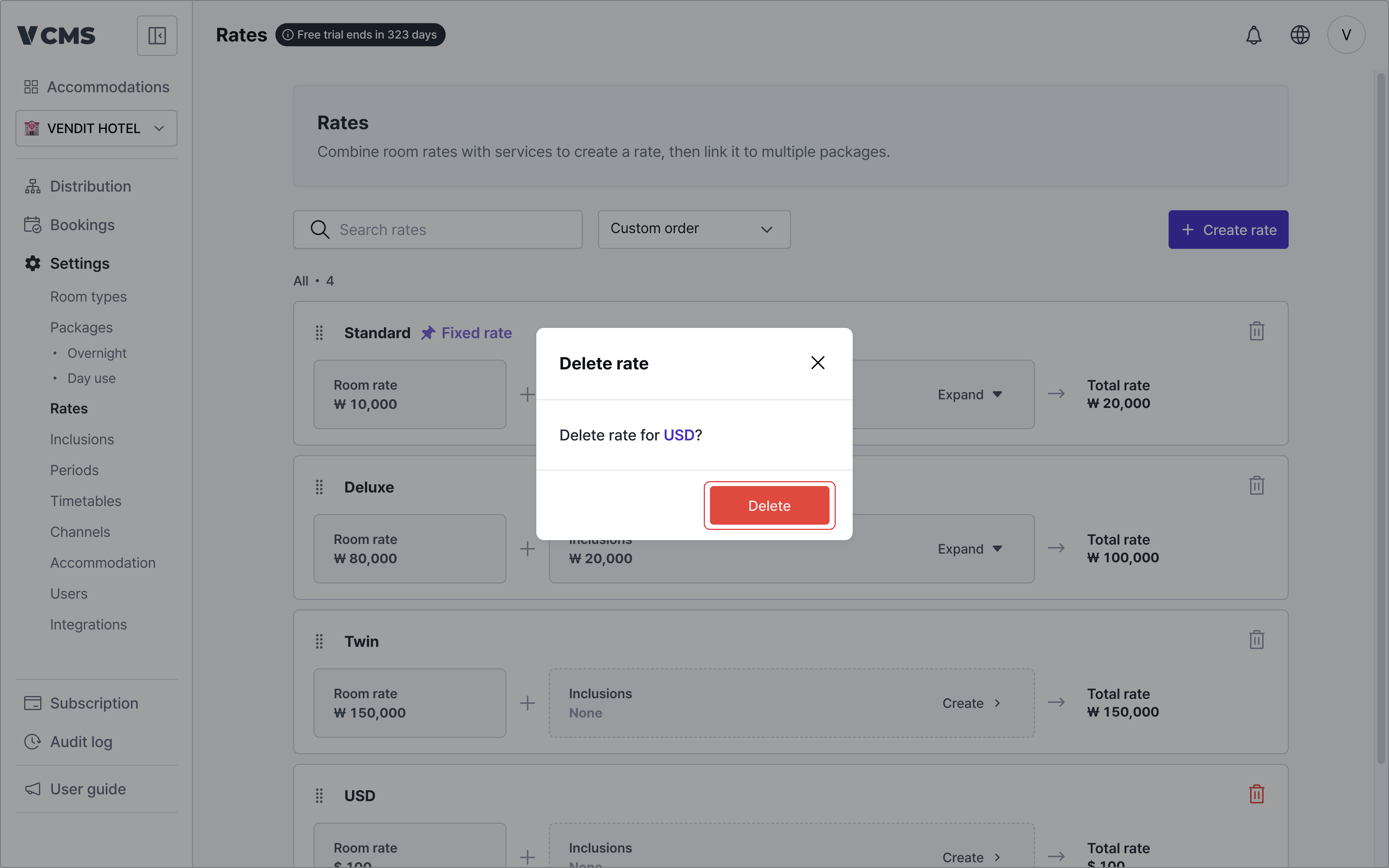
A rate with no package attached can be deleted.