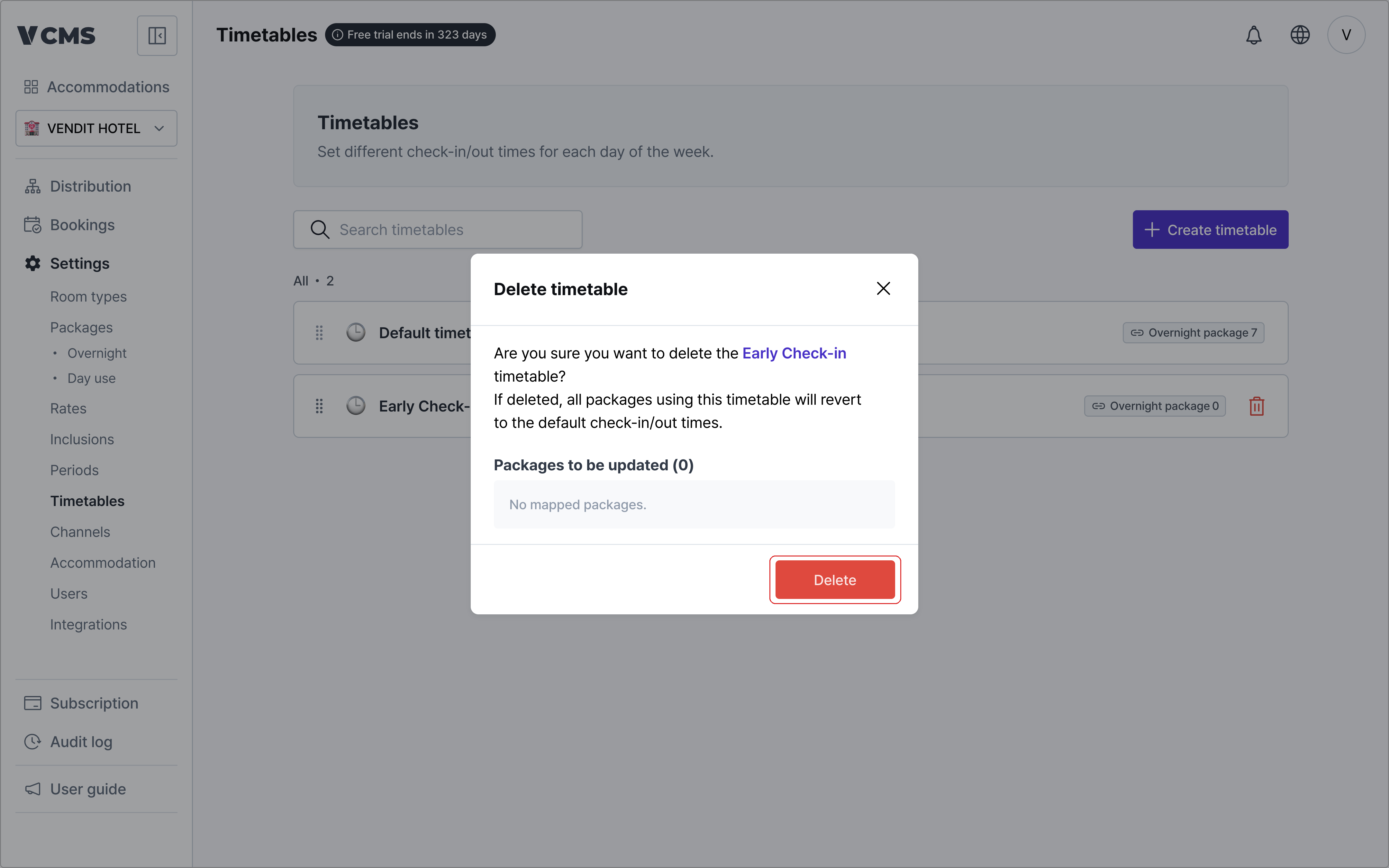
Timetable list
Different packages can run on different check-in and check-out times.
- Reorder timetables freely.
- The default timetable is changed on the accommodation information page.
- Day use timetables are not supported yet.
The times you enter reach only the channels that support check-in and check-out times.
- Yeogiottae owner app (motels)
- Yanolja (motels, hotels, guest houses)
- Coolstay (motels, hotels, pensions)
Creating a timetable
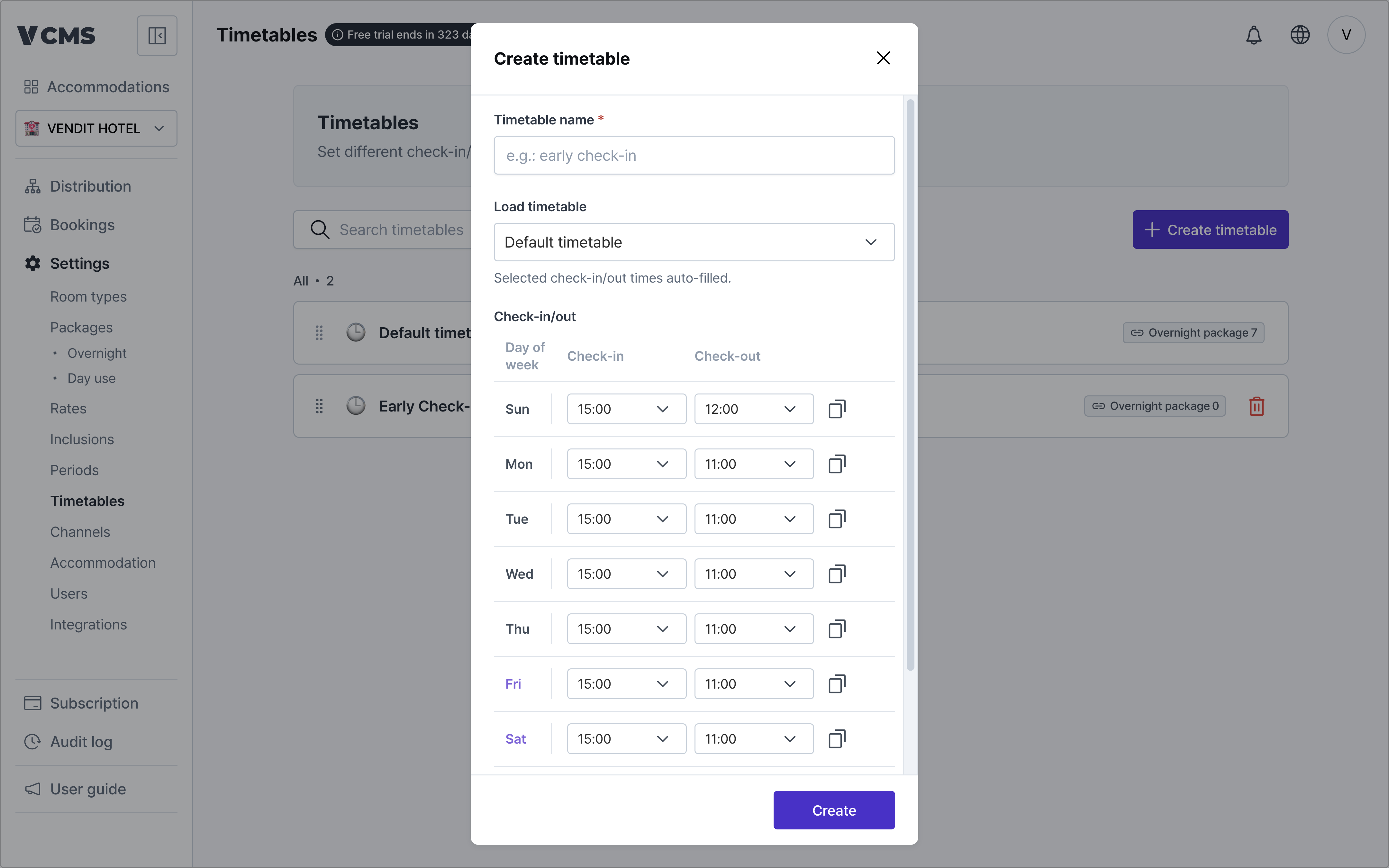
Add timetables beyond the default one.
- Timetable name (required)
- Import an existing timetable
- Pull in the accommodation’s default timetable, or one you built earlier.
- Check-in and check-out times
- Set them separately for each day, Sunday through Saturday.
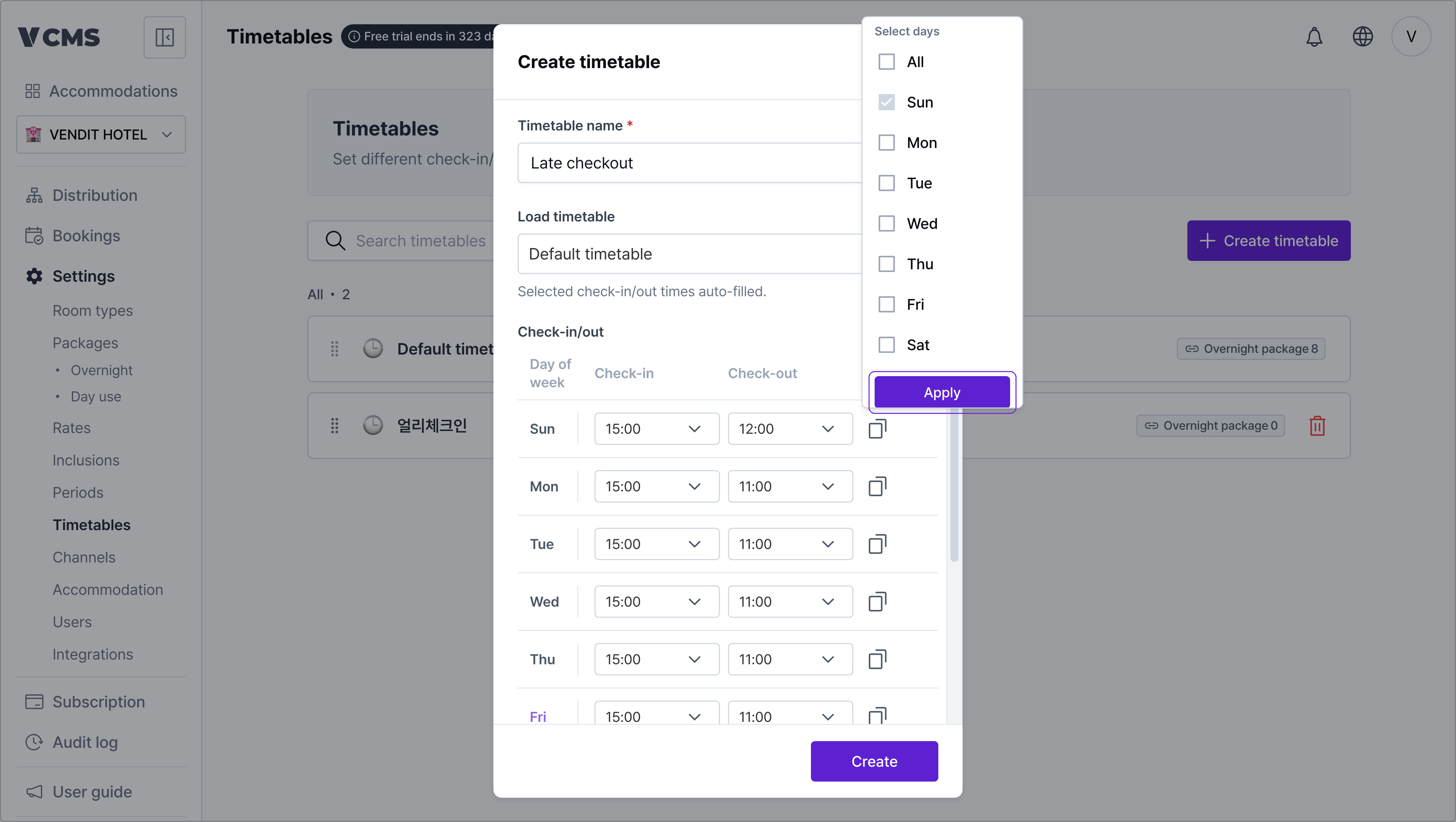
- Apply to selected days
- Copy one time and apply it to the days you select.
Connecting a timetable to packages
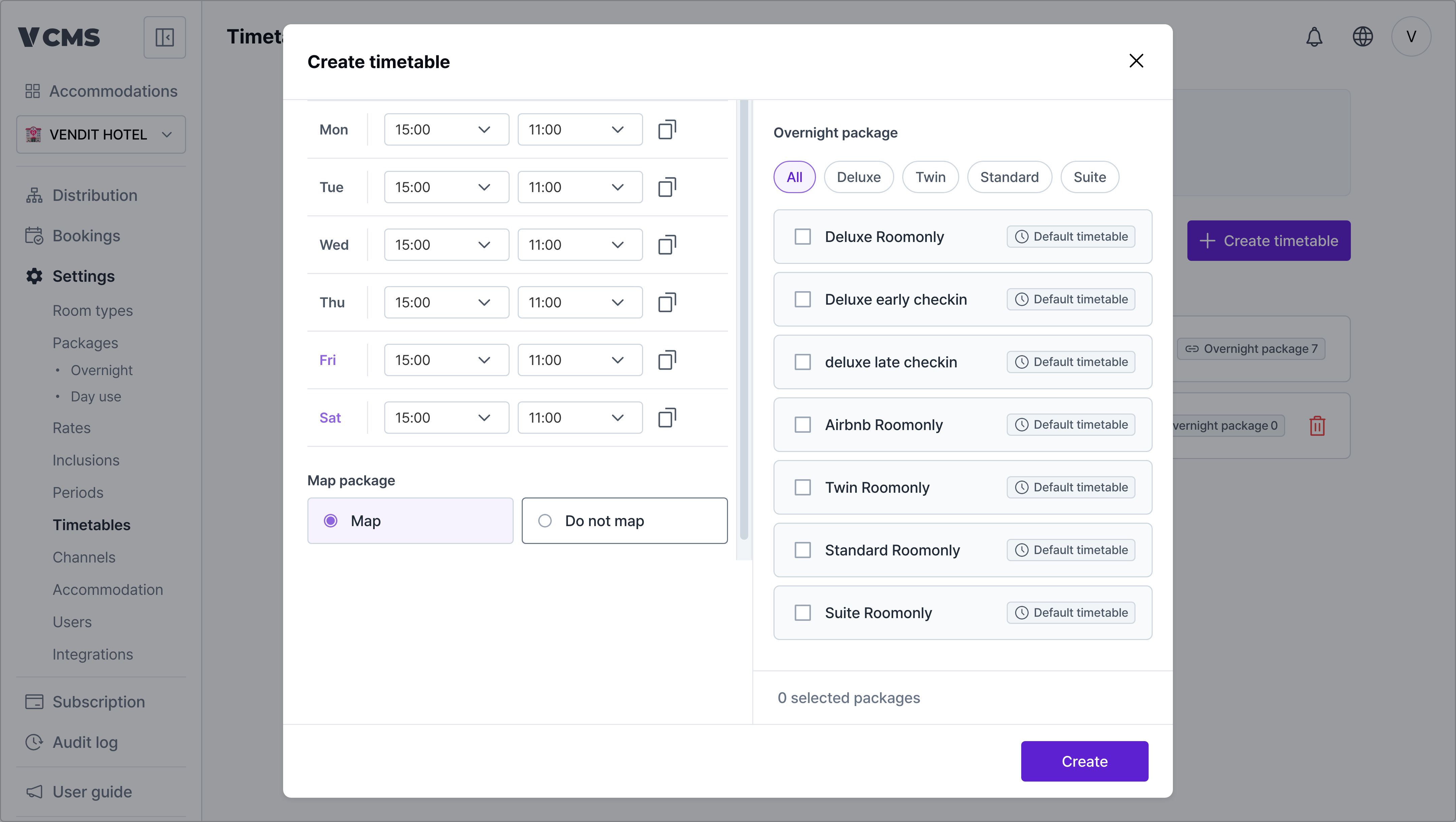
A timetable supplies the default check-in and check-out times for the packages connected to it.
- Turn
Connect packageson to link the timetable you created to packages.
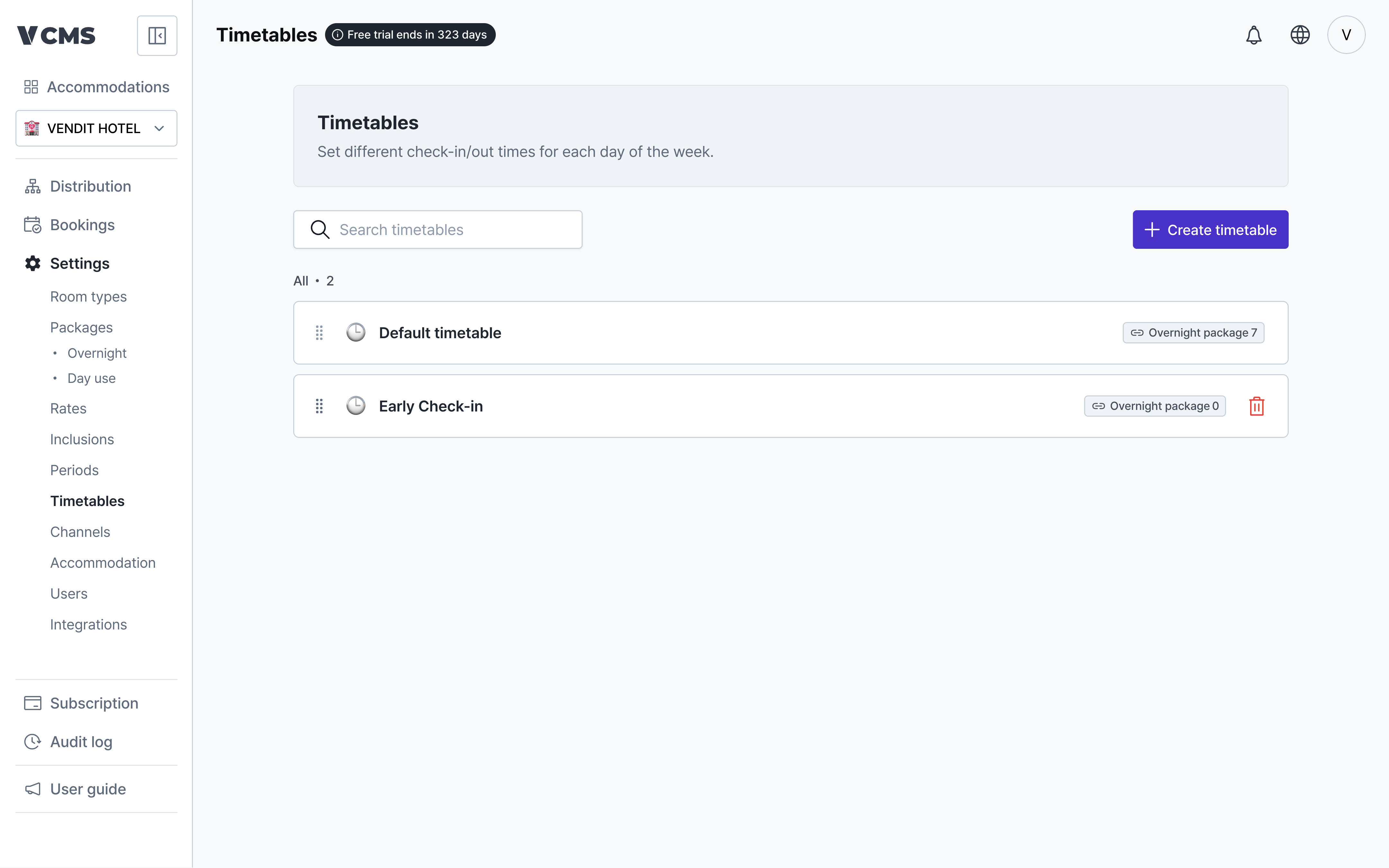
Deleting a timetable
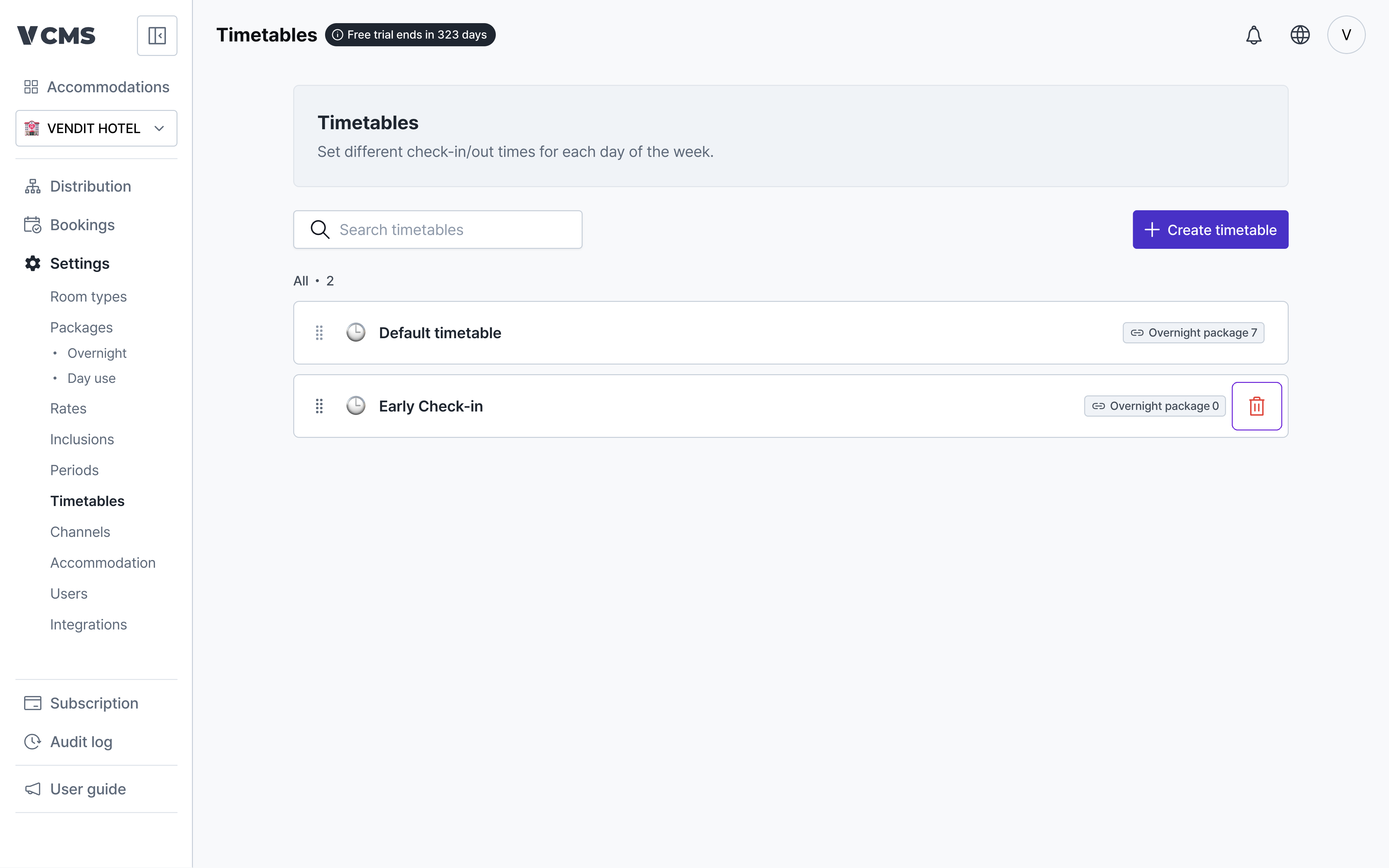
Delete a timetable and every package using it falls back to the default timetable.