

Inclusion list
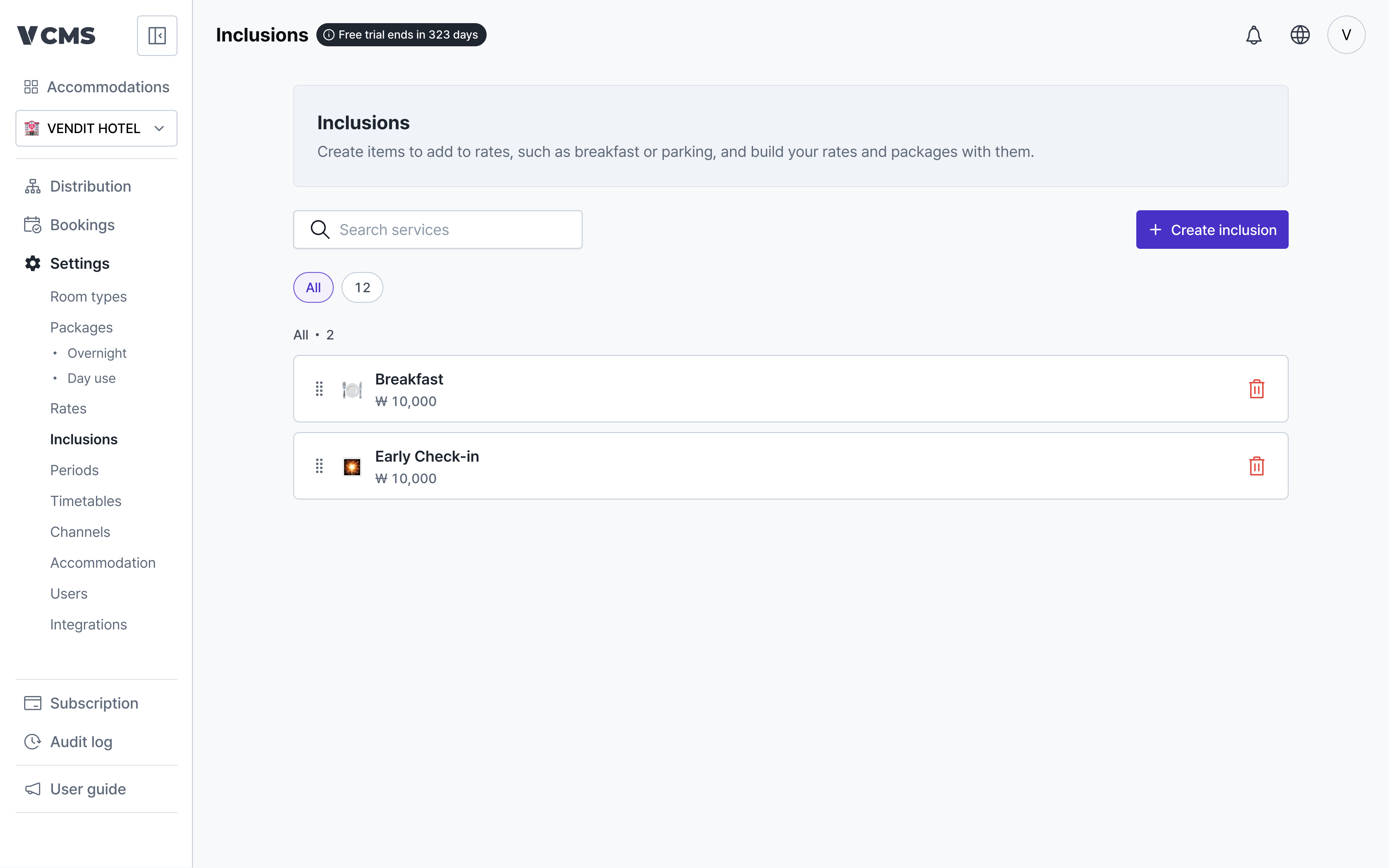
Manage the inclusions that go into a rate.
- Group inclusions with tags.
- Reorder them.
Creating an inclusion
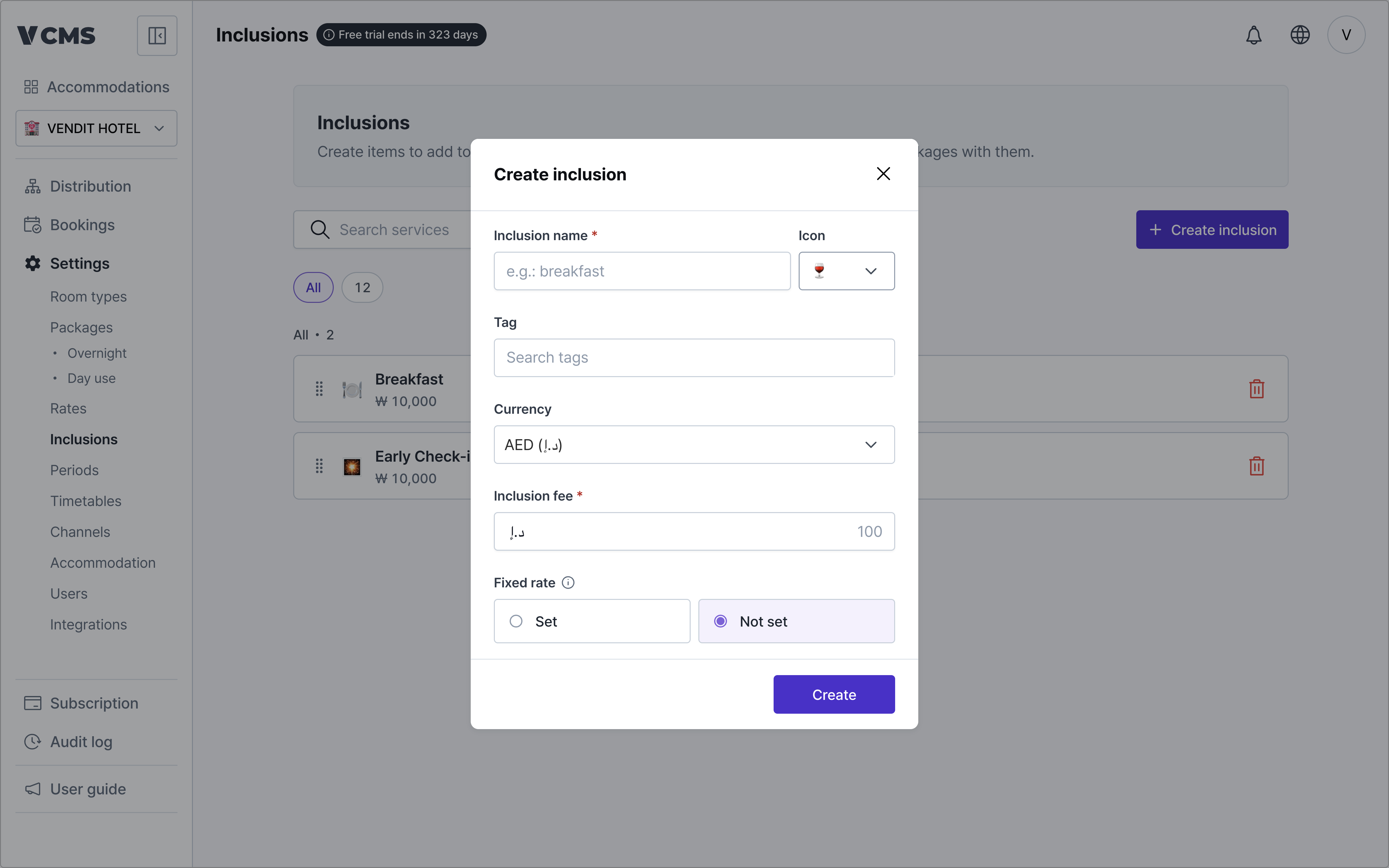
What goes into an inclusion:
- Inclusion name (required)
- Icon
- An icon to tell inclusions apart.
- Tag
- Tags group inclusions together.
- Currency
- The currency of the inclusion’s price.
- Inclusion price (required)
- The amount for a quantity of one.
- Fixed rate
- For an inclusion bought at a set cost, turn fixed rate on and it sells at that price.
- The rate holds, untouched by markups and discounts.
Deleting an inclusion
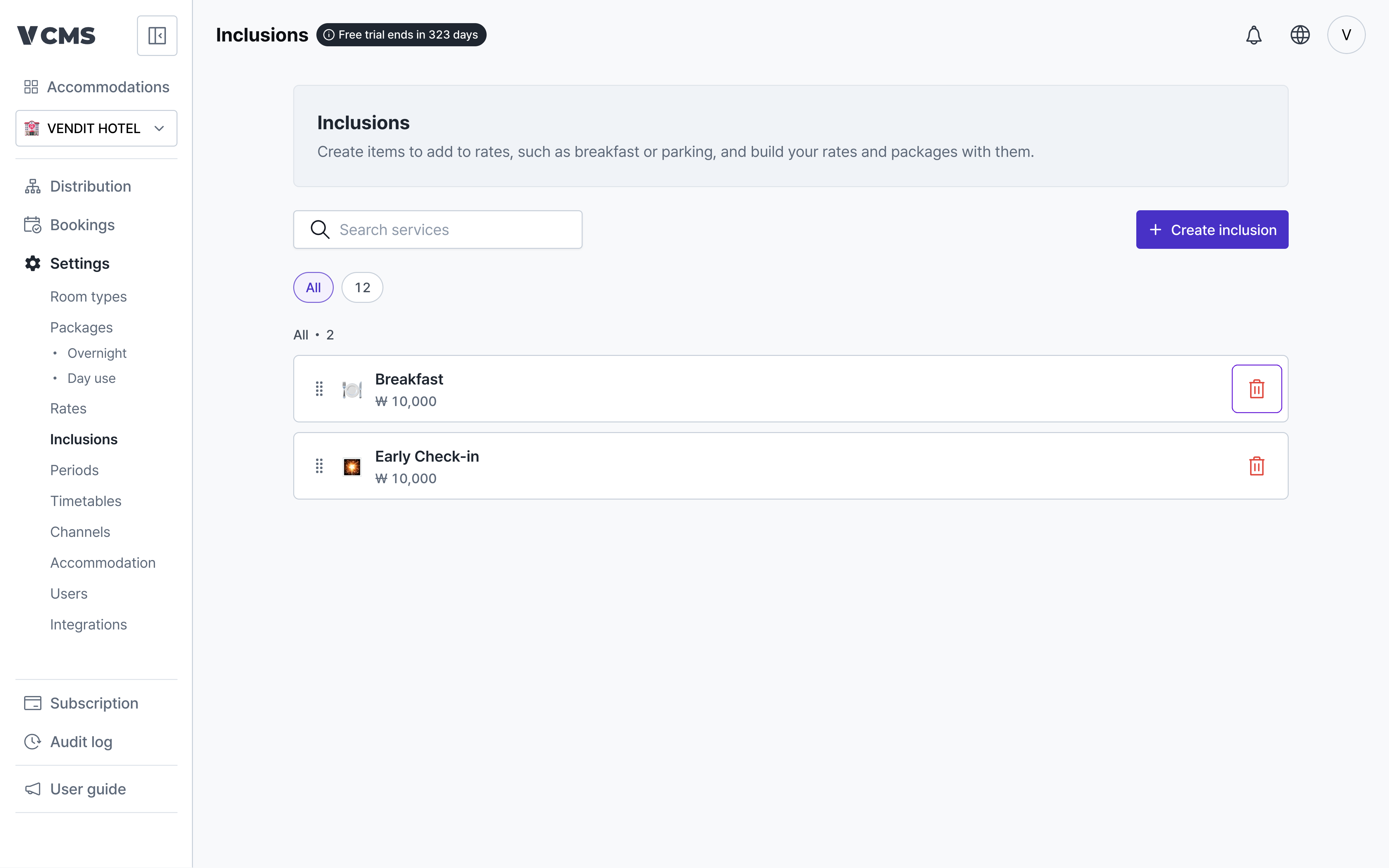
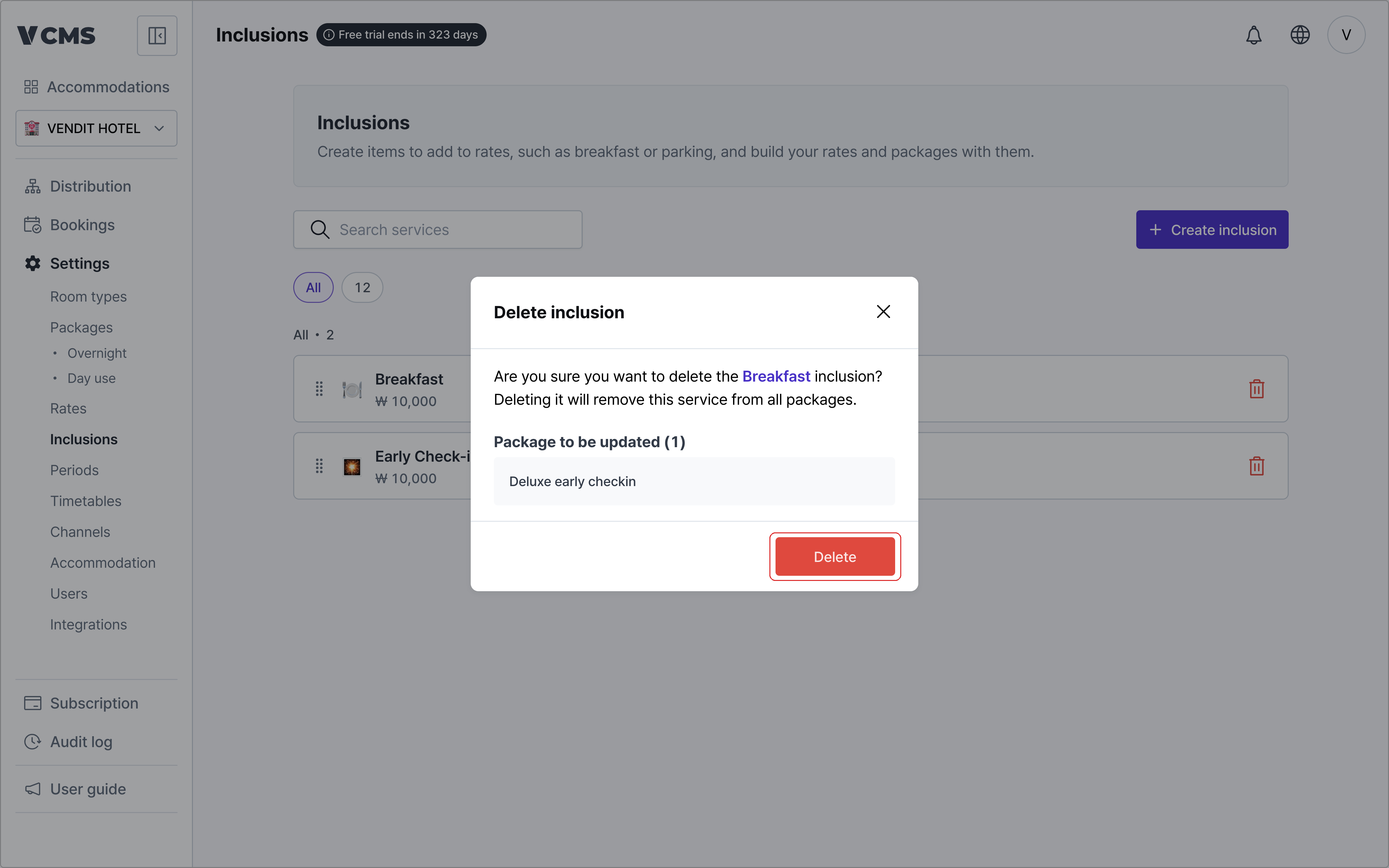
Delete an inclusion and it is removed from every rate and package connected to it.