

What happens depends on how far the booking had got.
- Already assigned: cancelling on the channel cancels the VCLOUD assignment.
- Already checked in: cancelling on the channel cancels the VCLOUD check-in.
A cancellation on the channel triggers a notificationWhen this happens, VCMS tells you by KakaoTalk or SMS. It names the channel and the booking, with the booking number, so read it when it arrives.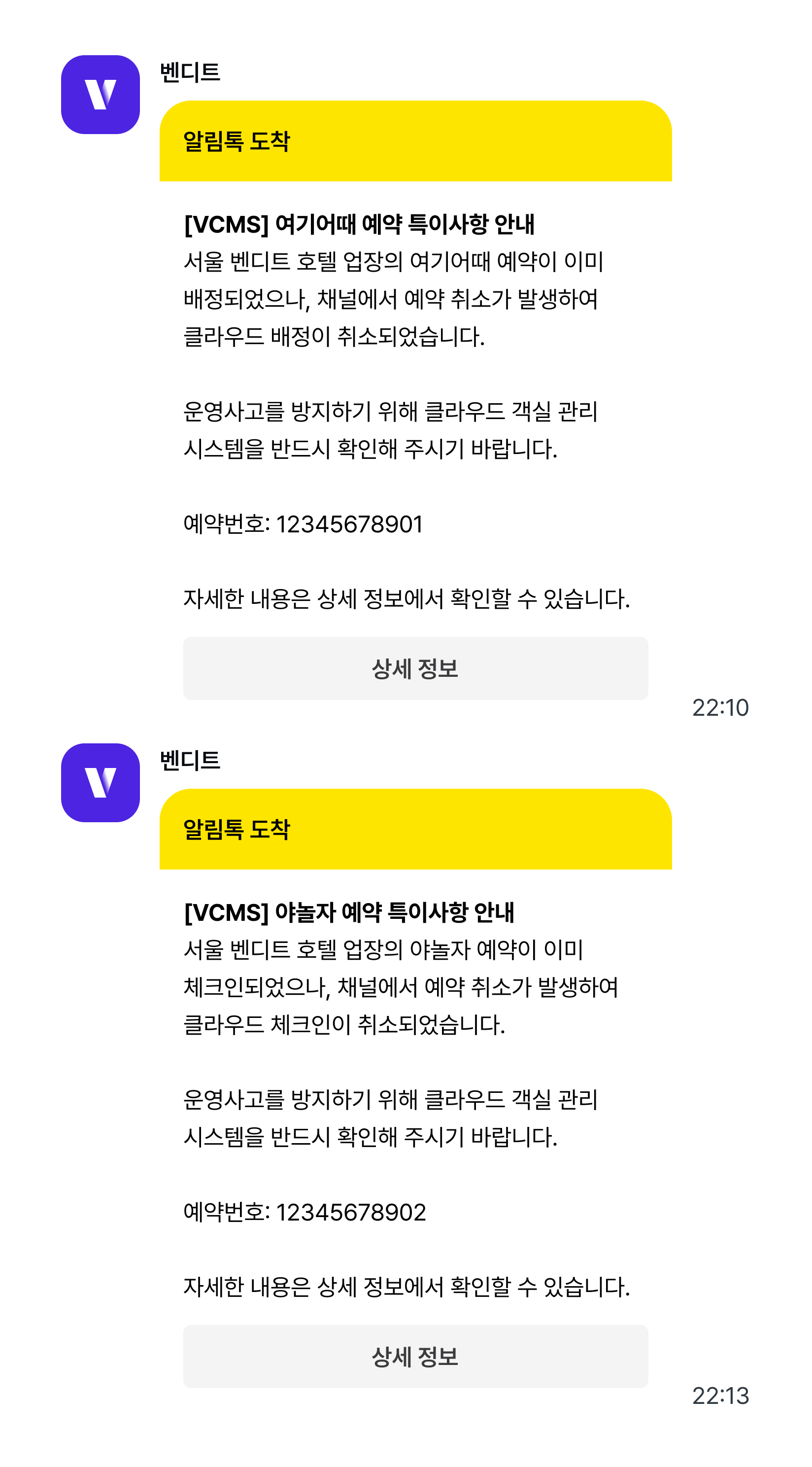
Act on the notificationWhen an assigned or checked-in booking is cancelled, what the system thinks and what the room is actually doing can drift apart.
Check the room status in VCLOUD when the notification arrives.
Check the room status in VCLOUD when the notification arrives.
Bookings for several rooms at once are handled differently
How is a multi-room booking managed?When a guest books several rooms at once (7 rooms on one booking, say), VCMS shows it the way the channel does: one booking, quantity 7. VCLOUD has to assign a guest per room, so it creates one booking per unit.
What if I edit one of the split bookings in VCLOUD?Edit any one of them in VCLOUD and VCMS splits the original booking into individual bookings, one per room. The original stays, with the split bookings (#1, #2 …) listed beneath it.From then on the two move independently.
- The original booking follows the channel. Cancel on the channel and the cancellation shows on the original.
- The split bookings follow VCLOUD. A cancellation or change on the channel does not touch them.