1
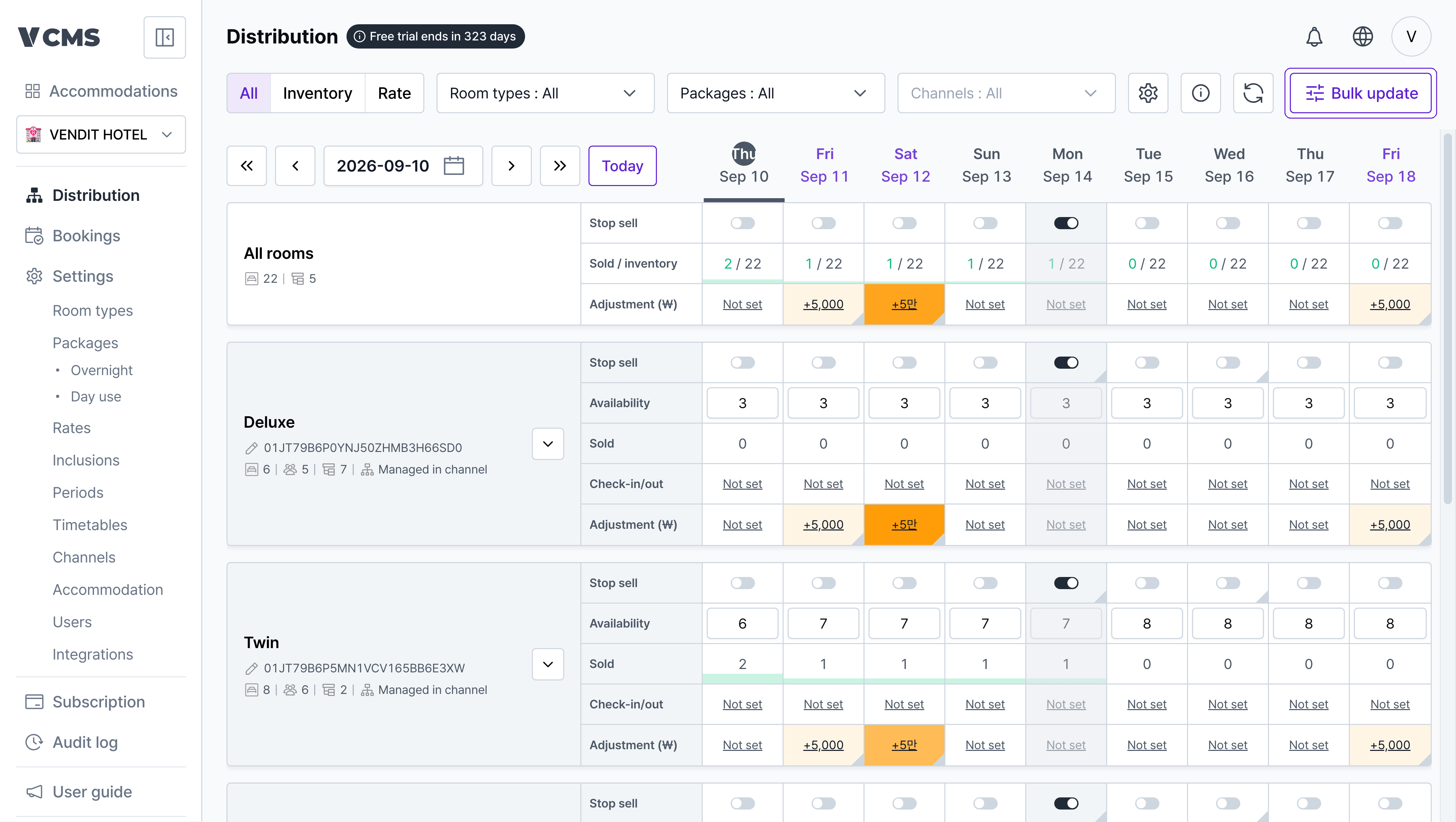
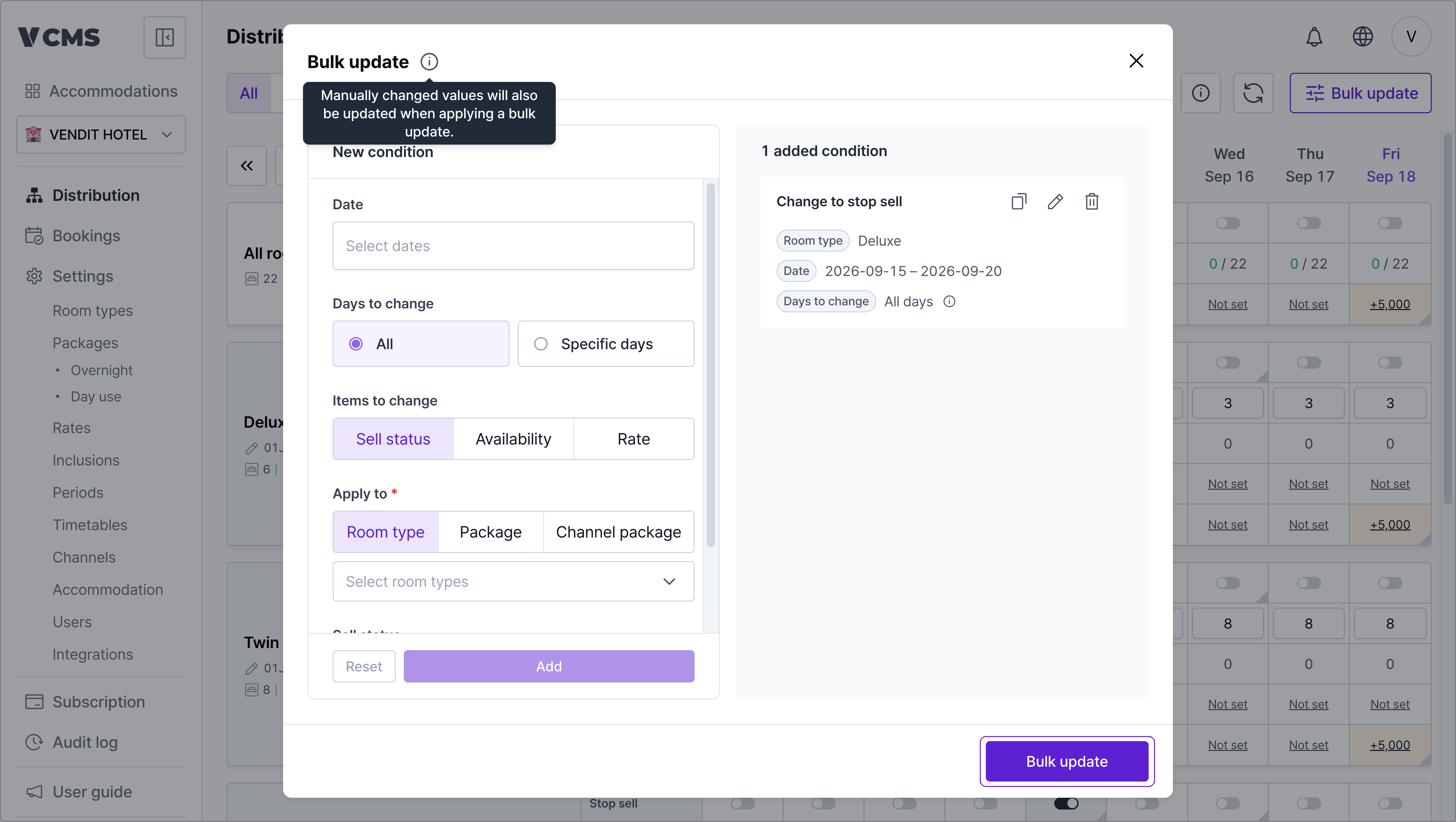
In [Distribution], press Bulk update.
2
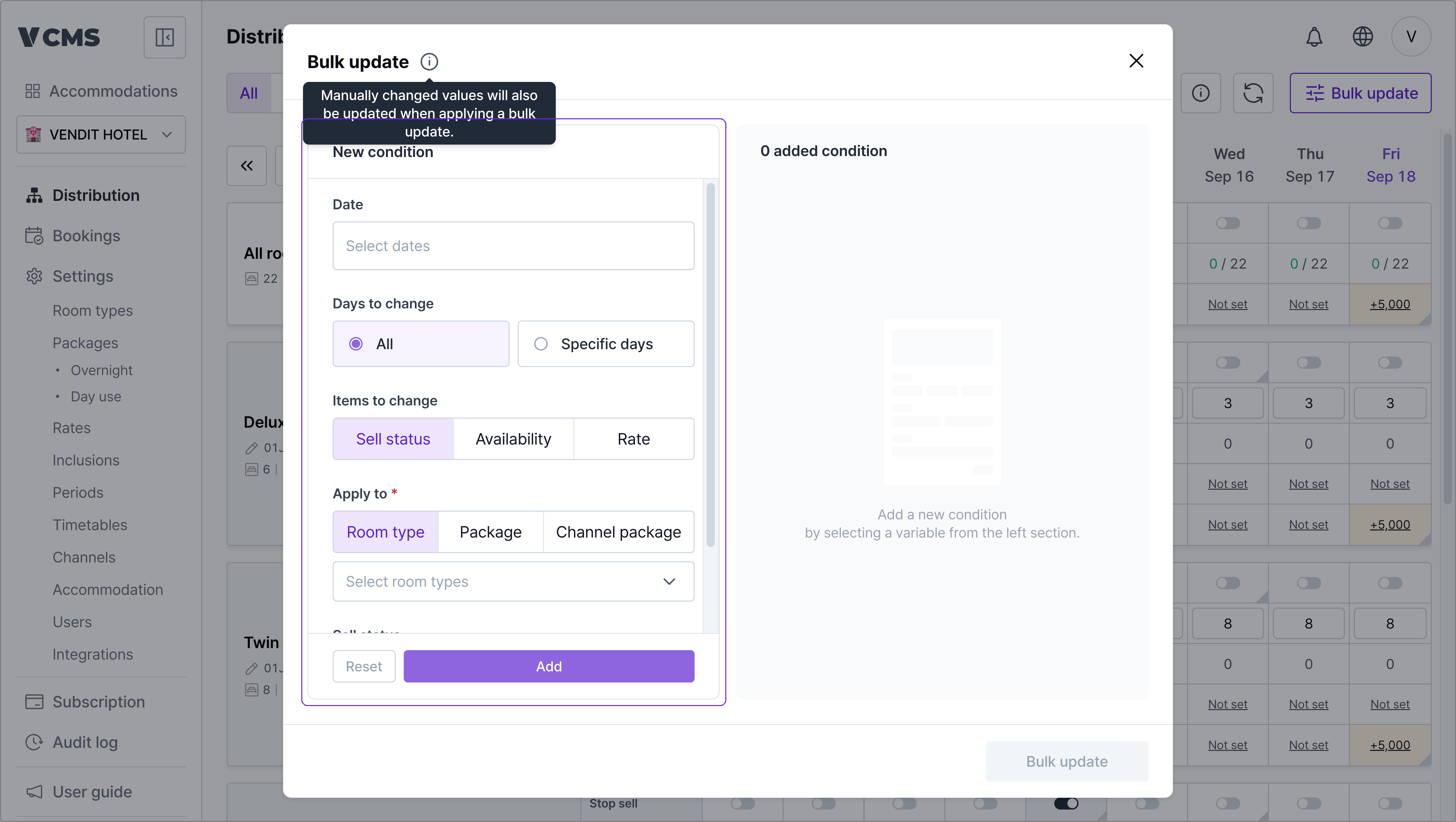
Pick the date range and what it applies to, then press the add button at the top.
3
Check the conditions you added and press the bulk update button at the bottom.
4
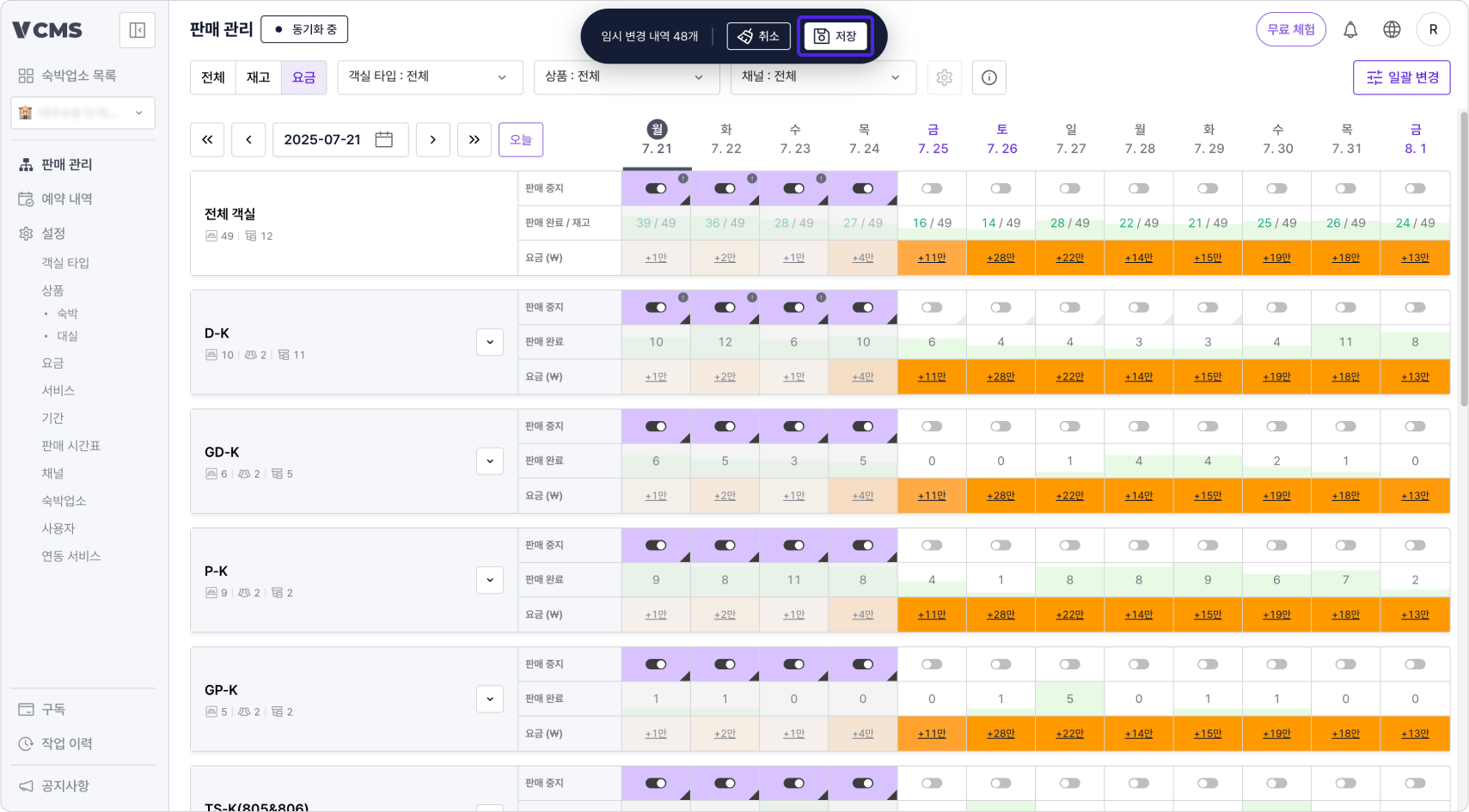
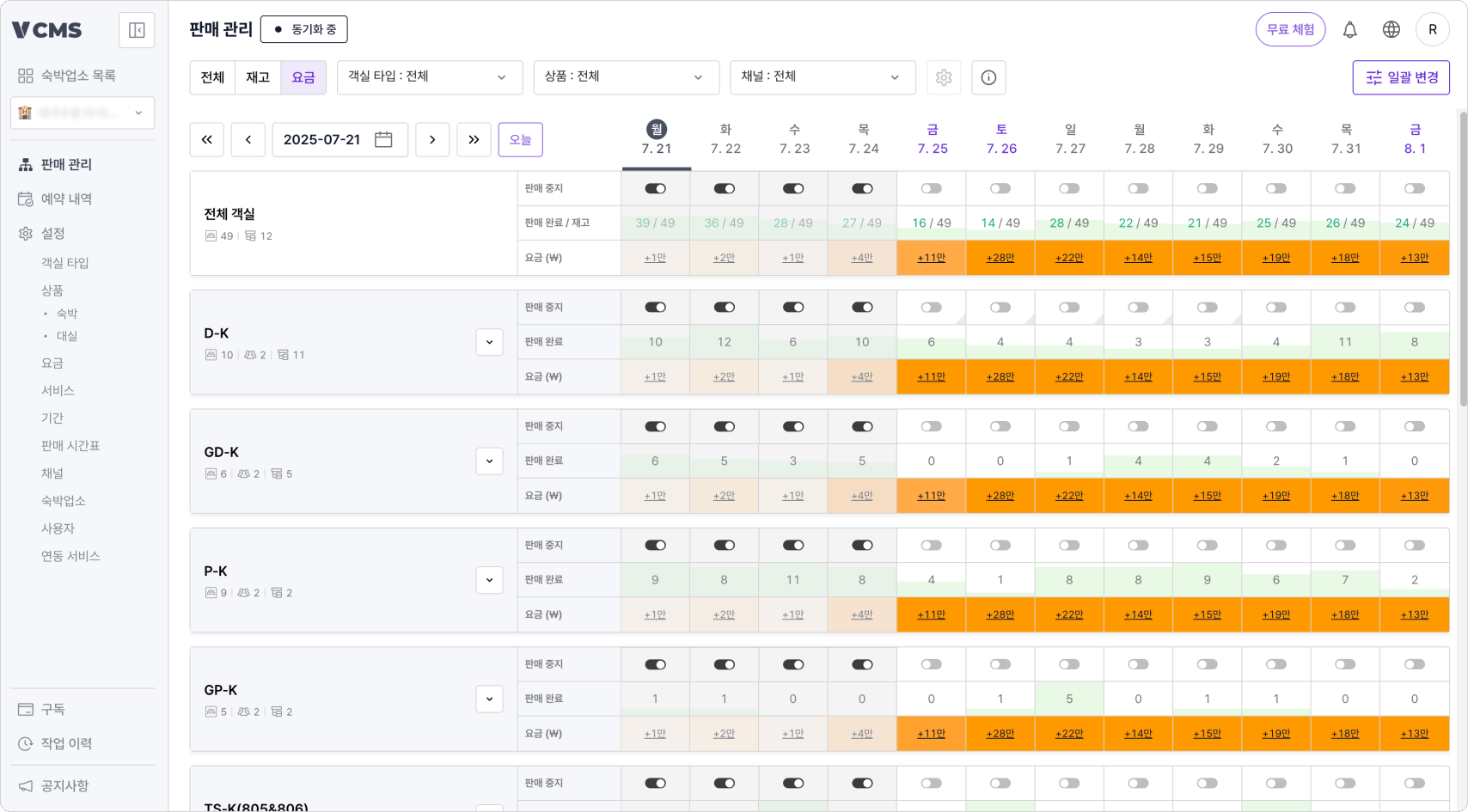
Review the provisional changes, then press Save at the top and they reach the channels.