

1
Go to the [Bookings] menu.
2
Press the booking check button and, if the booking never synced to the integration (VCLOUD), it is retried.
3
If the booking still does not update after the retry, contact Vendit.
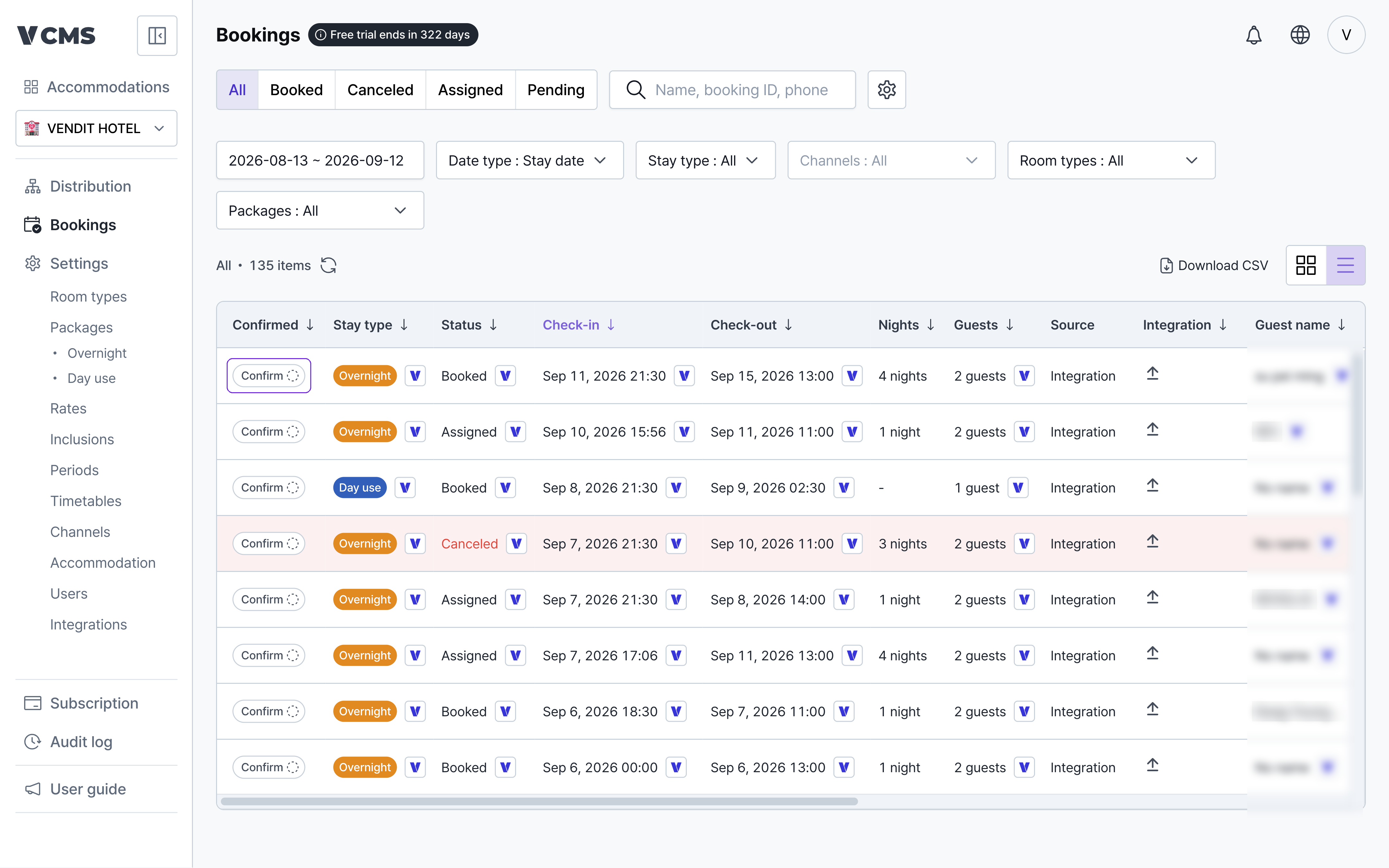
When the booking is in VCMS but never reached the integration (VCLOUD), use the booking check button.
Go to the [Bookings] menu.
Press the booking check button and, if the booking never synced to the integration (VCLOUD), it is retried.
If the booking still does not update after the retry, contact Vendit.