

Delayed Yanolja booking sync is caused by a problem on the Yanolja channel.
- Inventory and rate sync keep working, but Yanolja booking sync can run more than an hour behind.
- On the front desk computer you use, open the Yanolja Bookings screen and check whether the Yanolja system error message below appears. 👉 Bookings search: Go to page
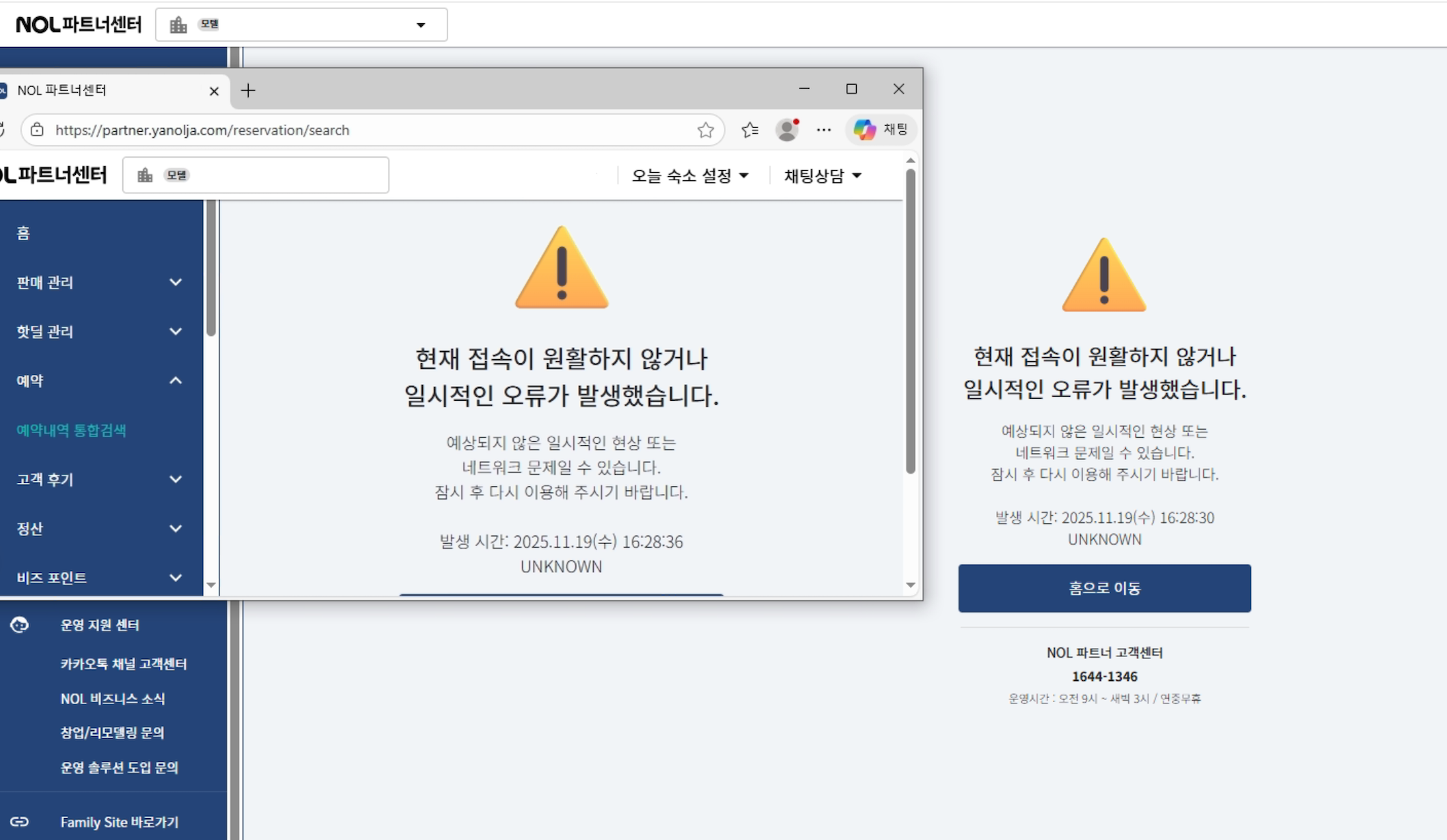
Check the Yanolja
Temporarily stop sale setting that guards against overbooking.- Without the Yanolja Temporarily stop sale setting, you have to manage inventory for Yanolja bookings yourself until booking sync recovers, or you risk overbooking.
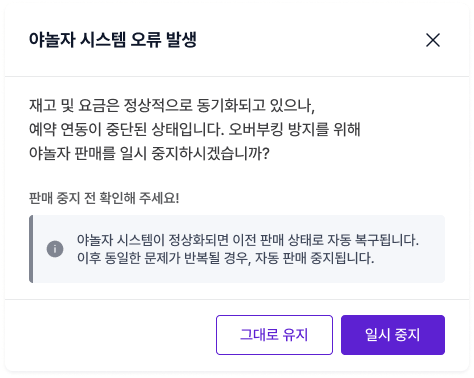
What is the Yanolja Temporarily stop sale setting?
- When a Yanolja system error delays booking sync, it temporarily stops Yanolja packages selling, to prevent overbooking.
- During Temporarily stop sale, selling on Yanolja is halted for the Syncing period in VCMS. Once the Yanolja system error clears, the Sell status of the packages on Stop sell is restored automatically.
- If the same class of system error keeps recurring, the package is set to Stop sell automatically to prevent overbooking.
When a channel integration problem occurs, we notify the notification contact your accommodation set, by SMS or KakaoTalk.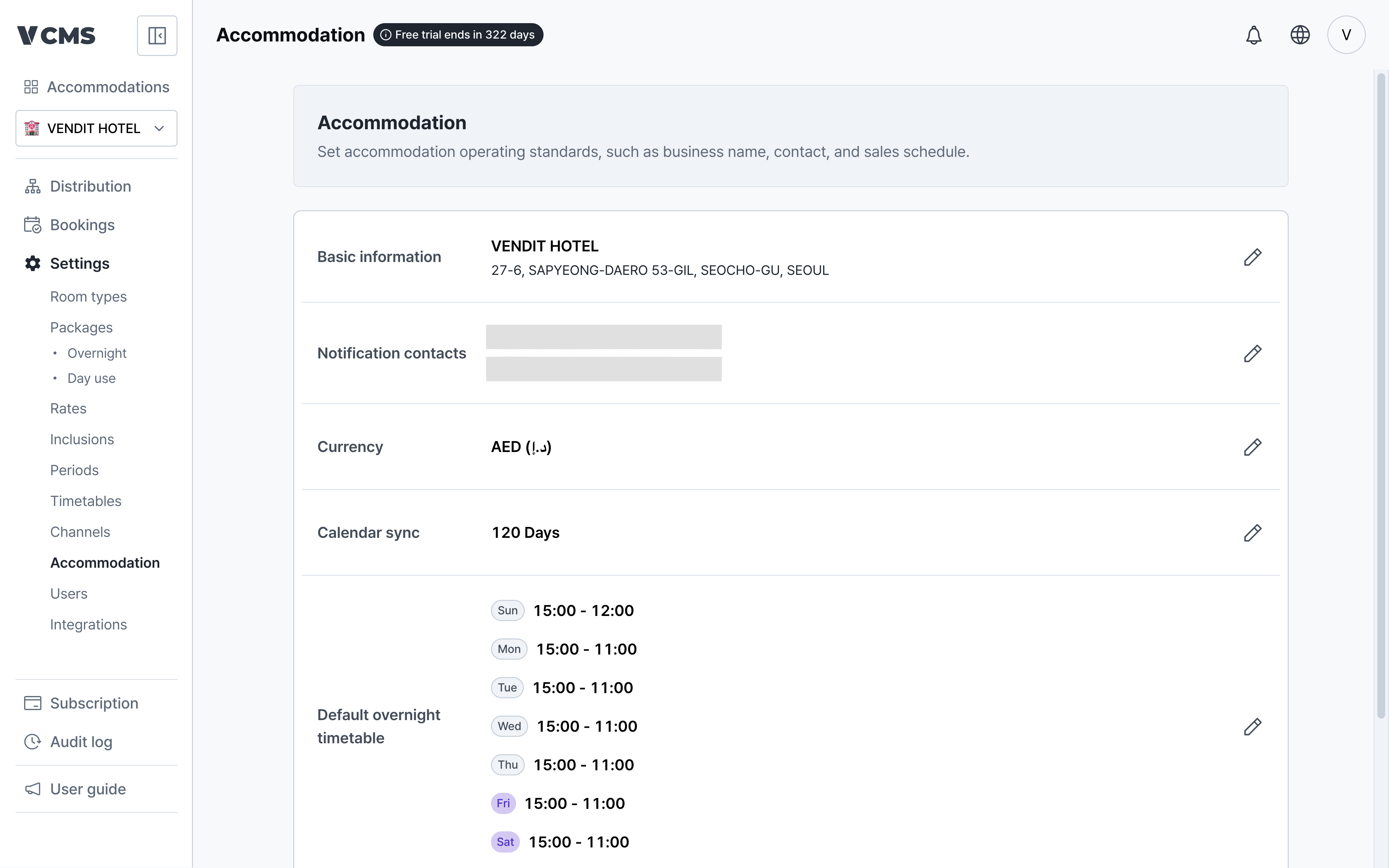
- With no notification contact registered, enter the phone number you want to be contacted on under VCMS Settings > Accommodation > Notification contacts.
How do I tell whether Bookings is failing to open?
Change the query on the Yanolja Bookings screen, such as the date range in day view or detailed search, and the system error screen appears.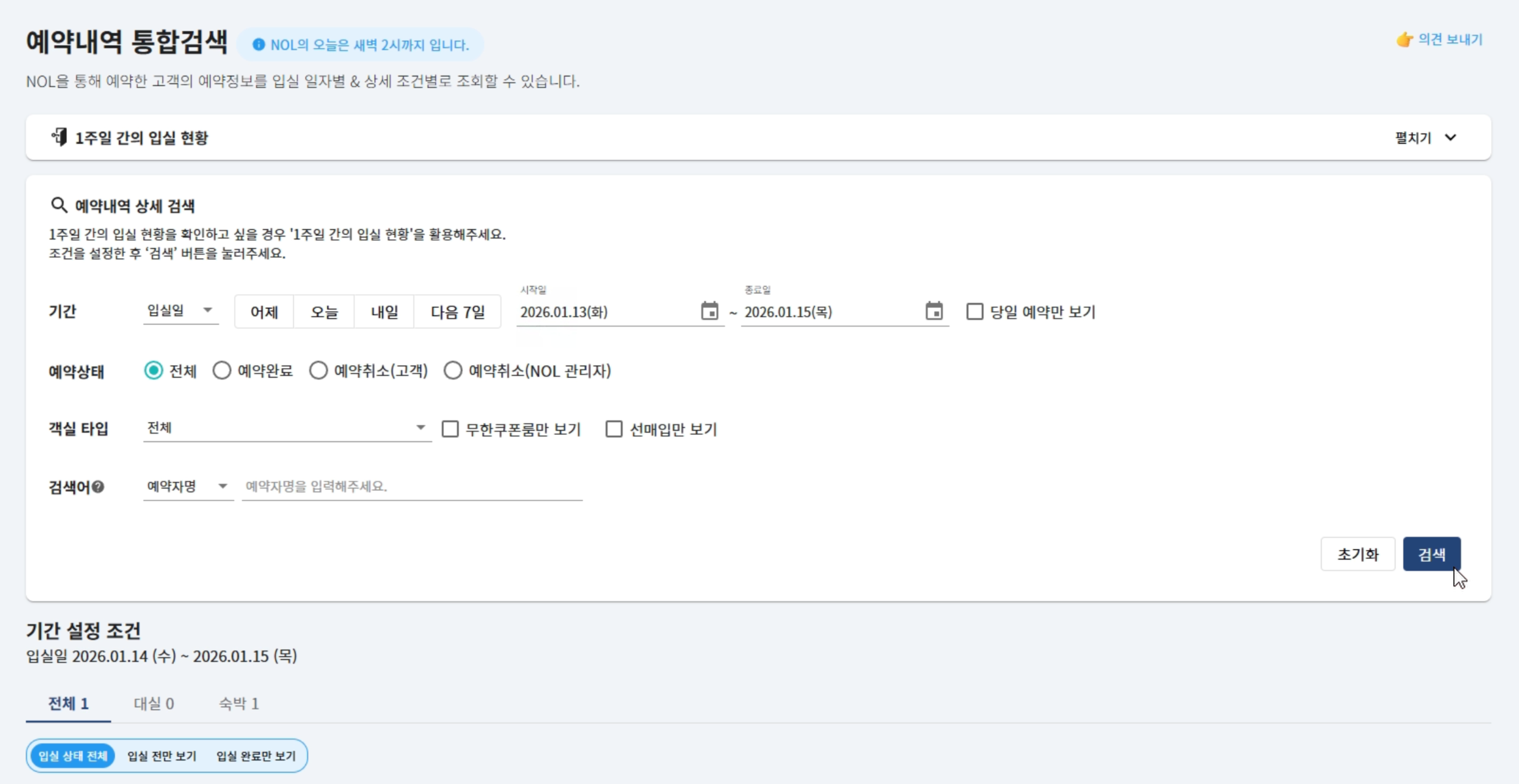
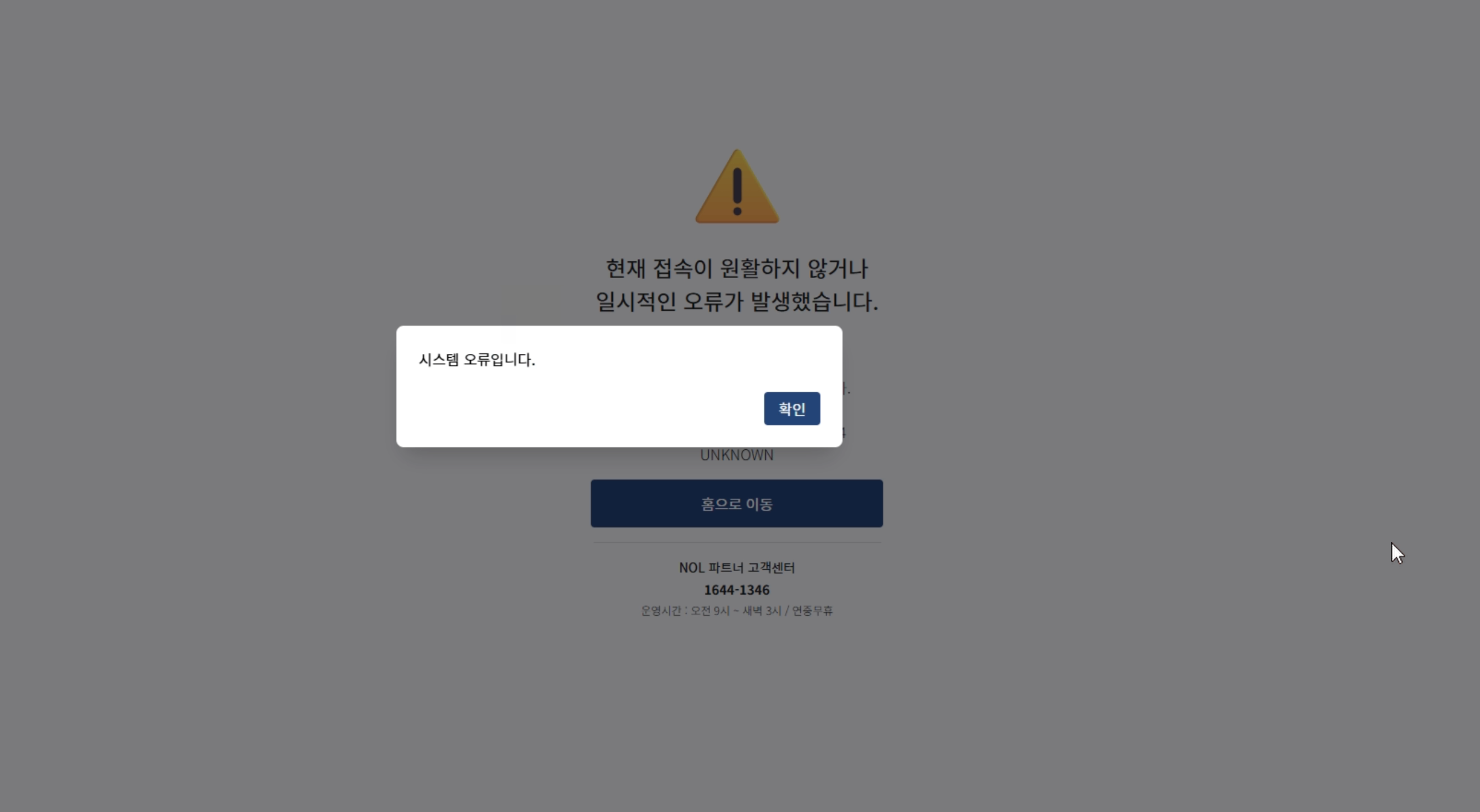
When will booking sync recover?
The system error comes from outside, so there is no exact recovery time. What we have observed so far:
- Tuesday, Wednesday, Thursday, 09:00 to 22:00
- Unstable sync lasting up to 6 to 8 hours
Yanolja recovered and then broke again.
If the delay returns, you may get another booking sync delay notification.When you do, check whether the Yanolja Partner Center Bookings screen is failing again.
Reporting the Yanolja system error
Report temporary Yanolja Partner Center errors to Yanolja customer support.
1
1. Contact Yanolja customer support (1644-1346)
- Report the error you see when opening the Yanolja Partner Center booking screen.
2
2. What to have ready
- Business registration number
- Property name
- A screenshot of the PC screen showing the error, with the whole screen visible
3
3. Recovery
- Once the booking sync delay clears, the Yanolja Partner Center Bookings search screen opens again and VCMS booking sync recovers with it.